AI Executive Assistant for Founders and Operators
How persistent memory and tool integration solve the cognitive load problem founders face every day
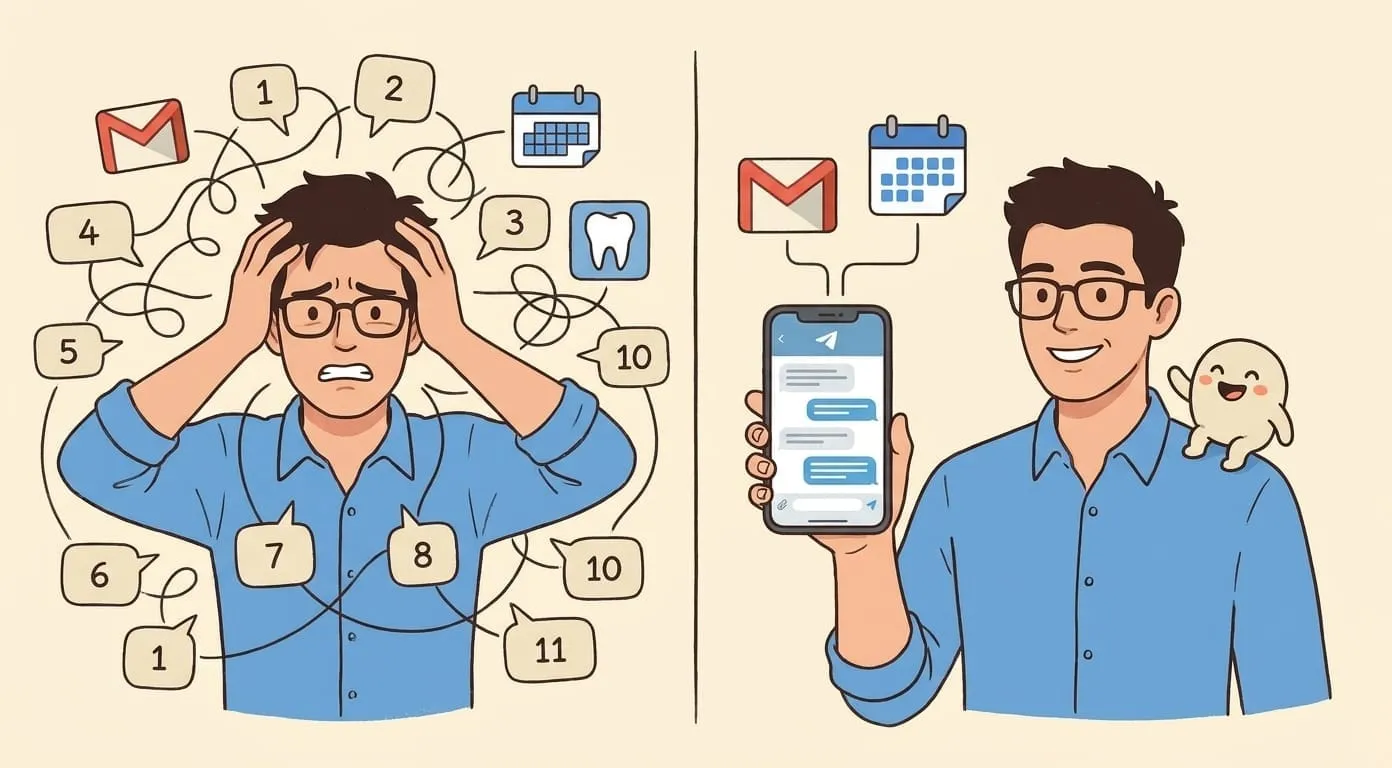
There's a moment most founders know well. It's 9:47 AM, you're three minutes late to a call, your inbox has 64 unread messages, someone in Slack tagged you in a thread that started four days ago, and you genuinely can't remember if you confirmed the investor meeting for Thursday. You open your calendar. You close it. You answer one email. You forget what you were doing.
This is not a time management problem. It's a cognitive load problem. And it's worth understanding what separates an AI assistant that takes actions from one that just gives you suggestions. And it doesn't get better as the company grows.
What a founder's day actually looks like
Founders in growth-stage companies often report fielding somewhere between 60 and 120 emails per day, depending on the role and the stage. They sit in six to eight meetings. They switch between Slack, email, Notion, Google Docs, and a handful of other tools dozens of times before noon. Each switch has a cost: research suggests recovery times of double-digit minutes per interruption. Do that math across a ten-hour workday and the actual focused work time left is embarrassingly small.
The Slack problem deserves its own sentence. Channels multiply. A 20-person company might have 40 channels. A 50-person company might have 150. Founders get added to everything, tagged in threads that have already resolved themselves, and looped into decisions that didn't need their input. The notification settings become their own full-time job to manage.
What gets lost in this noise: the follow-up email to a potential partner you met on Tuesday, the prep work before Thursday's call with someone you haven't spoken to in eight months, the background research that would make a vendor negotiation land differently. These aren't small things. They're often the most valuable work a founder does, buried under the operational noise.
What an AI executive assistant handles
An AI executive assistant doesn't think strategically. It handles the prep, the routing, the follow-through, and the research so you can show up to the actual work ready.
Inbox management is the obvious one, but "inbox management" undersells what it actually means in practice. It's not just filtering spam. A good AI assistant learns which senders you always respond to within an hour, which threads can wait three days without consequence, which emails need a decision from you versus a routine reply, and which ones are sitting there because you're avoiding them. It drafts responses, flags time-sensitive items, and keeps you from finding a partnership email buried under four newsletters three weeks after it was sent.
Meeting prep is where the time savings compound quickly. Before a call, an AI assistant can pull together a summary of everything relevant: the last three conversations you had with this person, any open items from previous meetings, recent news about their company, their LinkedIn background, what you said you'd follow up on. Founders who do this manually spend 15 to 30 minutes per meeting doing research they forget within hours. An AI assistant does it in seconds and surfaces it right before the call.
Follow-up enforcement might be the least glamorous function and the most valuable one. Most deals, hires, and partnerships die in the follow-up gap. Someone said they'd get back to you. They didn't. You meant to send a check-in email. You forgot. An AI assistant tracks open threads, notices when a conversation has gone quiet for too long, and prompts you to re-engage before the window closes.
Travel logistics, scheduling, and calendar hygiene round out the standard workload: coordinating across time zones, keeping buffer time between back-to-back calls, flagging scheduling conflicts before they become problems.
What it doesn't do, and shouldn't
The list of things an AI executive assistant shouldn't handle is worth being honest about.
Strategic decisions aren't in scope. An AI assistant can gather the information you need to make a call, but it can't weigh the factors the way someone who understands your goals, your risk tolerance, and the full business context can. Asking it "should we raise now or wait six months?" is not a good use of the tool.
Relationship building requires something an AI doesn't have: genuine human presence. An investor who feels like they're being managed by a bot won't stay an investor. A key hire who senses they're talking to an automated process won't take the offer. The relational capital that founders build over time is built person to person, and no AI assistant changes that.
Conflict resolution inside the team, hard conversations with a co-founder, managing someone out: these require emotional intelligence, reading a room, knowing when to push and when to back off. AI assistants are not good at this. They shouldn't be asked to be.
Anything that requires your voice or your judgment should stay with you. The AI handles the scaffolding around your decisions, not the decisions themselves.
How persistent memory changes the picture
Most people's experience with AI tools is single-session. You ask something, it answers, you close the window, it forgets everything. That's not what a proper AI executive assistant does.
Persistent memory means the assistant builds a model of you over time. It learns that you prefer morning meetings on Tuesdays and Thursdays but not Mondays. It knows you always want the investor update sent before 8 AM. It notices that you never respond to cold outreach about PR services and stops flagging that category. It tracks that you have a standing tension with a particular vendor and frames information about them accordingly.
This is the difference between a tool you use and an assistant that knows you. After a few weeks of interaction, the quality of the output changes meaningfully. The suggestions get more accurate. The drafts need less editing. The research it pulls before meetings reflects your actual priorities, not generic ones.
The compounding effect here is real. A human executive assistant who has worked with you for two years is dramatically more useful than one who started last week. The same principle applies. The longer the AI assistant has context on how you operate, the less time you spend correcting it or re-explaining your preferences.
Comparing this to a human VA
The honest comparison between an AI executive assistant and a human virtual assistant comes down to a few axes: cost, availability, speed, and what each handles better.
Cost first. A skilled human VA in the US or UK typically runs in the $2,500 to $5,000 per month range for full-time work, depending on experience and specialization. Part-time or offshore arrangements can bring that down, but the quality varies. Amplify starts at $9.99 per month for the platform fee plus usage-based costs that scale with how much you use it. A light user doing calendar, lookups, and summaries might spend around $25 per month total. An active user running inbox management, follow-ups, and image generation lands closer to $45. Either way, the cost difference from a human VA is substantial.
Availability is the second axis. Human VAs work business hours in their time zone. An AI assistant runs at 3 AM when you're jet-lagged and trying to clear your inbox before a 6 AM call. It doesn't take vacation, doesn't have sick days, and doesn't need onboarding time when you come back from a two-week trip.
Speed on routine tasks: AI wins clearly. Drafting a reply, pulling background on a contact, summarizing a long email thread, scheduling across five calendars simultaneously. These take an AI assistant seconds. They take a human VA minutes to hours, depending on what else they're handling.
Context retention over time: the AI assistant has the edge once it's been trained on your patterns, because it doesn't forget and doesn't misremember. A human VA who's been with you for six months probably knows your preferences well, but they also mix up details, get distracted, and have bad days.
Where a human VA is clearly better: anything relational. Writing a personal note that sounds like you and not like a template. Making a call to handle a delicate situation with a vendor. Reading between the lines in a tricky email chain and knowing when to escalate versus defuse. Adapting to a situation that's genuinely novel in a way that requires judgment and humanity.
When to use both
The most effective setup for a high-volume founder is probably not a choice between AI assistant and human VA. It's a division of labor that plays to what each does well.
The AI assistant handles volume: inbox triage, meeting prep, follow-up tracking, scheduling, research, calendar management. It runs constantly, captures everything, and doesn't miss things because it was handling something else.
The human VA handles the relational and the nuanced: personal correspondence that needs a real voice, situations that require reading a person rather than a pattern, tasks where the judgment call matters more than the speed.
The AI assistant can also make the human VA significantly more effective, by handling the administrative burden that otherwise occupies most of their time and letting them focus on work that actually requires human judgment.
How Amplify fits into this
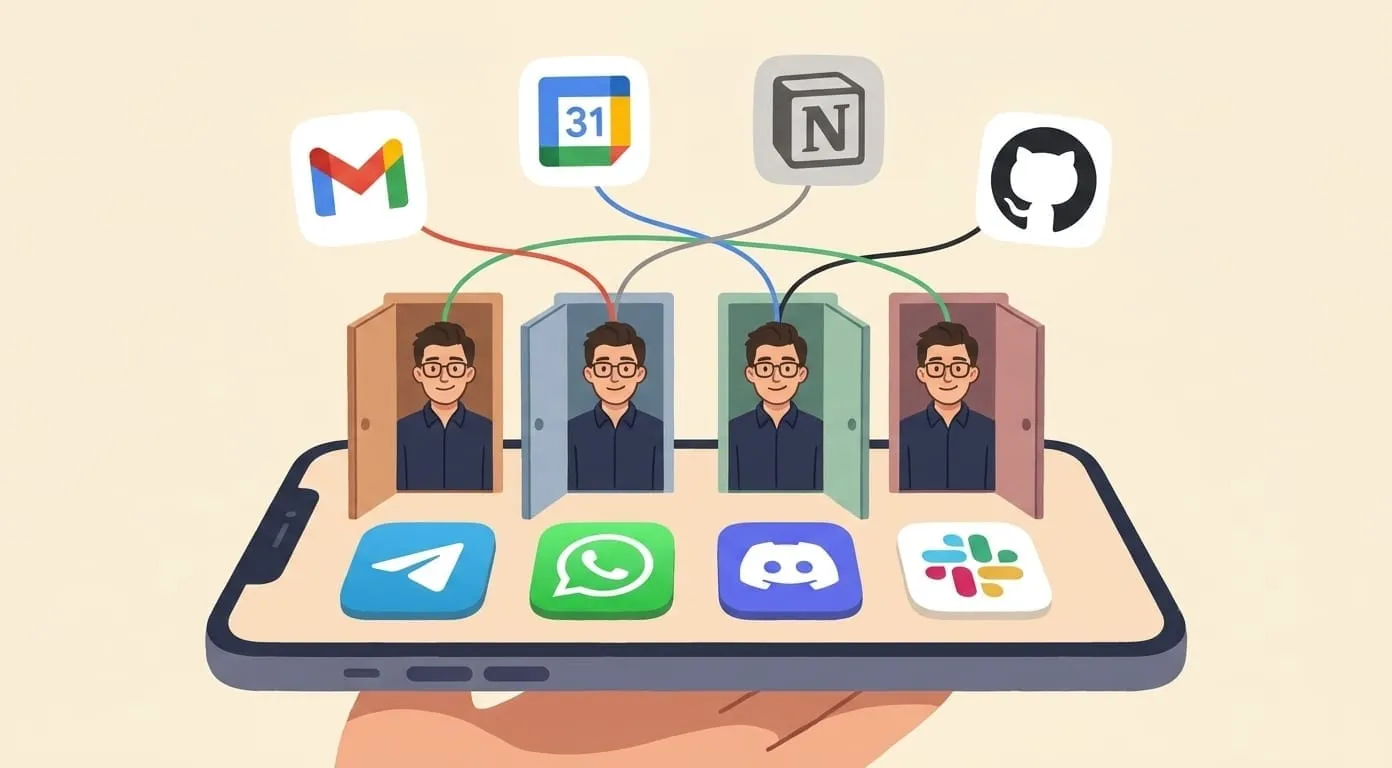
Amplify is a chat-based AI executive assistant that works inside the tools founders already use: Telegram, Slack, and WhatsApp. There's no separate app to log into, no dashboard to check. You interact with it in the same places you already run your day.
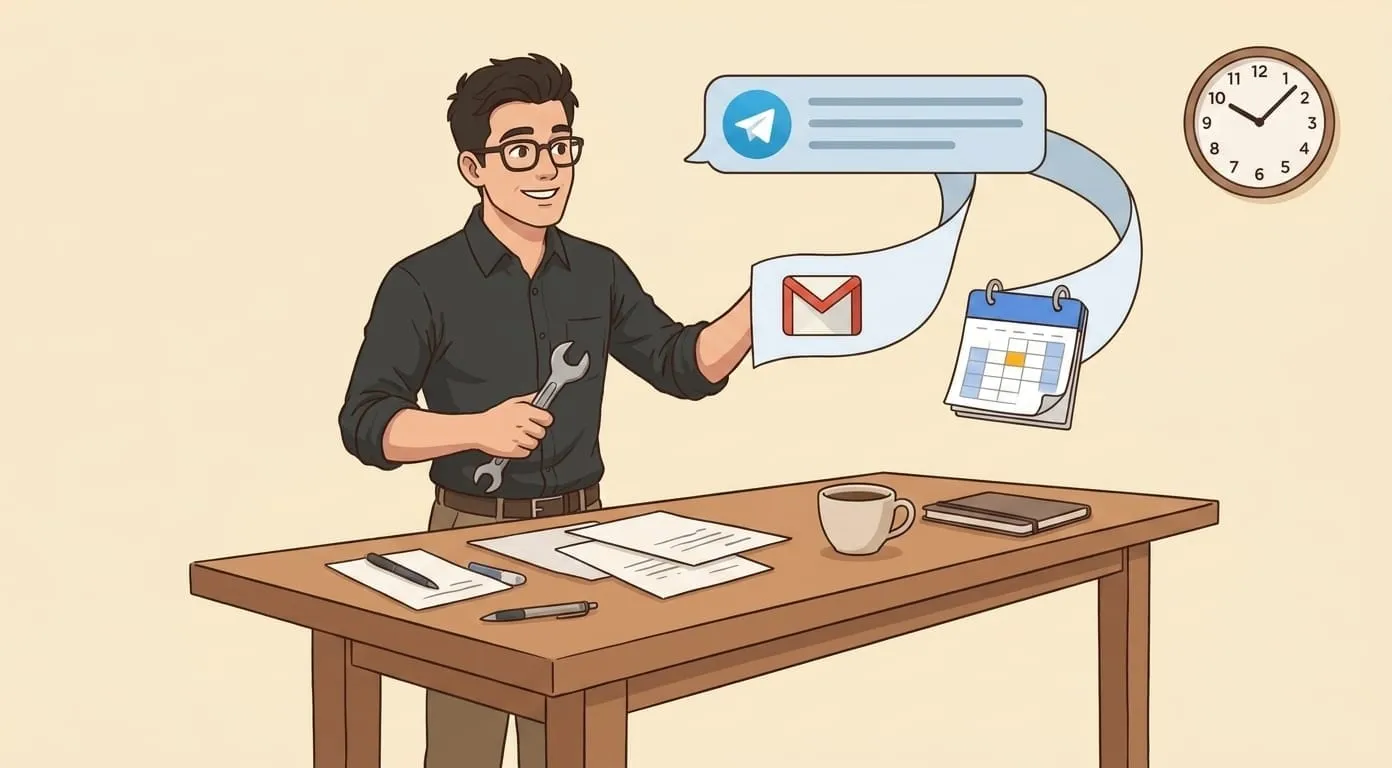
The Google Workspace integration means Amplify has access to your calendar, email, and documents, and can act on them directly. Meeting prep, inbox management, and scheduling happen without switching context.
The memory layer is built on Mem0, a persistent memory system that accumulates context across every conversation. Amplify doesn't reset between sessions. Over time, it builds a working model of your preferences, your priorities, and the way you like to communicate, and it uses that model to make every subsequent interaction faster and more accurate.