AI Assistant with Persistent Memory – Why Context Changes Everything
How persistent memory turns an AI tool into a colleague who remembers
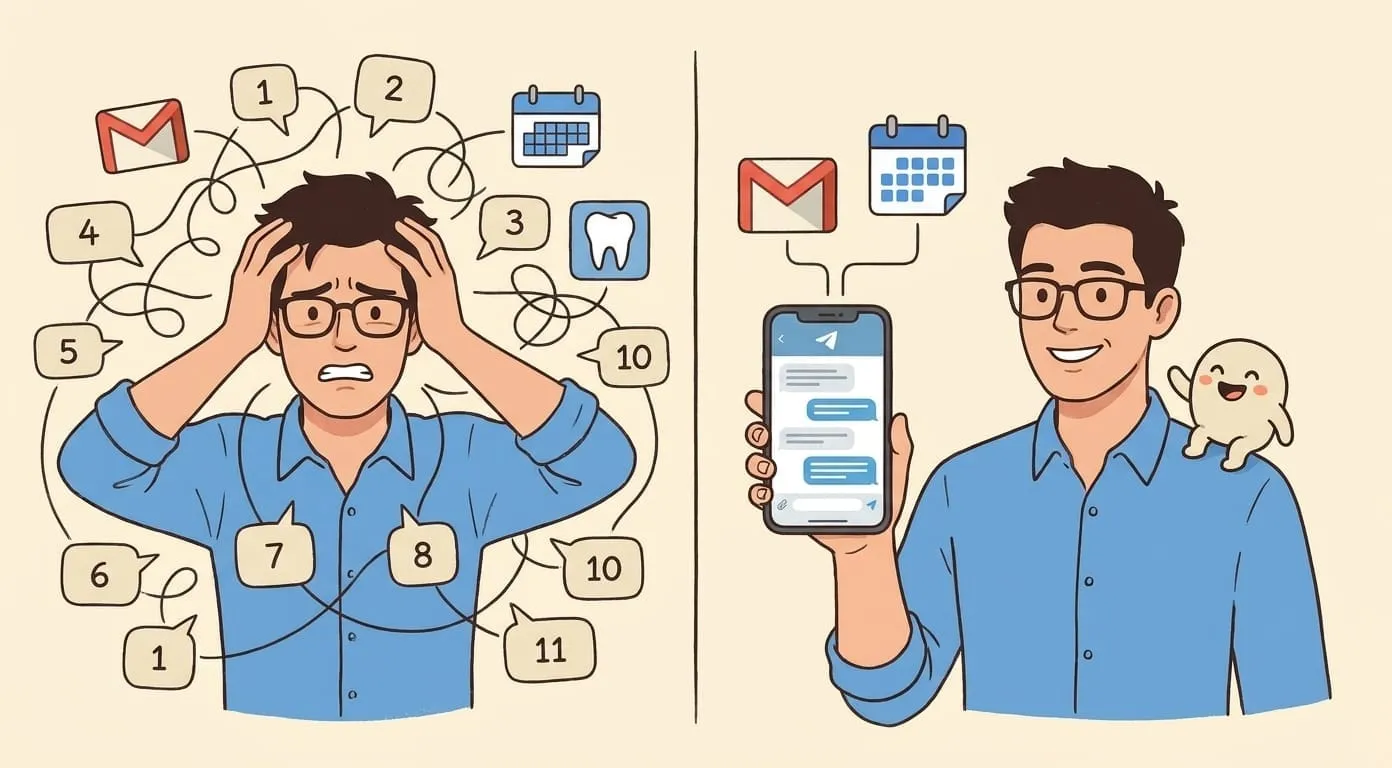
The first time you use a new AI assistant, you explain who you are, what you do, and what you need. The second time, you explain it again. By the fifth time, you've accepted that every conversation starts from zero.
This is how most AI tools work. Each session is independent. The model has no memory of what happened yesterday, let alone last month. It's useful for one-off questions, but it breaks down the moment you want an assistant that actually knows your work.
Persistent memory changes the dynamic entirely. An assistant that remembers your clients, your projects, your preferences, and your communication style across months of conversations behaves less like a tool and more like a colleague who has been paying attention.
What persistent memory means in practice
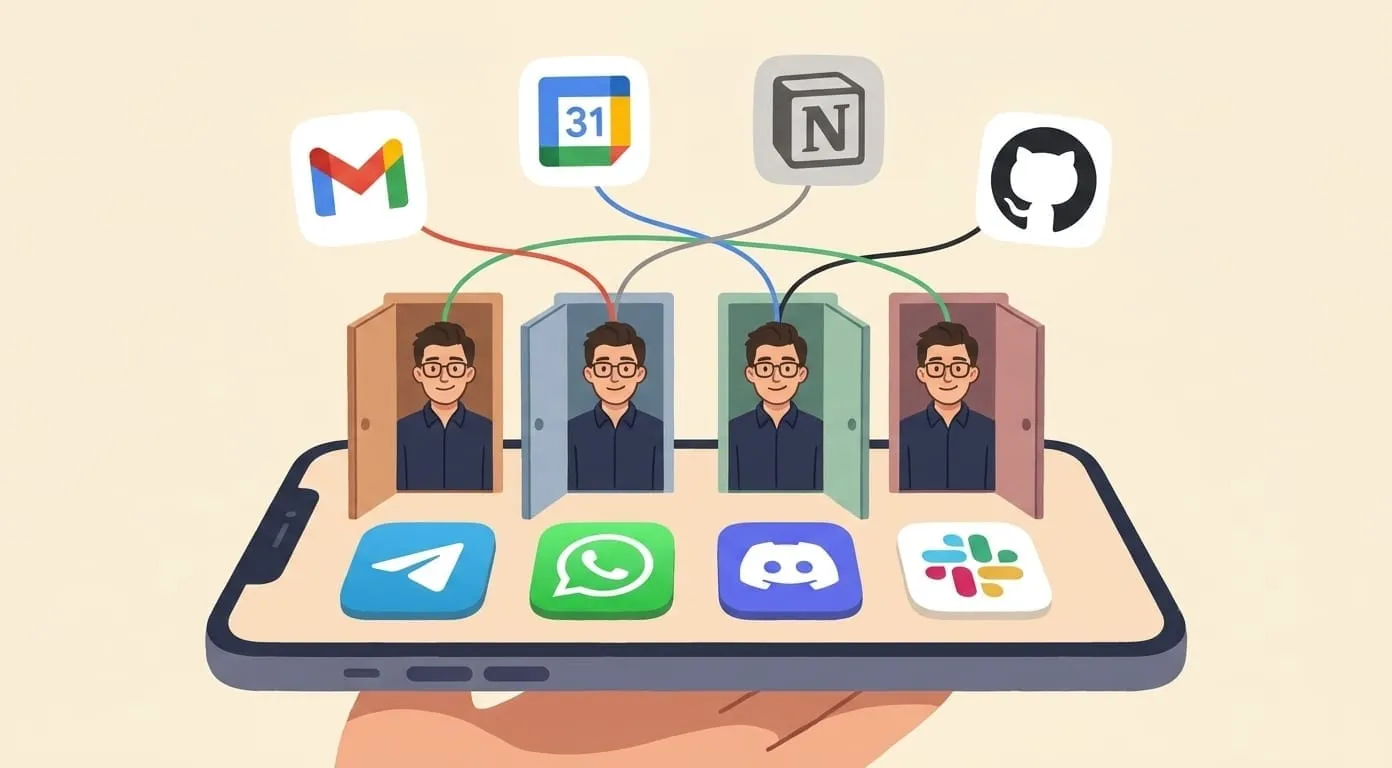
A persistent memory layer accumulates context from every conversation you have with the assistant – not just within one chat session, but across channels (Telegram, Slack, WhatsApp, Discord) and across time. When you mention a client named Daniel in March and then refer to "Daniel's project" in June, the assistant knows who you mean, what the project is, and what was last discussed.
This isn't keyword matching or search. The memory layer builds a structured understanding of relationships, preferences, and history. It learns that you prefer concise emails for internal communication but longer, more formal ones for clients. It remembers that your Monday meetings with the engineering team always cover deployment status. It knows that when you say "the usual format" for meeting notes, you mean decisions, action items, and open questions – in that order.
How it works
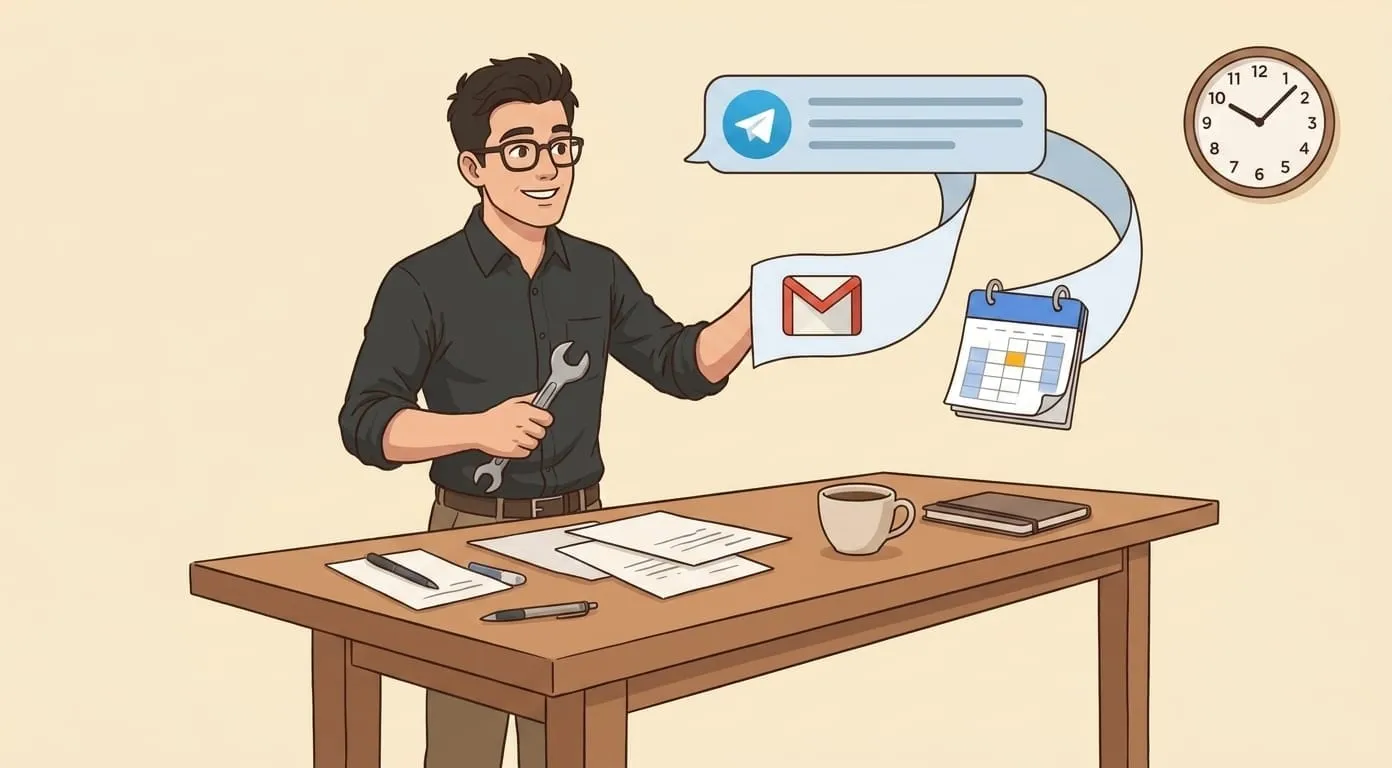
Every conversation contributes to the memory layer. A voice note about a meeting adds the decisions and action items to the context. An email draft teaches the assistant about your tone. A calendar event connects people to projects. Over time, this accumulated context makes every interaction more useful.
The memory works across channels because it's tied to you, not to a specific chat window. A morning brief delivered in Telegram references the voice note you sent via WhatsApp the night before. A follow-up email drafted after a Slack conversation includes context from last week's meeting recap.
The effect compounds. In the first week, the assistant is helpful but generic. By the third week, it's noticeably sharper – prioritizing the right emails, drafting replies in your voice, knowing which follow-ups matter. By month three, the difference between a fresh assistant and one with accumulated memory is the difference between a new hire and someone who has been on your team for a quarter.
A real example
Mike runs a small consultancy. His assistant Key has been with him for months. When Mike records a voice note after a client call, Key doesn't just transcribe it – it connects the call to prior meetings with the same client, references outstanding action items, and drafts a follow-up email that accounts for the full history of the relationship.
When Key triages Mike's inbox every morning, it doesn't just sort by sender or subject line. It knows that an email from a particular client during a project deadline is high-priority, but a message from the same person about an event invitation can wait. These aren't rules Mike programmed. They're patterns the assistant learned from months of conversations about what matters and what doesn't.
Memory makes integrations more useful
A standalone email tool sees email and nothing else. A standalone calendar tool sees events. A standalone task manager sees tasks. When an assistant has persistent memory across all of these, each integration becomes more useful than it would be alone.
The morning brief isn't just a list of today's emails – it factors in the deadlines Mike mentioned in a voice note last night. A meeting prep document includes not just the agenda but the decisions from the last meeting with the same people and the status of tasks they committed to. A draft reply references a conversation from two weeks ago because the assistant remembers it was relevant.
This cross-integration context is what turns a collection of connected tools into something that feels like a coherent assistant. The memory layer is the connective tissue.
What memory doesn't do
Persistent memory is not surveillance. The assistant remembers what you tell it and what it observes through connected integrations (email, calendar, tasks). It doesn't monitor your activity, record your screen, or track your location.
The memory is yours. It's not shared between users – each person's assistant maintains a separate, isolated memory layer. Your conversations, preferences, and context are not used to train the underlying language models. If you want something forgotten, you can tell the assistant to remove it.
With a bring-your-own-API-key model, you also control which LLM providers process your conversations. The memory layer stores context; the language model interprets it. You choose both.
Amplify builds personal AI assistants on OpenClaw, an open-source agent framework, with a persistent memory layer that spans every conversation and every connected tool. If you're interested in what an assistant with real memory looks like, start at getamplify.team.
Frequently Asked Questions
It means the assistant accumulates context from every conversation – across channels and across time – rather than starting from zero each session. When you mention a client in March and refer back to that client in June, the assistant knows who you mean, what the project is, and what was last discussed. It learns your tone, your priorities, and your recurring patterns.
In the first week the assistant is helpful but generic – not very different from a stateless chatbot. By the third week, with accumulated context, it's noticeably sharper at prioritizing emails, drafting in your voice, and knowing which follow-ups matter. By month three the difference between a fresh assistant and one with months of memory is the difference between a new hire and someone who has been on your team for a quarter.
No. The assistant remembers what you tell it and what it observes through the integrations you connect (email, calendar, tasks). It doesn't monitor your activity, record your screen, or track your location. The memory is built from your conversations and your connected data, not from background tracking.
No. Each user's memory is isolated. Your conversations, preferences, and context are not used to train the underlying language models, and they aren't shared with other users. With a bring-your-own-API-key model you also choose which LLM provider processes your conversations – the memory layer stores context, the language model interprets it.
Yes. You can tell the assistant to remove specific memories, and the memory is yours to manage. Persistent memory is designed to be useful, not opaque – what the assistant remembers should be something you can review and edit.