Best AI Assistant for All Your Messengers – Telegram, WhatsApp, Discord and Slack (2026)
One assistant across four messengers with shared memory and context
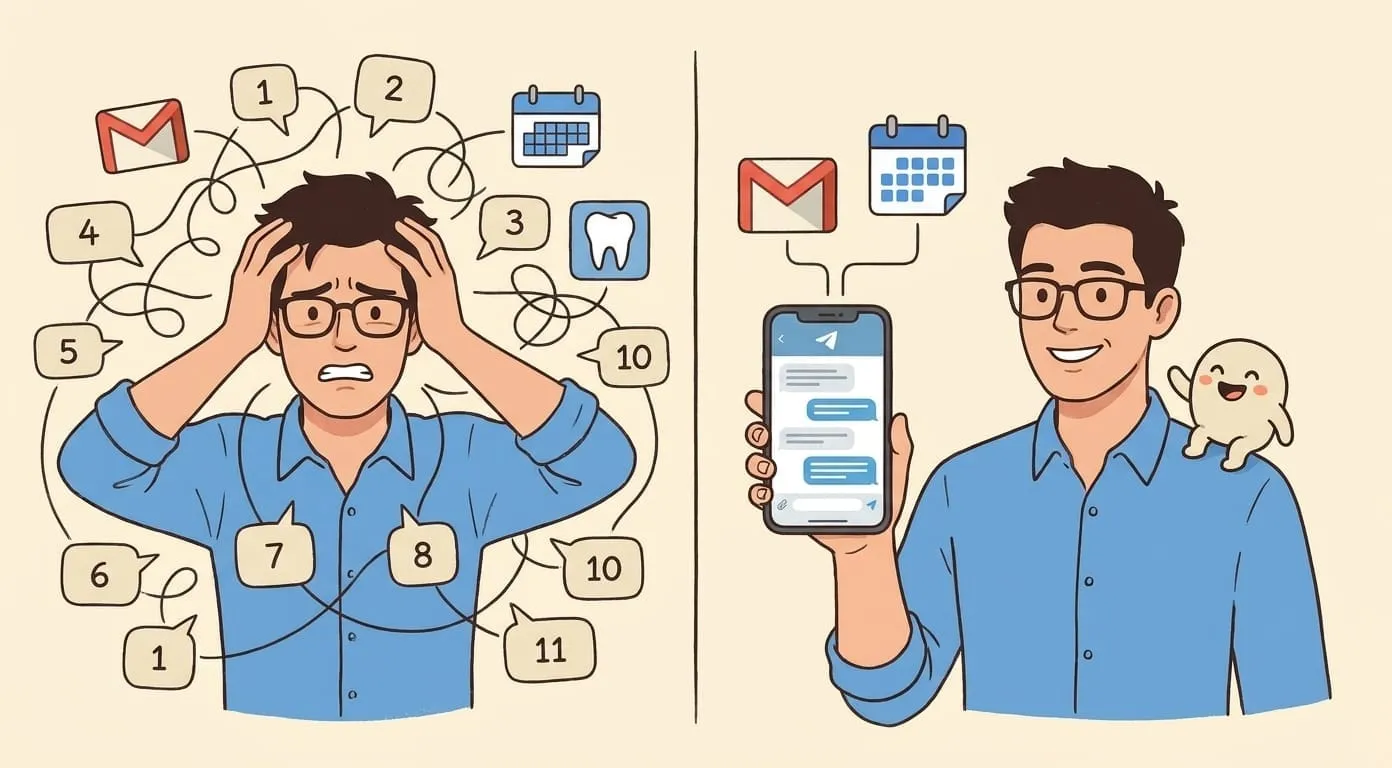
Most AI assistants live inside one interface. A web app, a mobile app, a browser extension. If you want to use them from your messenger, you install a separate bot – one for Telegram, another for Slack, maybe a third for Discord. Each bot starts fresh. None of them know what you told the others.
This is the default experience in 2026, and it creates a specific kind of friction: you end up managing the assistants instead of the assistants managing your work.
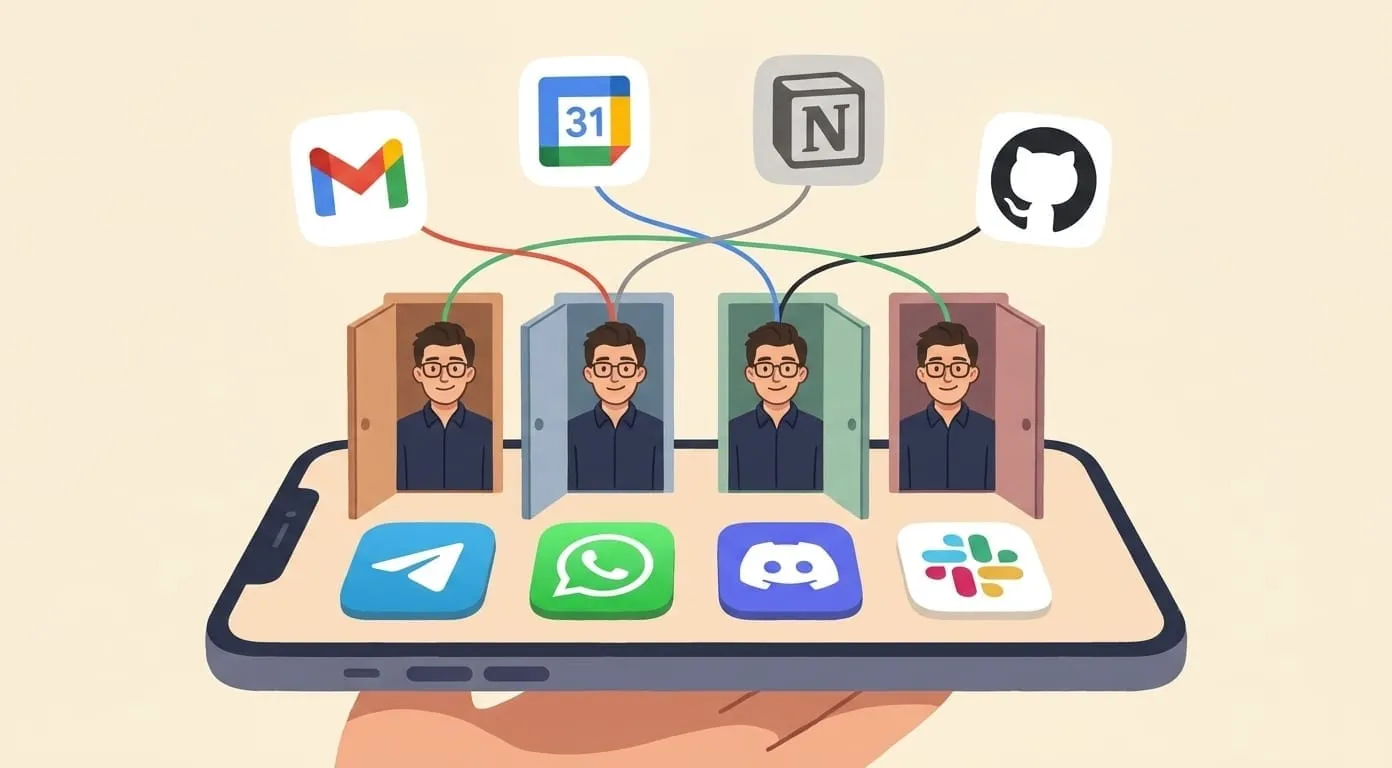
A different approach is to run one assistant across all your messengers – same persistent memory, same integrations, same context – and let the channel be just an interface choice. Here is what that looks like in practice across four platforms.
Telegram
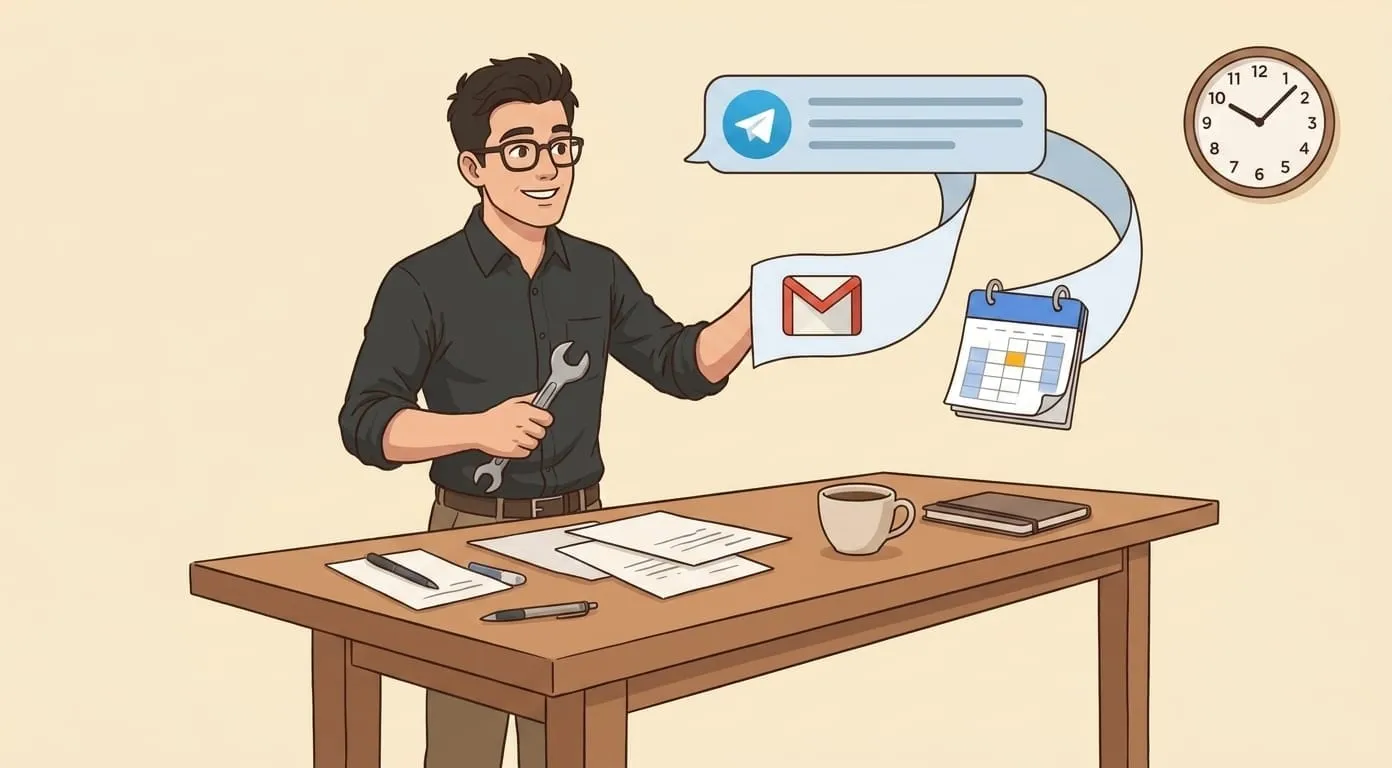
Telegram is where most personal AI assistant workflows start, and for good reason. The platform supports voice notes natively, handles large file uploads without compression, and renders rich formatting in messages. For a personal assistant, this means you can send a 90-second voice recap of a meeting and get back a structured summary, a draft follow-up email, and updated task items – all within the same chat thread.
Inline commands give quick access to specific skills without typing long instructions. File sharing works in both directions: send a PDF for summarization, receive a generated image or a presentation file. Telegram's notification system is reliable across mobile and desktop, which matters when the assistant sends you a morning brief at 6:45 or a follow-up reminder in the afternoon.
The Telegram bot API is mature and well-documented, which means the integration layer is stable. Conversations stay responsive even with media-heavy workflows like image generation or video rendering.
WhatsApp works differently from the other three channels. The connection uses QR-code pairing through the phone's companion device feature – not the WhatsApp Business API. This means the assistant appears as a contact on your personal WhatsApp, not as a business account with automated greeting messages and menu buttons.
The trade-off is practical: WhatsApp's interface doesn't support inline keyboards or rich interactive elements the way Telegram does. The session depends on your phone staying connected to the internet (the assistant communicates through the linked-device protocol). If your phone goes offline for an extended period, messages can queue up.
Where WhatsApp shines is reach. For many users – particularly outside North America and Europe – WhatsApp is the primary messenger. If you already live in WhatsApp for personal and professional communication, having the assistant there means one fewer app to switch to. Voice notes work well, file sharing is supported, and the conversation feels like texting a colleague rather than interacting with a bot.
Discord
Discord brings something the other channels don't: group context. The assistant responds to @mentions in guild channels, which means a team can interact with it in a shared space. Someone asks the assistant to look up a client's last meeting notes, and the response is visible to everyone in the channel.
Direct messages work for private interactions – the same assistant, same memory, but in a one-on-one thread. Voice channel support opens up possibilities for real-time interaction, though the primary workflow is text-based.
Discord's threading model keeps conversations organized when multiple people are asking the assistant different things in the same channel. The bot replies in context, and the conversation history stays readable.
Slack
For teams that already coordinate in Slack, the assistant runs in Socket Mode – no public webhooks, no server URL dependency. Setup requires three values: a bot token, an app-level token, and the workspace owner's ID. After that, the assistant lives in any channel you invite it to.
Thread replies keep the assistant's responses organized within the conversation flow. Team channels become shared workspaces where the assistant handles requests from multiple people while keeping each person's context separate (the persistent memory layer is per-user, not per-channel).
The assistant responds to direct messages for private interactions and to @mentions in channels for team-visible ones. Slack's notification system ensures responses arrive on desktop and mobile.
Choosing your primary channel
All four channels connect to the same assistant with the same memory and capabilities. The choice of primary channel comes down to your workflow:
The point isn't that one channel is better than another. The point is that the channel becomes a preference, not a constraint. The assistant remembers your morning brief conversation from Telegram when you ask a follow-up question in Slack that afternoon.
Amplify runs personal AI assistants on OpenClaw, an open-source agent framework. Each assistant connects to Telegram, WhatsApp, Discord, and Slack with a single persistent memory layer across all channels. If you want to see what cross-channel looks like for your own workflow, the starting point is getamplify.team.
Frequently Asked Questions
If you don't already live in one of them, Telegram is the easiest – voice notes are native, file uploads aren't compressed, and the bot API is the most mature, so the assistant feels most responsive there. If WhatsApp is already your primary messenger, the QR-code pairing means the assistant shows up as a contact rather than a business account, which fits personal use better. Discord and Slack make sense when your work happens in teams and channels already.
No. The persistent memory layer is tied to you, not to the channel. A voice note you send in WhatsApp at night informs the morning brief delivered in Telegram. A meeting recap recorded in Slack is available when you ask a follow-up question in Discord. The interface changes – the assistant doesn't.
The WhatsApp connection uses QR-code pairing through the linked-device feature, not the WhatsApp Business API. That keeps the assistant on your personal WhatsApp account but trades away inline keyboards and rich interactive elements that Telegram supports. It also means the session depends on your phone staying online for messages to flow.
Yes, in Discord and Slack. In Discord the assistant responds to @mentions in guild channels and to direct messages for private conversations. In Slack it responds to @mentions in any channel you invite it to and to direct messages. Each user's memory stays separate even when the assistant is talking in a shared space.
Yes. All four channels connect to the same assistant with the same memory and capabilities. People typically run one as the primary daily-use channel and add the others as alternates for specific contexts – for example Telegram for personal use plus Slack for team coordination.