AI Agents vs AI Assistants: What's the Difference and Which Do You Need?
A practical framework based on memory, integrations, and whether the system can take actions on your behalf
The terminology around AI tools is a mess. "AI agent," "AI assistant," "chatbot," "copilot." Vendors use these interchangeably, marketers apply them to whatever sounds most impressive, and the actual distinctions get buried. That's a problem when you're trying to decide what your team actually needs.
Here's a practical framework, not a philosophy lecture.
The definitions problem
Most confusion comes from treating these categories as a spectrum from "dumb" to "smart." That's the wrong frame. The real differences are about memory, integrations, and whether the system can take actions on your behalf. A highly capable language model that can only answer questions in a chat window is still an assistant. A less sophisticated system that can move files between folders without being asked is already acting like an agent.
Use those three axes (memory, integrations, actions) and the categories start to make sense.
Chatbots
Chatbots are the oldest category and still the most common. Early versions ran on decision trees: if the user says "refund," route to menu item 3. Modern chatbots often run on large language models and can hold a surprisingly natural conversation, but they share a defining trait with their rule-based ancestors: no persistent state, no actions, no connection to anything outside the conversation window.
A customer support bot on an e-commerce site is a chatbot. So is a basic ChatGPT session where you're not logged in. You type something, it responds, the conversation ends, and nothing happened in the world outside that window. That's fine for what chatbots are designed for: answering common questions, deflecting support volume, providing instant responses at scale.
Where chatbots fall short is the moment you need anything to actually happen.
AI assistants
AI assistants are the category most people interact with daily. ChatGPT Plus, Claude, Gemini, Copilot in Microsoft 365. They understand context within a session, handle nuanced questions, can draft content that's actually usable, reason through problems, and switch between tasks mid-conversation.
The key word is "within a session." Close the tab and the context is gone. Start a new conversation about the same project and you're rebuilding from scratch. Assistants don't remember that last Tuesday you were working on a contract template for a logistics client in Berlin. You have to tell them again.
Assistants also don't take actions. They can write an email for you, but they can't send it. They can suggest three times you might schedule a meeting, but they can't book it. They produce outputs you then act on. That's the ceiling.
For many use cases, that ceiling is fine. For others, it's the whole problem.
AI agents
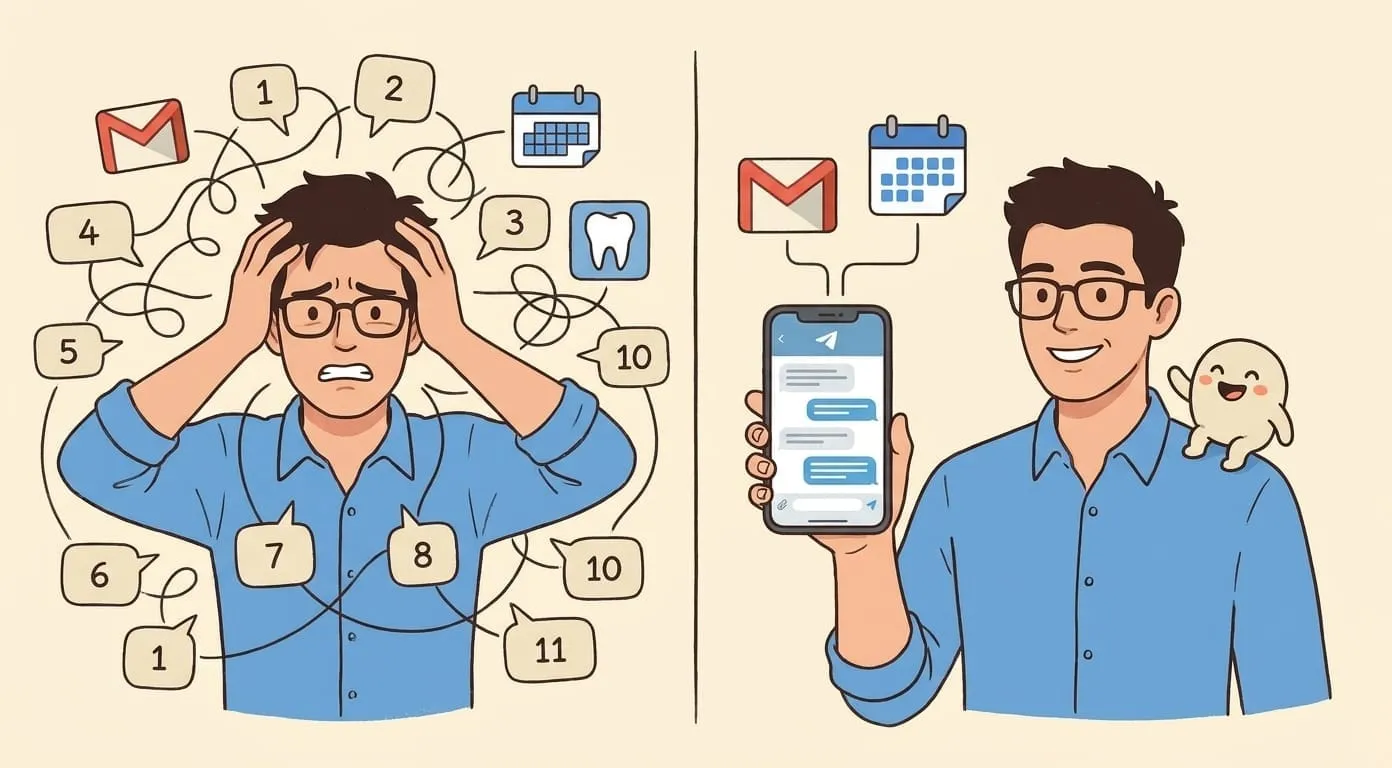
Agents add two things assistants don't have: persistent memory across sessions, and the ability to take actions in connected tools.
Persistent memory means the agent knows your ongoing projects, your preferences, your past decisions. You don't re-explain context every time. An agent working on your sales pipeline remembers that you close deals differently with enterprise clients than with SMBs, because you told it that three months ago.
Connected tools means the agent can actually do things: read your calendar and find a gap, draft and send an email, post a Slack message, pull data from a CRM, trigger a Zapier workflow, monitor a shared inbox for replies that need follow-up. The action happens. You don't have to carry it yourself.
Agents can also run in the background. You can tell an agent to monitor a competitor's pricing page and alert you if something changes. That's not something you ask an assistant to do (it can't), and it's not something a chatbot handles (it's not connected to anything). Agents run scheduled tasks, watch for triggers, and pick up threads from previous sessions without being prompted.
Amplify and Lindy are examples of products in this category. For a detailed comparison, see Amplify vs Lindy. The architectures differ, but both connect to your tools and retain context across time.
The practical differences, side by side
| Capability | Chatbot | AI assistant | AI agent |
|---|---|---|---|
| Memory between sessions | No | No | Yes |
| Integrations (email, calendar, Slack, etc.) | Rare | Rarely | Core feature |
| Takes actions on your behalf | No | No | Yes |
| Runs background tasks | No | No | Yes |
| Requires your approval for actions | N/A | N/A | Configurable |
| Autonomy level | None | None | Medium to high |
The approval controls row matters more than it looks. Good agent platforms let you set where the agent acts independently and where it stops to check with you. An agent that sends emails without confirmation is useful for routine cases and terrifying for anything sensitive. Approval gates exist so you can tune that dial yourself.
When an assistant is the right tool
Reach for an assistant when the task is genuinely one-off or when you want to be hands-on throughout.
Quick lookups and research: "What's the usual payment terms in German construction contracts?" A well-prompted assistant gives you a useful answer in 20 seconds. An agent would be overkill.
One-off drafting: You need a job description for a new role, or a proposal for a client you've never worked with before. You want to iterate with the tool, not set it loose.
Brainstorming: Structured, back-and-forth idea generation works well in an assistant model. You're driving, the assistant responds.
Code help: Writing a specific function, debugging a script, explaining an error. These are tasks where you're active and the assistant is reactive.
If the task doesn't repeat, doesn't need tool access, and you want to stay involved throughout, an assistant is probably the right fit.
When you need an agent
Agents pay off when the task recurs, crosses multiple tools, or needs to happen without you actively driving it.
Recurring workflows are the clearest case. If you're doing the same eight-step process every Monday (pull last week's numbers, draft a summary, send it to three people, update a spreadsheet), an agent can own that. You set it up once. It runs.
Cross-tool tasks: An agent can take a form submission, create a task in your project management tool, send a confirmation email to the person who submitted it, and add them to a Notion database. Doing that manually takes 10 minutes. An assistant can write the email but can't do the rest.
Monitoring: Watching for something. A reply that's overdue. A competitor announcement. A document that needs review. Agents can check on conditions while you're doing other things.
Follow-up enforcement: Sales teams lose deals because follow-ups don't happen. An agent can track who hasn't responded after three days and surface those contacts without being asked, or send the follow-up itself if you've set it to do that.
The common thread is that these tasks have some independence. They don't need you in the loop at every step.
The hybrid model: the line is dissolving
The assistant/agent distinction was cleaner two years ago. It's getting complicated.
OpenAI has been adding tool access to ChatGPT. Claude has computer use capabilities. Google's Gemini connects to workspace tools. These products started as assistants and are growing toward agent capabilities. Meanwhile, agent-first products are adding conversational interfaces to make them easier to work with day to day.
The honest description of where things are heading: you'll stop choosing between "a thing I can chat with" and "a thing that takes actions." The same product will do both, and you'll configure which mode it's in depending on the task.
What will still vary is how well a given product handles persistent memory, how many integrations it supports natively, and how granular the approval controls are. Those are real differences even when the surface-level UX looks similar.
Where Amplify fits
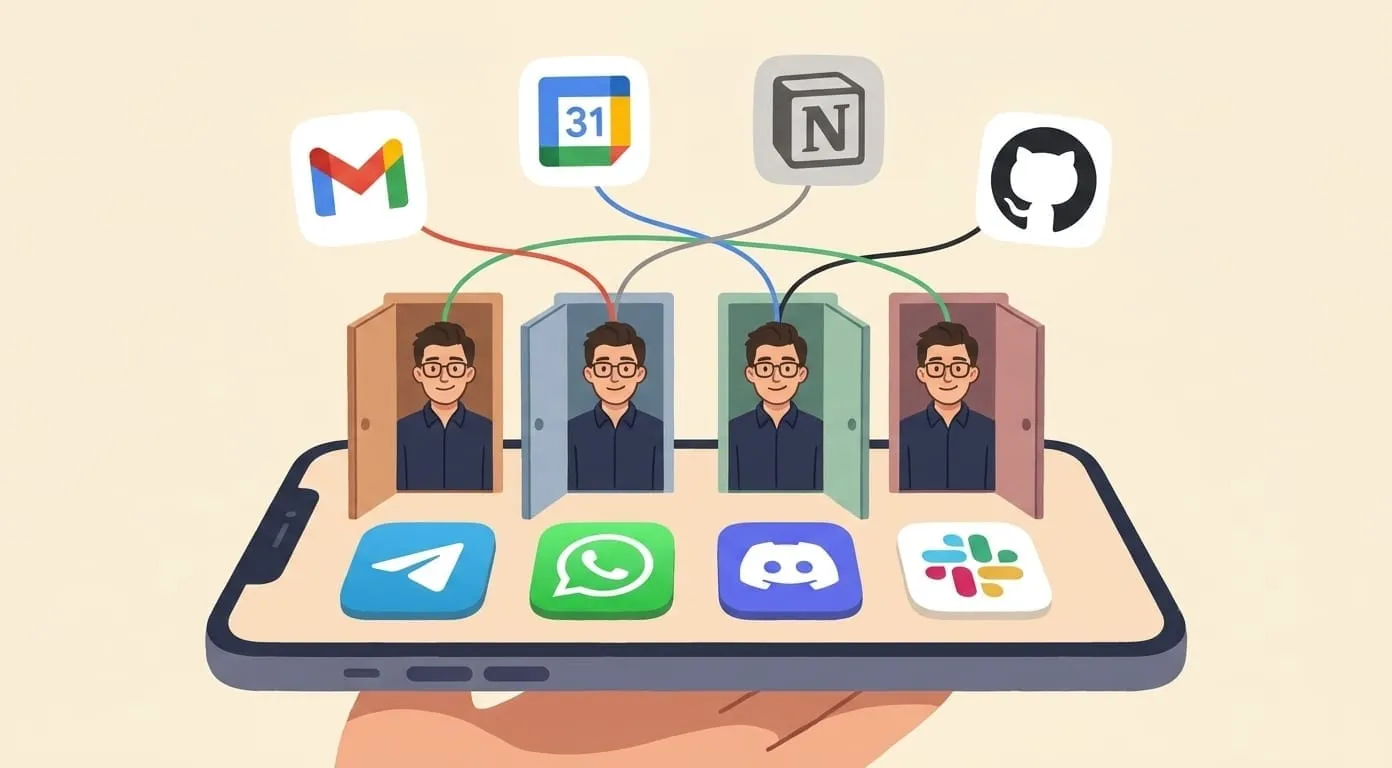
Amplify is built as an agent platform, not a chat product that bolted on some integrations later. The core capabilities are persistent memory (via Mem0, so the assistant retains context across sessions and across time), native connections to tools like email, calendar, and Slack, and the ability to run tasks with or without your approval depending on how you've configured it.
The interface is conversational because that's what makes agents accessible. You tell the agent what you need in plain language. You set approval gates on anything sensitive. Amplify handles the rest.
That's not the right fit for every use case. If you need a one-off writing tool or a quick research helper, a standalone assistant is faster and cheaper. Amplify makes sense when you have workflows that repeat, tools that need to connect, or tasks that shouldn't require your attention every time they run. For specific examples, see 25 AI assistant use cases.