How to Automate Follow-Up Emails Without Leaving Your Messenger
Here's how to send follow-up emails from Telegram or WhatsApp through your AI agent, without opening Gmail
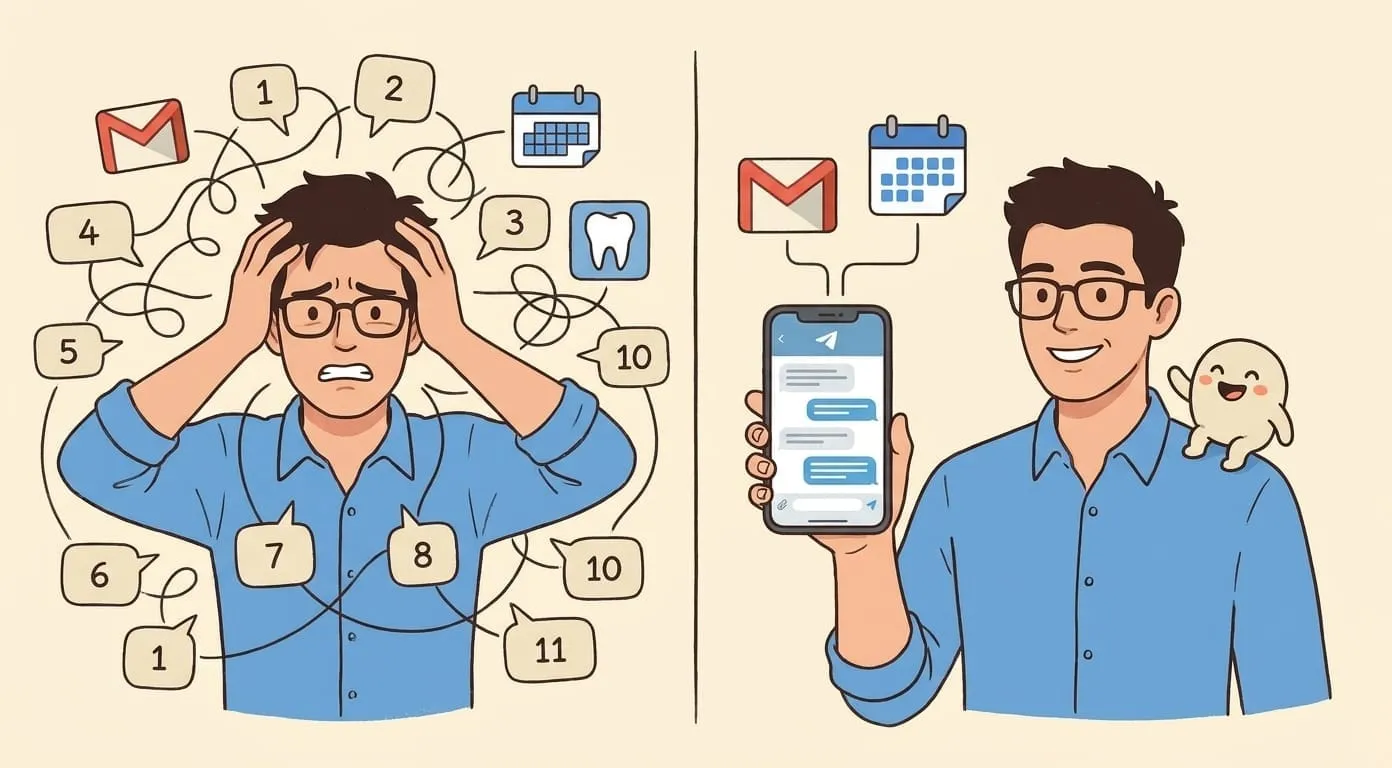
The meeting ends. You tell the client you'll send a summary by end of day. You switch to your next call, then lunch, then three Slack threads, and by 6 PM you've completely forgotten. Two days later you remember, and now the follow-up feels late and a little embarrassing.
This happens to everyone. Follow-ups aren't hard to write. They're hard to remember. The moment passes, context switches stack up, and the email never gets sent. It's not a productivity failure. It's a context-switching problem.
Why current solutions don't stick
CRM tools like HubSpot have email sequences, but those are for mass outreach, not personal follow-ups. The tone is wrong. Templates don't know what you discussed on the call.
Email plugins like Boomerang or Mixmax let you schedule reminders, but you still have to open Gmail, find the thread, write the email, and hit send. That's four steps and a tab switch. If you're in the middle of something else, you won't do it.
The real problem isn't the writing. It's the "open Gmail, find the right thread, context-switch back to what was discussed" loop. Every step is a small interruption, and small interruptions are exactly what kill follow-ups.
Send follow-ups from your messenger instead
You're already in Telegram or WhatsApp most of the day. That's where your conversations happen. So instead of context-switching to Gmail, just tell your AI assistant what to send.
"Follow up with Sarah about the proposal. Mention we can do the call Thursday afternoon."
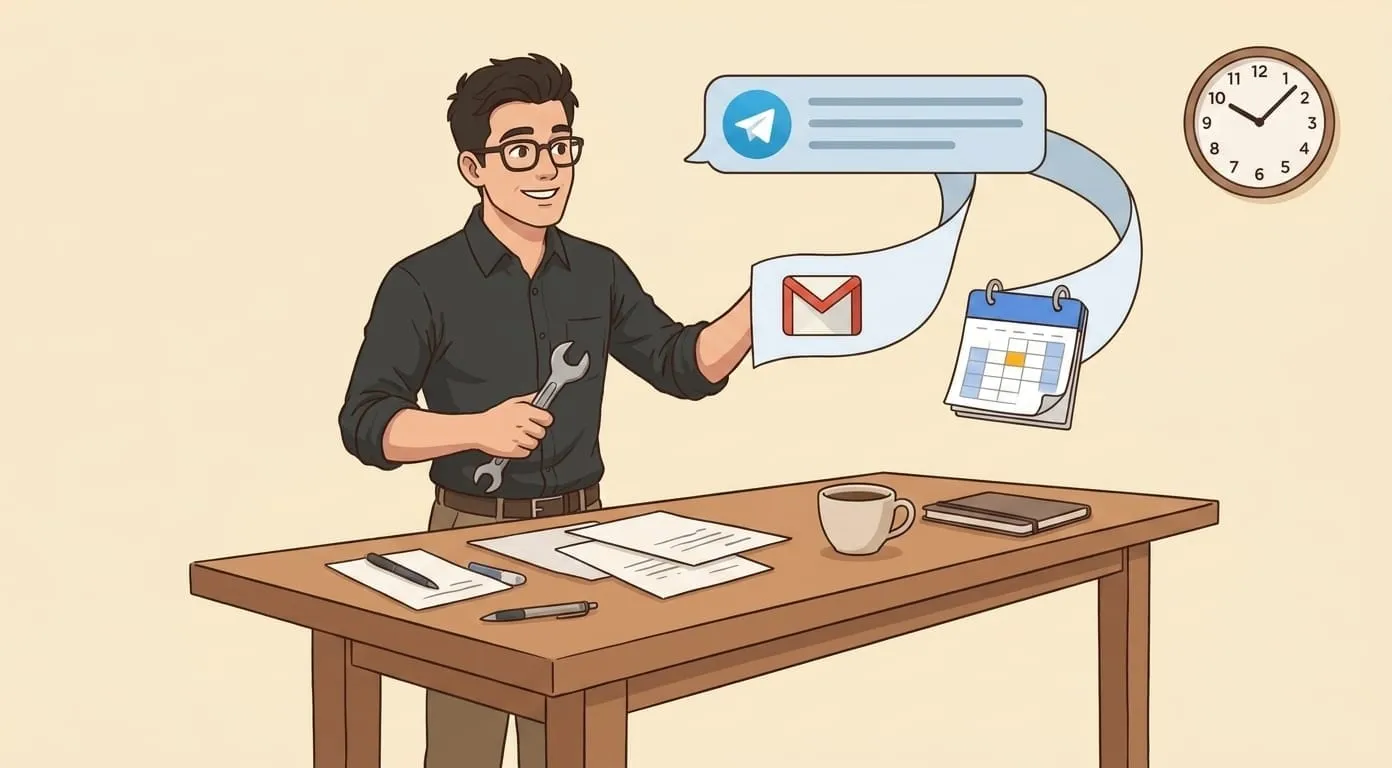
That's it. Your assistant reads the context from your Gmail (it knows the thread with Sarah, it knows the proposal you're referring to), drafts an email in your writing style, and sends it from your account. You get a confirmation. The whole thing takes 10 seconds.
No tab switch. No inbox rabbit hole. No risk of seeing 15 other emails that pull you off track.
Set it up in 10 minutes
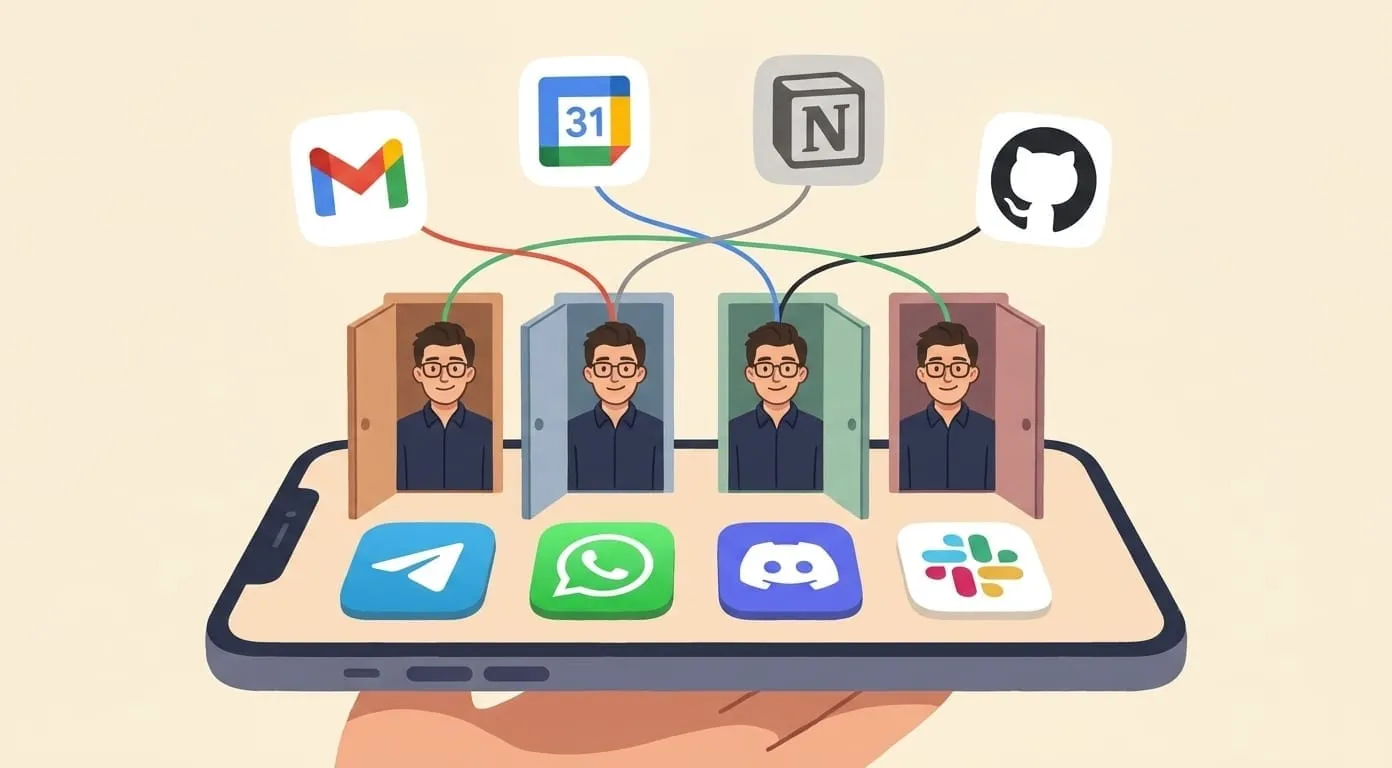
Three steps, nothing unusual:
If you want the detailed Google Workspace setup guide, we've covered that in a separate article: How to Use AI with Google Workspace.
Five follow-up types that work well
Once you start, you'll find these patterns come up most:
Post-meeting recap.
"Send Sarah the action items from today's call. We agreed on the March timeline and I'm sending the contract by Friday." Your assistant pulls from the conversation context and sends a clean summary email.
Proposal nudge.
"Check if Mike replied to my proposal from last week. If he hasn't, send a polite follow-up." The assistant checks the thread, sees no reply, and drafts a nudge that doesn't sound pushy.
Invoice reminder.
"Remind the client about the invoice from June 15." Straightforward, professional, sent from your Gmail.
Application status check.
"Follow up on my application to Company Y. Ask if they need anything else from me." Works for jobs, partnerships, vendor applications.
Introduction email.
"Send an intro email connecting Sarah and Mike. Mention they're both working on developer tools. CC me." Your assistant writes the intro, includes context for both sides, and sends it.
What this doesn't do
This isn't mass email. It's not cold outreach or drip campaigns. It's not a replacement for your CRM's marketing sequences.
What it handles is personal follow-ups. The ones where someone is waiting to hear from you specifically, and the email needs to sound like you wrote it. One-to-one emails that matter to the relationship but don't require deep thinking.
The difference matters. Follow-ups are the emails that build trust when they arrive on time, and quietly erode it when they don't. An AI assistant won't fix your sales pipeline. But it'll make sure you never ghost someone you meant to reply to.