How to Set Up a Personal AI Assistant in 2026 (3 Paths, Prices Compared)
DIY, managed, or somewhere in between — what it actually takes to get a personal AI agent running
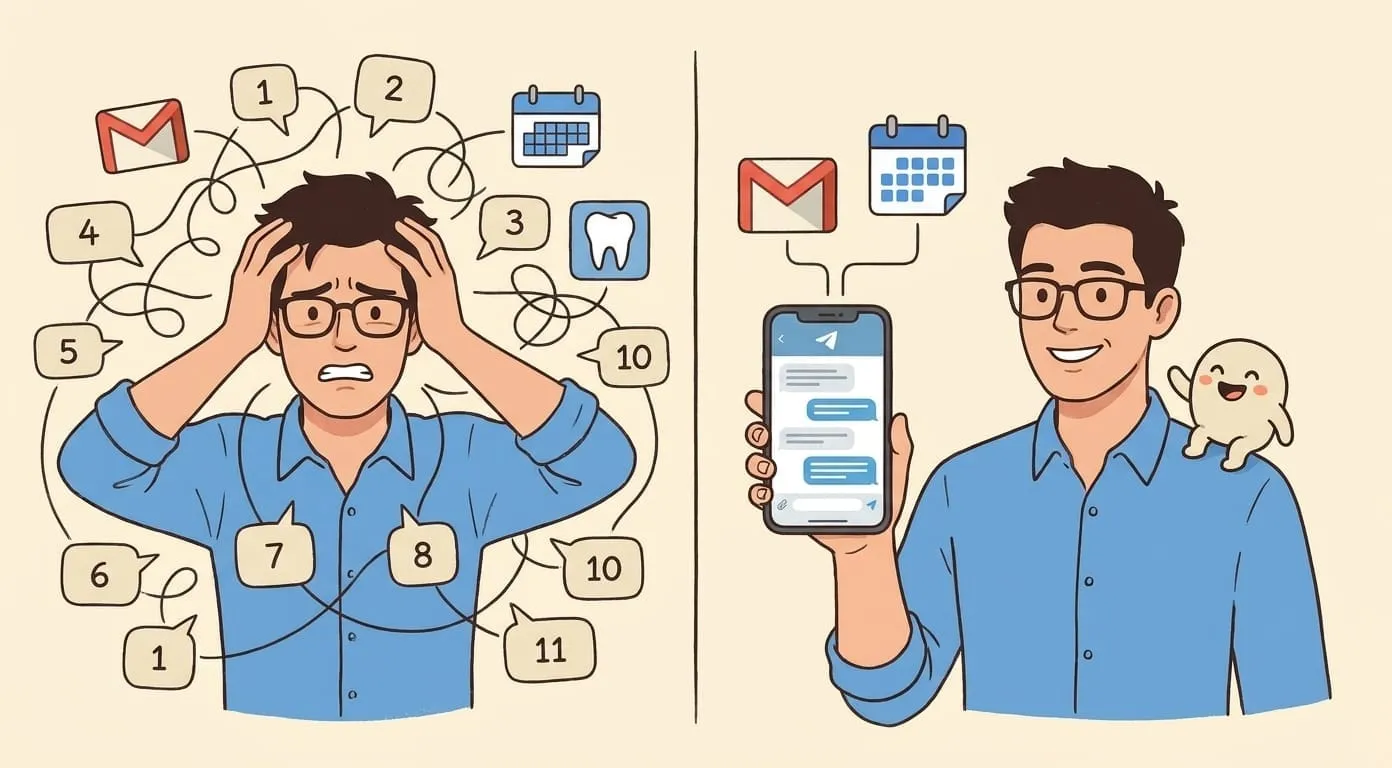
Everyone wants a personal AI assistant. The pitch is simple: an agent that manages your calendar, follows up on emails, reminds you about tasks, and handles the repetitive work that eats your day. The reality is less simple. “Set up an AI assistant” means very different things depending on your technical background, your budget, and how much control you want.
This guide walks through three paths to getting a personal AI assistant up and running. Each has real trade-offs. We’ll compare setup time, cost, features, and ongoing maintenance – so you can pick the path that actually fits.
First: chatbot vs. agent – why it matters
Before choosing a setup path, it helps to understand what separates a chatbot from an agent.
A chatbot answers questions. You ask something, it responds. Close the tab, and it forgets you exist. ChatGPT, Google Gemini, and most consumer AI tools work this way. They’re useful for one-off tasks – drafting an email, explaining a concept, generating an image – but they don’t do things on your behalf when you’re not looking.
An agent is different. It connects to your tools (email, calendar, task lists), remembers your context across conversations, and can take autonomous actions. It can send a follow-up email next Tuesday at 10 AM without you being online. It can check your calendar every morning and send you a briefing. It runs in the background, in your existing messaging apps, as a persistent presence.
The follow-up test is the simplest way to tell the difference: can your “assistant” send a message next Tuesday at 10 AM without you being online? If not, it’s a chatbot.
This article is about setting up an agent, not a chatbot. Here are the three paths.
Path A – Build it yourself with OpenClaw
OpenClaw is an open-source AI agent framework – 376k+ stars on GitHub, 78k+ forks. It’s the engine behind managed services like Amplify, but you can run it yourself on your own server.
What you need
What you get
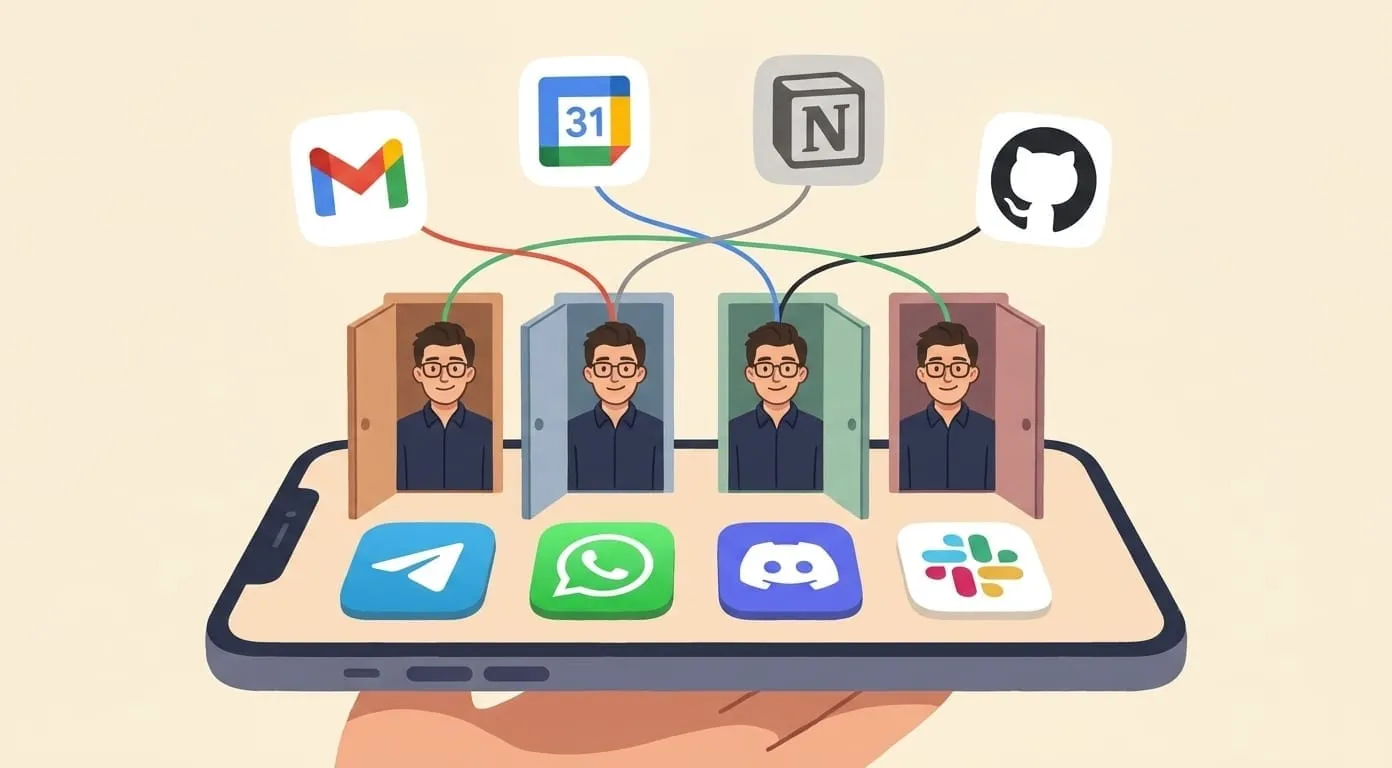
Full control. You own the server, you own the data, you choose the AI model, and you can customize everything. OpenClaw supports Telegram, WhatsApp, Discord, Slack, and other messaging channels out of the box. Extensions add memory (Mem0), web search, and integrations with services like Gmail and Google Calendar.
The setup process (simplified)
The OpenClaw documentation covers each step in detail.
Ongoing work
You handle updates, backups, monitoring, and security. When OpenClaw releases a new version, you update. When your server runs out of disk, you fix it. When an extension breaks after an upstream API change, you debug it.
Cost
Who this is for
Developers and technically comfortable users who want full control, don’t mind maintaining infrastructure, and enjoy tinkering. If you’ve self-hosted a Minecraft server or run your own VPN, you’ll be fine here.
Honest trade-off
Maximum power, maximum responsibility. You get exactly what you build – but you’re your own DevOps team, your own support desk, and your own QA.
Path B – Managed service (Amplify)
Amplify is a managed AI assistant service built on OpenClaw. Instead of setting up and maintaining your own server, you sign up, connect a messaging channel, and start chatting. Everything else – hosting, updates, memory, integrations – is handled for you.
What you need
Setup time
About 10 minutes. Sign up, pick a channel, connect it, and your assistant is live. First-time users typically start by connecting their Gmail and Google Calendar, setting a reminder, or asking for a morning briefing – all within the first conversation.
What’s included
Cost
For typical personal use – daily briefings, email triage, a dozen conversations a day – expect roughly $15–25/month total (platform fee + AI usage). Heavy media generation (image/video) increases the usage side.
Who this is for
Anyone who wants a working AI assistant without managing infrastructure. Non-technical users, busy professionals, small business owners – people who care about what the assistant does, not how it’s hosted.
Honest trade-off
You trade control for convenience. You can’t customize the underlying OpenClaw configuration as deeply as a self-hosted setup. You depend on Amplify’s uptime and roadmap. Your data lives on their infrastructure (encrypted, isolated per user – but it’s their servers, not yours).
Path C – Other options
Not everyone needs a full agent. Depending on what you’re trying to automate, a different category of tool might fit better.
General-purpose AI chatbots
Examples: ChatGPT (Plus: $20/month), Google Gemini (Advanced: $19.99/month), Claude (Pro: $20/month)
These are excellent for on-demand Q&A, drafting text, brainstorming, and analysis. Some have basic memory and integrations. But they’re primarily chatbots: you initiate every interaction, and they don’t act autonomously in the background. ChatGPT can now connect to your calendar and email in some configurations, but it won’t proactively send you a morning briefing or follow up on a task next week without you asking.
Best for: people who mainly need a smart conversation partner, not an autonomous agent.
Workflow automation platforms
Examples: Lindy (from $49.99/month), Zapier (free tier, Pro from $19.99/month), Make
These connect apps together with triggers and actions: “when I get an email from X, create a task in Y.” They’re powerful for structured, repeatable workflows. But they’re rule-based, not conversational – you define the automation upfront, and it runs exactly as configured. There’s no memory, no natural language interaction, no “hey, remind me about this next Tuesday.”
Best for: people with clearly defined, repeatable workflows who want reliable “if this, then that” automation.
Enterprise platforms
Examples: Microsoft Copilot (included in Microsoft 365 Business plans), Salesforce Einstein
Built for organizations, not individuals. Deep integration with their respective ecosystems (Microsoft 365, Salesforce CRM), but designed around enterprise workflows, team collaboration, and corporate governance. Overkill – and often inaccessible – for personal use.
Best for: employees whose company provides these tools, not individuals shopping for a personal assistant.
The follow-up test – what actually matters
Forget feature lists. Here are five questions that reveal whether an AI assistant will actually save you time:
1. Can it act when you’re offline?
Can it send a follow-up email next Tuesday at 10 AM without you being at your phone? This requires scheduled tasks and channel integration – not just a chat window.
2. Does it remember last week?
If you mentioned a project on Monday, does it know about it on Friday? Persistent memory across conversations is the difference between an assistant and a search bar.
3. Is it connected to your tools?
Can it read your email, check your calendar, and create tasks – or do you have to copy-paste everything into the chat? Real integration means it pulls context without you lifting a finger.
4. Can you talk to it naturally?
Does it live in an app you already use (Telegram, WhatsApp, Slack), or do you have to open a separate website? Friction kills habit formation. The best assistant is the one you actually use.
5. Does it get better over time?
Does it learn your preferences, your schedule patterns, your communication style? An assistant that treats you like a stranger every session isn’t really an assistant.
How each path scores
| DIY (OpenClaw) | Managed (Amplify) | Chatbot (ChatGPT) | Workflow (Lindy/Zapier) | |
|---|---|---|---|---|
| Acts when offline | Yes (scheduled tasks) | Yes (scheduled tasks) | Limited | Yes (triggers) |
| Remembers context | Yes (Mem0) | Yes (built-in) | Limited | No |
| Connected to tools | Yes (extensions) | Yes (50+ integrations) | Partial | Yes (app connectors) |
| Natural conversation | Yes (messaging apps) | Yes (messaging apps) | Yes (web/app) | No (rule builder UI) |
| Gets better over time | Yes (memory + tuning) | Yes (memory) | Limited | No |
| Setup time | Half a day+ | ~10 minutes | ~2 minutes | 30 min–2 hours |
| Average monthly cost | ~$10–50 | ~$15–25 | $0–20 | $0–200 |
| Maintenance | You | Included | None | Low |
Getting started – step by step
If you chose DIY (OpenClaw)
If you chose managed (Amplify)
If you chose a chatbot or workflow tool
For a broader comparison of AI assistants beyond scheduling, see Best Personal AI Assistants in 2026. For a real-world look at using an agent daily, read How I Run a One-Person Business with an AI Assistant.
Conclusion
The best AI assistant is the one that’s actually running. Not the one you’re still researching.
If you’re technical and want full control, self-host OpenClaw. If you want something working in 10 minutes, try a managed service like Amplify. If you’re not sure you need an agent at all, start with a chatbot and see where it falls short.
All three paths are valid. The wrong choice is no choice – spending months evaluating tools instead of trying one. Start small: one channel, one integration, one week. You’ll know by Friday whether it’s worth keeping.
Frequently Asked Questions
The cheapest path is using free tiers of chatbots like ChatGPT or Gemini – but these are chatbots, not agents. For a full agent, self-hosting OpenClaw costs roughly $10–50/month. The managed option (Amplify) costs roughly $15–25/month total.
Not if you use a managed service like Amplify – setup takes about 10 minutes with no technical skills. Self-hosting OpenClaw requires basic command-line comfort and roughly half a day for initial setup.
OpenClaw is the open-source framework. Amplify is a managed service built on OpenClaw. Same engine, different experience: OpenClaw gives you full control and requires self-hosting. Amplify handles hosting, updates, and maintenance for you.
The underlying technology is the same (OpenClaw), but there is no one-click migration. You would set up a fresh OpenClaw instance and reconfigure your integrations. Your conversation history and memory would not transfer automatically.
Telegram has the richest feature support and easiest setup. WhatsApp is familiar to most users. Discord and Slack work well if you already use them. All four are supported – choose whichever you already open daily.
Prices and features are current as of June 2026. OpenClaw is open source under the MIT license. Amplify is built on OpenClaw.