How to Connect an AI Assistant to Discord
Add a personal AI assistant to your Discord server. Built on OpenClaw – responds to DMs and @mentions, handles voice messages, summarizes links, and remembers context across channels.
Last updated: May 2026
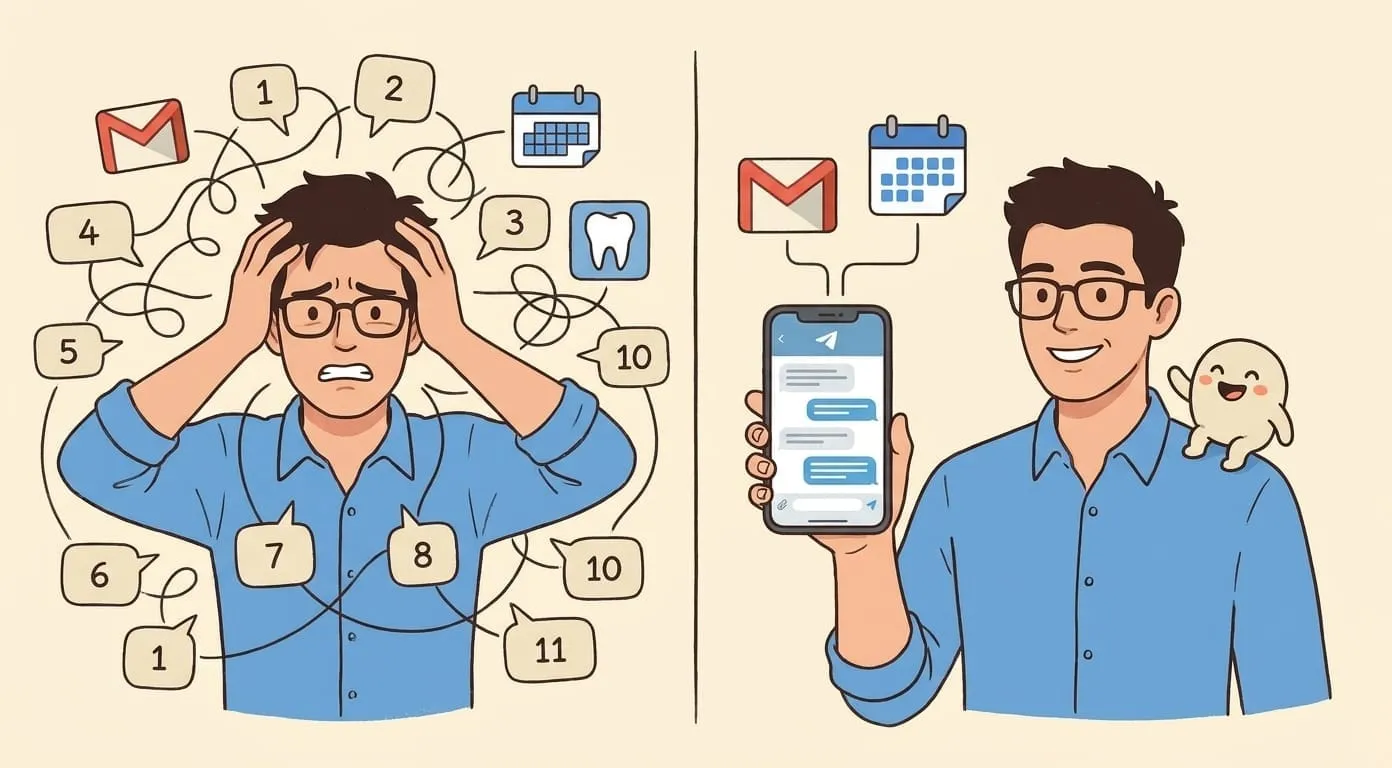
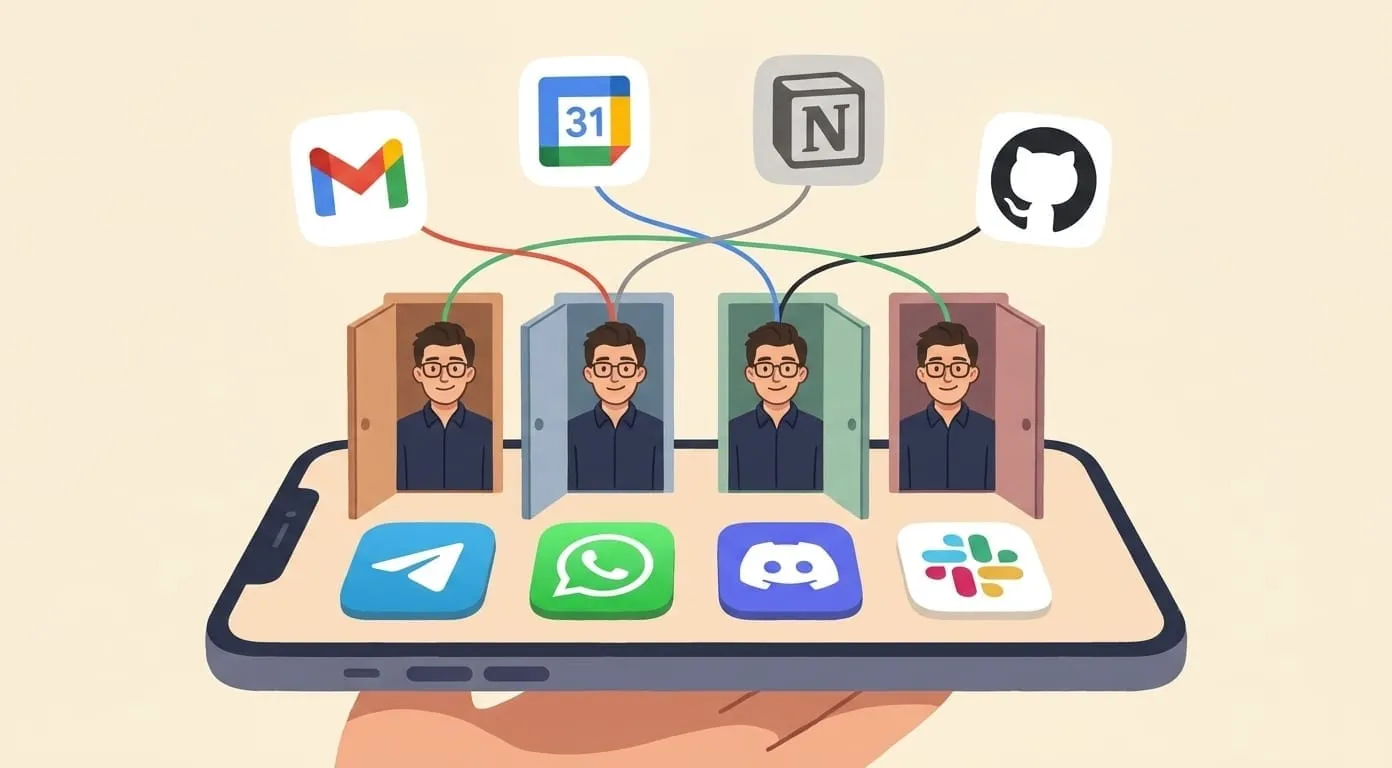
Your AI assistant joins Discord as a bot – responds to DMs for private tasks and to @mentions in server channels for team-visible help. Powered by OpenClaw's open-source agent framework, it's not a command-response bot: it understands context, remembers previous conversations, chains complex tasks, and works the same across Discord, Telegram, WhatsApp, and Slack.
Here's how to set it up in about five minutes.
What You'll Get
Once connected, your Discord AI assistant can:
Your assistant works the same whether you're in a DM or a channel, and shares memory with your other connected channels (Telegram, WhatsApp, Slack).
What You Need
Step-by-Step Setup
Step 1: Create Your Amplify Account
Go to getamplify.team and sign up. Pay the platform fee and add your usage deposit.
Step 2: Open the Discord Developer Portal
Go to discord.com/developers/applications and sign in with your Discord account. Click "New Application" in the top right. Give it a name (e.g. "AI Assistant") and confirm.
Then open the Bot tab in the left sidebar and click "Add Bot".
Step 3: Enable Required Intents
Still in the Bot tab, scroll down to Privileged Gateway Intents and enable:
Click Save Changes.
Step 4: Copy the Bot Token
In the Bot tab, click "Reset Token" to generate your bot token. Copy it immediately – Discord only shows it once.
Go to your Amplify Dashboard → Channels → Discord and paste the token.
Step 5: Invite the Bot to Your Server
Go to the General Information tab and copy your Application ID (a long number).
Paste it in the Dashboard. Amplify generates an invite link with the correct permissions pre-configured. Click the link, select your server from the dropdown, and confirm.
You'll see the bot appear in your server's member list.
Step 6: Enable Developer Mode
In Discord, go to User Settings → Advanced and toggle Developer Mode on. This lets you copy IDs by right-clicking – you'll need this for the next step.
Step 7: Copy Your Server ID and User ID
Paste both in the Amplify Dashboard.
Step 8: Allow Direct Messages
Go to your server's Privacy Settings (right-click server → Privacy Settings) and make sure "Direct Messages" is enabled. This allows the bot to DM you for the initial connection handshake.
Step 9: Send Your First Message
DM the bot or @mention it in any channel. You'll get a response within seconds. Your AI assistant is live on Discord.
Five Things to Try First
1. DM: Private Research
Send the bot a DM with any question:
"Summarize the key arguments in this article: [link]"
"What are the pros and cons of Next.js vs Remix for a new project?"
DMs are private – nobody else sees your conversation.
2. Channel: @mention for Team Use
In any channel where the bot is present:
"@assistant generate an image of a team celebration in cartoon style"
The response appears in the channel for everyone to see.
3. Voice Message
Send a voice message in a DM. The assistant transcribes it and responds to the content – useful when you're away from your keyboard.
4. Set a Reminder
"Remind me about the design review at 3pm"
"Every Monday at 9am, remind me to check the sprint board"
5. Chain Tasks
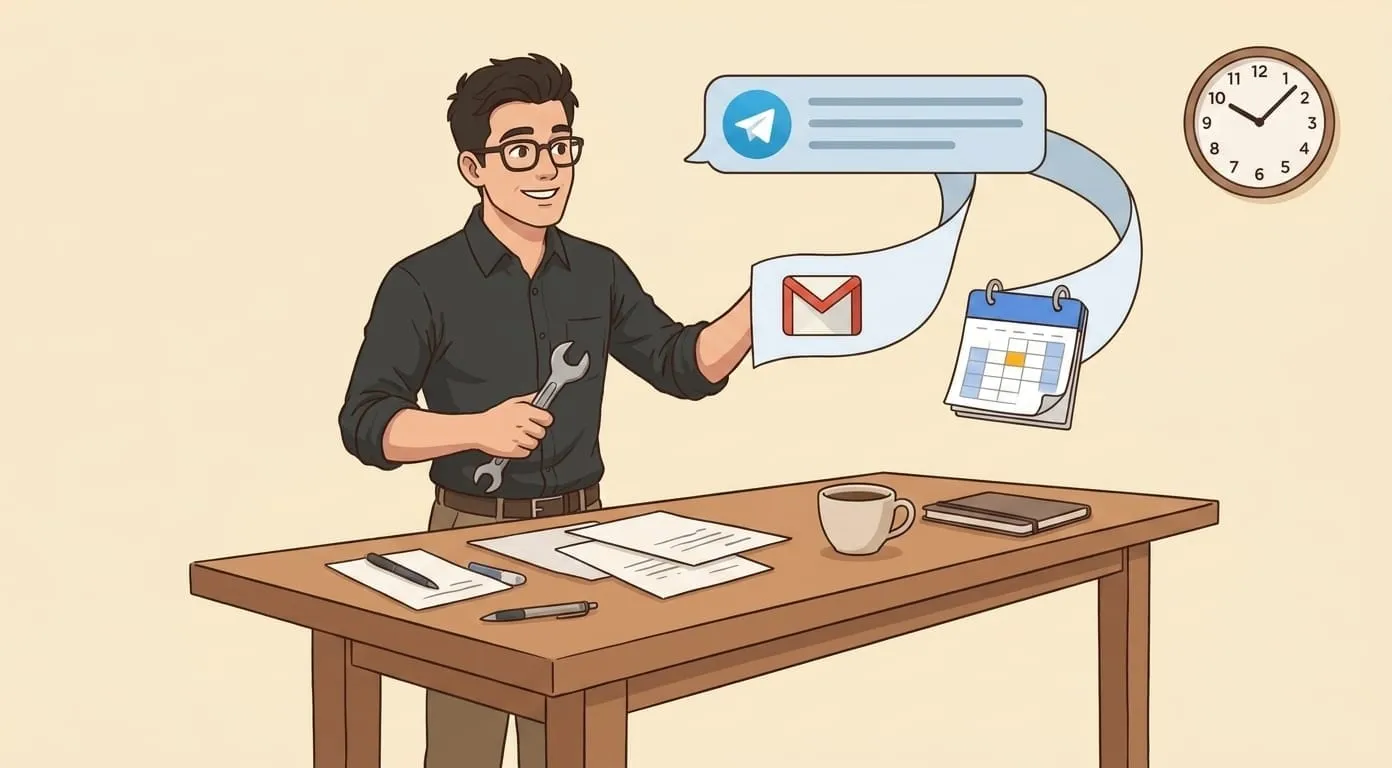
"Check my calendar for tomorrow, then draft an email to the team summarizing what meetings we have"
Because this is an OpenClaw agent, it can perform multi-step tasks that span different services.
Tips and Tricks
DM vs. channel – choose wisely. Use DMs for personal tasks (reminders, sensitive questions, private research). Use @mentions for team-visible responses where others benefit from seeing the answer.
Token security. Never share your bot token publicly. If it's ever compromised (posted in a message, committed to a repo), reset it immediately in the Developer Portal. The old token stops working instantly.
Multiple servers. Once your bot exists, you can invite it to any server where you have Manage Server permission. Same bot, same memory, multiple servers.
Intents are non-negotiable. Without Message Content Intent enabled, the bot literally cannot see what you type. If the bot seems unresponsive, check intents first.
OpenClaw agent advantage. Unlike simple Discord bots that respond to slash commands with pre-programmed replies, your assistant understands natural language, remembers previous conversations (even from weeks ago), accesses external tools, and chains complex multi-step tasks without you spelling out each step.
Role permissions. The bot's access to channels is controlled by Discord's role system. If you want to restrict which channels the bot can see, assign it a role with limited channel access.
What It Costs
No per-channel or per-server fees. Same deposit, same pricing as all other channels.
Frequently Asked Questions
No. The bot only processes messages that are directed to it – @mentions and DMs. It does not passively monitor, log, or store channel conversations. It only "sees" a message when you explicitly involve it.
No. Add it to any existing server where you have Manage Server permission. It works alongside other bots (MEE6, Dyno, etc.) without any conflicts.
The bot is connected to your Amplify account and responds to anyone who @mentions it. All usage billing goes to your account. For team use where each person wants their own private assistant with separate memory, each team member should create their own Amplify account and bot.
ChatGPT's Discord integration is conversational only – it answers questions in a single session with no memory between conversations and no external integrations. Amplify is an OpenClaw agent: persistent cross-session memory, modular skills (calendar, email, image gen, web search, Notion, 50+ integrations), pay-per-use pricing, and the same assistant across all your messaging channels.
Most Discord bots respond to slash commands with pre-programmed outputs. They don't understand natural language, don't remember previous conversations, and can't access external services. An OpenClaw-powered assistant understands context ("that email I mentioned earlier"), chains multi-step tasks ("check my calendar, find conflicts, email Sarah to reschedule"), and maintains persistent memory across sessions and channels.
For the interactive setup wizard with live screenshots, visit getamplify.team/discord-setup.