Best Personal AI Assistants in 2026
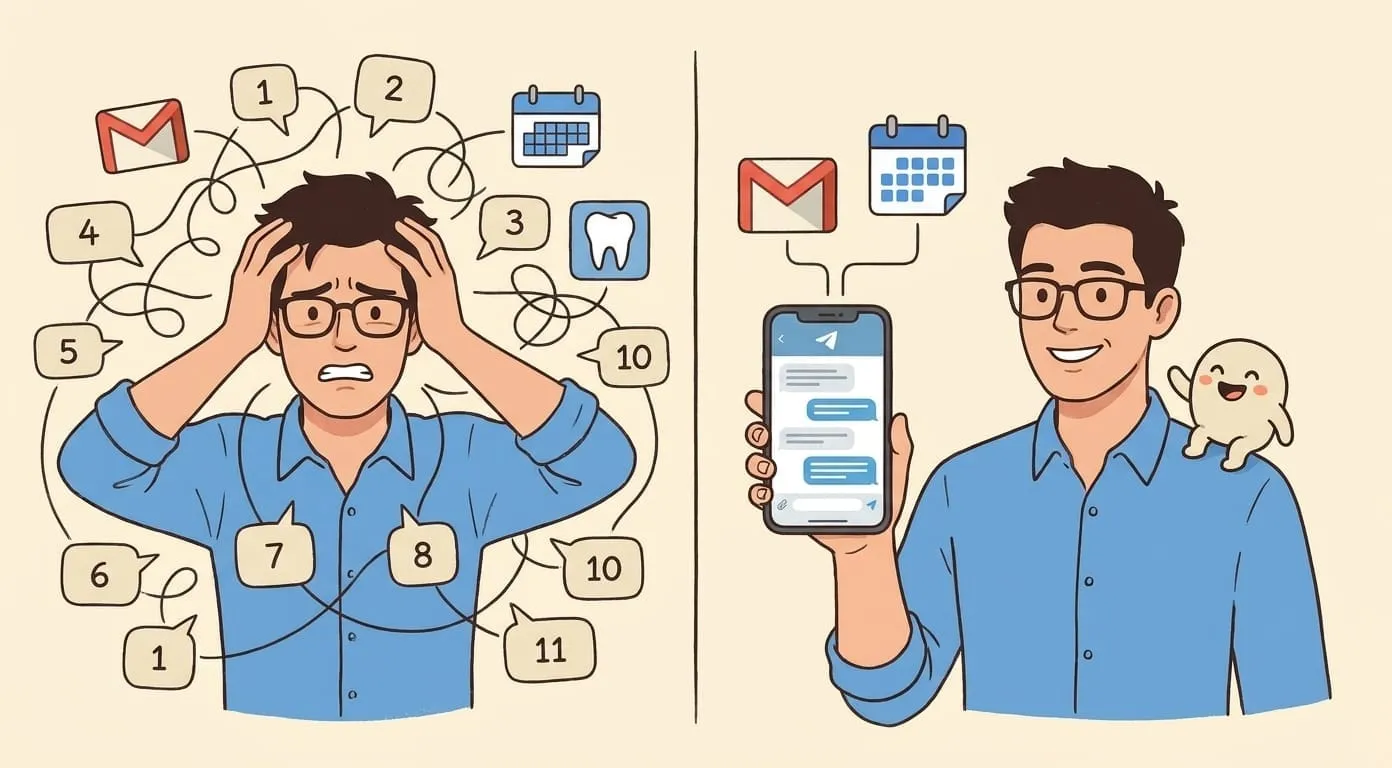
A personal AI assistant in 2026 isn't just a chatbot – it's an agent that remembers your context, connects to your tools, and takes actions proactively.
A personal AI assistant in 2026 is not the same thing it was two years ago. The best ones now remember your context across conversations, connect to your calendar and email, generate images and video, and act proactively – sending you briefings and reminders without being asked. Here's what to look for and which platforms deliver.
What Makes a Good Personal AI Assistant
Before the recommendations, here's what we evaluated:
Our Top Picks
Amplify – Best Overall Personal AI Agent
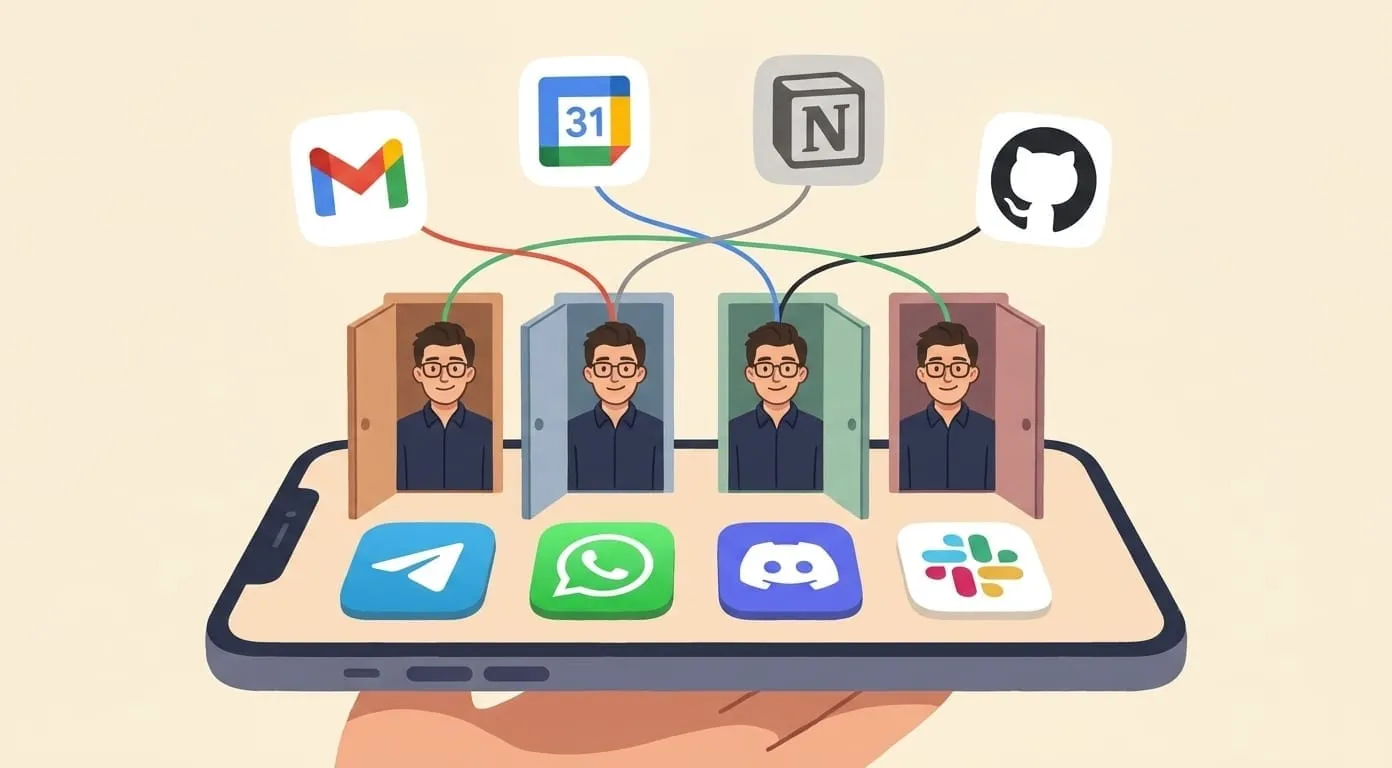
Amplify redefines what "personal AI assistant" means by living where you already communicate – Telegram, WhatsApp, Discord, and Slack. Your assistant shares persistent memory across all channels, so context from a Telegram conversation carries over when you message from WhatsApp or the web.
What sets it apart:
Limitations: No free tier. Not designed for coding tasks. Smaller general model than GPT-4o for pure knowledge questions.
Pricing: $9.99/month + usage deposit (minimum $3). All costs include 7.5% service fee.
ChatGPT Plus – Best General-Purpose AI
ChatGPT remains the strongest general-purpose conversational AI. GPT-4o is excellent at reasoning, creative writing, coding, and knowledge questions. If you need a smart AI to talk to about anything, it's hard to beat.
What sets it apart:
Limitations: Browser/app only – no messenger integration. Memory is within ChatGPT only. No proactive automation. No video or voice generation. Flat $20/month regardless of usage.
Pricing: Free tier available. Plus is $20/month.
Google Gemini – Best for Google Users
If your life runs on Google – Gmail, Calendar, Drive, Docs – Gemini is the natural AI assistant. It understands your Google data and works within the tools you already use every day.
What sets it apart:
Limitations: Privacy concerns inherent to Google's data model. Limited outside Google ecosystem. No proactive scheduled automations. Quality can be inconsistent.
Pricing: Free tier available. Google One AI Premium is $19.99/month.
Perplexity – Best for Research with Sources
Perplexity isn't trying to be a personal assistant – it's an AI search engine. But for the specific task of researching topics and getting answers with cited sources, nothing else comes close.
What sets it apart:
Limitations: Not a personal assistant – no memory, no integrations, no automation, no media generation. It's a research tool.
Pricing: Free tier is generous. Pro is $20/month.
Microsoft Copilot – Best for Microsoft Users
The mirror image of Gemini for Microsoft users. If you live in Word, Excel, PowerPoint, and Outlook, Copilot brings AI directly into those applications.
What sets it apart:
Limitations: Requires Microsoft 365 subscription. Quality varies across applications. Limited outside Microsoft tools. No messenger integration.
Pricing: Free version. Copilot Pro is $20/month (on top of M365 subscription).
Custom via OpenClaw – Best for Technical Users
For developers who want to build exactly the assistant they need – with their own models, data, and infrastructure – OpenClaw is the open-source framework behind Amplify.
What sets it apart:
Limitations: Requires TypeScript knowledge and server management. No managed hosting. You're responsible for your own infrastructure, updates, and API keys.
Pricing: Free (open-source). You pay for hosting and API keys directly.
Feature Comparison Matrix
| Feature | Amplify | ChatGPT | Gemini | Perplexity | Copilot | OpenClaw |
|---|---|---|---|---|---|---|
| Persistent memory | Cross-channel | Within app | Limited | No | Limited | Built-in |
| Messengers | 4 channels | No | No | No | No | Configurable |
| Proactive automation | Yes (cron, briefings) | No | No | No | Limited | Customizable |
| Image generation | 4 models | GPT-4o | Imagen | No | DALL-E | Custom |
| Video generation | Kling, Seedance, Veo | No | No | No | No | Custom |
| Voice generation | ElevenLabs | Read aloud | Read aloud | No | Read aloud | Custom |
| Calendar integration | Google Calendar | No | Google Calendar | No | Outlook | Custom |
| Email integration | Gmail | No | Gmail | No | Outlook | Custom |
| Notes integration | Notion, Obsidian | No | Google Docs | No | OneNote | Custom |
| Web search | Tavily + browser | Built-in | Built-in | Core feature | Built-in | Configurable |
| BYOK | Yes | No | No | No | No | Yes (your keys) |
| Free tier | No ($9.99/mo) | Yes | Yes | Yes | Yes | Yes (self-host) |
Frequently Asked Questions
Not necessarily. ChatGPT, Gemini, Perplexity, and Copilot all have free tiers. But free tiers come with limits — message caps, weaker models, and no advanced features. If you plan to use an AI assistant daily, the paid tier of whichever platform you choose will deliver a meaningfully better experience.
For cross-channel persistent memory, Amplify leads – your context follows you across Telegram, WhatsApp, Discord, and web. ChatGPT has persistent memory within its own interface. Most others have limited or no memory between conversations.
Amplify connects to Google Workspace (Calendar, Gmail, Drive). Gemini connects to Google services. Copilot connects to Outlook and Microsoft 365. ChatGPT and Perplexity have no calendar/email integration. The level of access varies – check what each platform can actually read and write, not just what it claims.
All pricing and features verified as of May 2026. Features and pricing change frequently – check each provider's current offering.