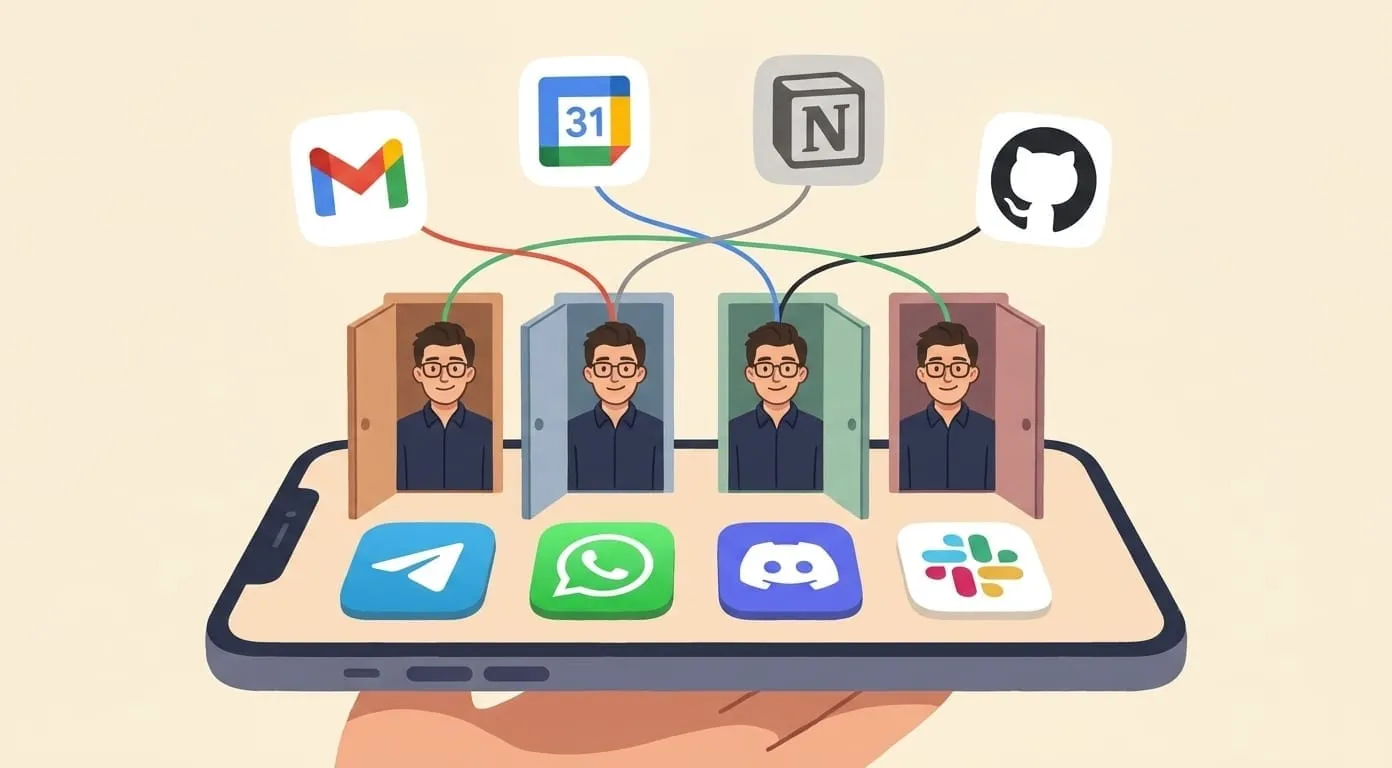
AI Assistant for Notion and GitHub: One Chat for Both Workflows
Manage Notion pages and GitHub PRs from one AI assistant in Telegram or WhatsApp
If you're a developer or PM, your work lives in two places. Notion has the specs, sprint boards, meeting notes, and docs. GitHub has the code, PRs, issues, and release history. You switch between them dozens of times a day.
Each switch feels like nothing. Two seconds to open a tab. But in practice, it's not the tab. It's the context reload. You were reading a PR, now you're looking for a Notion doc, and by the time you find it you've lost the thread of what you were reviewing. This happens all day.
What if you could ask one assistant, from Telegram or WhatsApp, and it would check both? No tabs, no switching. Just a question and an answer that pulls from both systems.
What your assistant can do in Notion
Once you connect your Notion workspace, your AI assistant can read and write to it. Here's what that looks like in practice:
For a complete setup walkthrough, see our dedicated guide: How to Connect an AI Assistant to Notion.
What your assistant can do in GitHub
GitHub access gives your assistant visibility into code, PRs, and issues. Useful examples:
The detailed setup is covered in: Using AI with GitHub.
The combined workflow: where it gets interesting
Each integration is useful on its own. But the real value shows up when you combine them. These are tasks that would normally require you to open both tools, read from one, type into the other, and keep everything consistent:
Sprint changelog.
"Summarize this week's merged PRs and create a changelog page in Notion." The assistant reads GitHub, compiles the changes, and creates a formatted page in your Notion workspace. One message instead of 30 minutes of copy-pasting.
Sprint board sync.
"Check which GitHub issues from this sprint are closed and update their status in the Notion board." Cross-system updates without manual reconciliation.
Standup prep.
"What did I commit yesterday, and what's on my Notion task list for today?" Your assistant checks both, gives you a combined view. Walk into standup prepared in 15 seconds.
Issue-to-doc pipeline.
"There's a GitHub issue about the checkout bug. Create a Notion page with the issue details and add it to the Engineering backlog database." Bridges the gap between where bugs are reported and where work gets planned.
Setup: connect both in 15 minutes
If you've already got Amplify running on Telegram or WhatsApp, adding Notion and GitHub takes about 15 minutes total:
Both integrations are available from day one. No extra subscription, no premium tier.
Who this works best for
This setup fits best if you're a solo developer, a small dev team (2 to 10 people), or a PM who lives in both Notion and GitHub daily. The people who get the most value are the ones who already know the friction of switching between these two tools and have accepted it as "just how it is."
If your team uses Jira and Confluence instead of Notion and GitHub, the workflow is different. If you're only on one platform, the dedicated guides (Notion or GitHub) are a better starting point.
But if you're already in both, and you're tired of being the human bridge between them, this is the setup that makes it stop.