Can ChatGPT Message You First? How Proactive AI Agents Work
ChatGPT can run scheduled prompts and send you notifications. A proactive agent watches what changes in your work and acts when it matters.
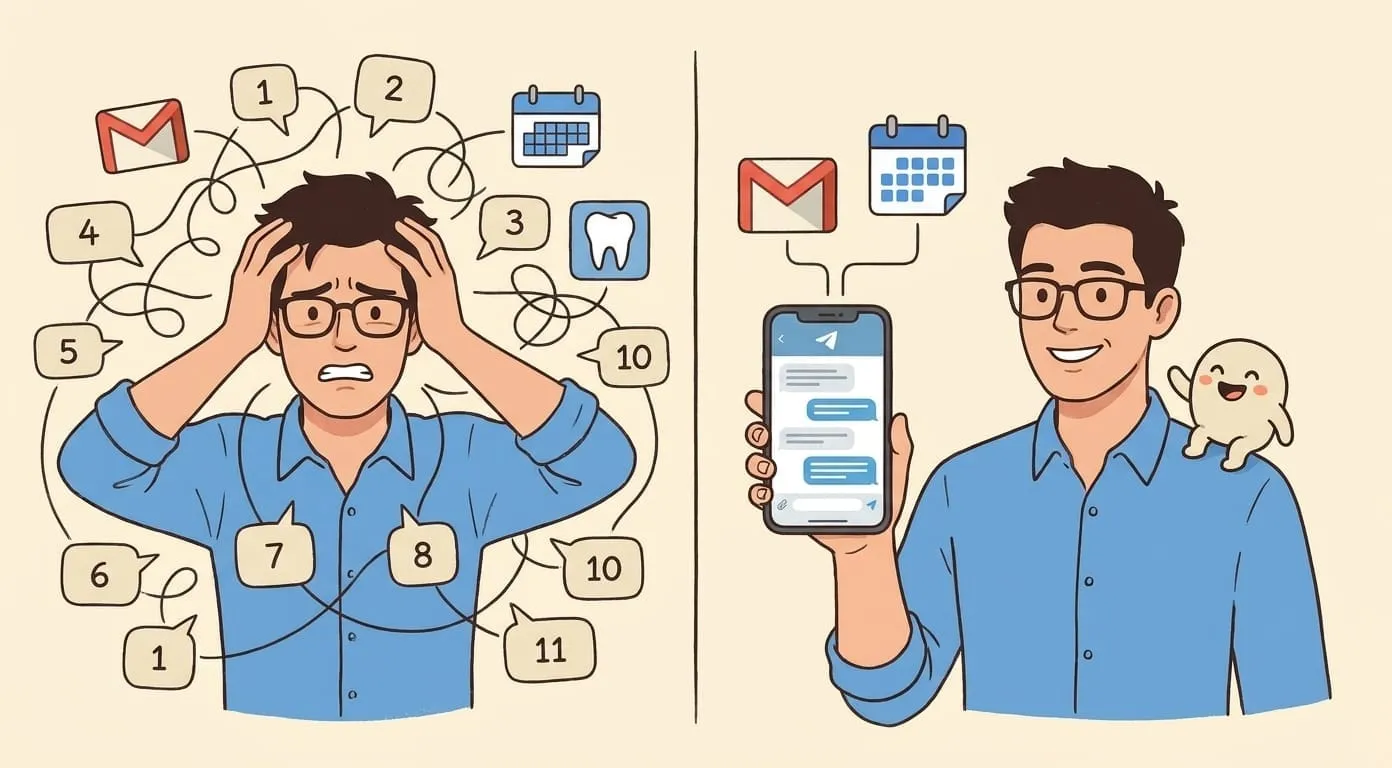
It's Tuesday. A prospect emailed you back after two weeks of silence. You didn't see it because you were on calls, and by the time you notice at 7 PM, the reply is buried under fourteen other threads. The lead's momentum is gone. You know it. They know it.
The frustrating part isn't that the email arrived. It's that nothing between you and that email did anything useful with it. Your inbox showed a bold count. Your phone buzzed once. That was it. No triage. No context. No suggestion. No draft. Just a number that grew by one.
This is the gap people are trying to close when they ask, "Can ChatGPT message me first?" What they really want is an assistant that notices things and does something about them, so the important stuff doesn't die in a queue.
What ChatGPT can actually do on its own
Let's start with the honest version. ChatGPT has Scheduled Tasks, which lets you set up recurring prompts and monitoring on a schedule. You can ask it to check something every morning, or run a prompt every Monday, and it'll message you with the result. It works. It's real. OpenAI documents it under Scheduled Tasks in ChatGPT.
That solves one kind of problem: "at 8 AM, tell me the weather," or "every Sunday, summarize the news on this topic." Recurring, predictable, clock-driven.
It doesn't solve the other kind: "if this lead goes quiet for three days, do something," or "when a package status changes, tell me only if it's a real delay." Those aren't scheduled. They're event-driven. And event-driven work is where most of the frustration lives.
Scheduled prompts vs event-driven action
Here's the split that matters:
A scheduled prompt runs on a clock. You decide the time, it runs the prompt, you get an answer. If nothing has changed since yesterday, you still get the answer. If the important thing happened at 11 AM and your prompt runs at 6 PM, you find out seven hours late.
Event-driven action runs on a change. Something happens in your inbox, calendar, or a tool you've connected. The agent notices, checks whether it matters (against your priorities, not a global rule), then either acts, asks you, or stays quiet.
The second one is what people mean when they say "proactive." Think of it as the difference between a smoke alarm and a security guard who actually looks at the camera before waking you up.
Where scheduled prompts stop being enough
A few real cases where scheduled runs break down:
A warm lead goes quiet. You'd want a follow-up three business days after the last reply, but only if they haven't already booked a call and only if you haven't already reached out through another channel. No cron job knows all that.
A meeting moves. The client rescheduled to Thursday. Now your prep document, your travel booking, and the reminder you set for yourself are all wrong. A scheduled check every morning wouldn't catch it in time. An event-driven agent would see the calendar update and reshuffle the rest immediately.
A package delay. DHL's tracker says "in transit" for four days. Is that a real problem or normal? The proactive version reads the pattern (usually two days to your city, now four, weather delay in transit hub) and either shrugs or pings you.
A competitor changes pricing. You want to know when the number moves, not "every Monday, tell me their current price." One is signal. The other is noise.
The rule under all of these: users don't want more alerts. They want fewer alerts that mean more.
How a proactive AI agent actually works
Under the hood, it's four moving parts.
A place to watch. The agent needs read access to the sources where things happen. Your email, your calendar, a Notion database, a GitHub repo, a webhook from a third-party tool. Anything the agent can't see, it can't react to.
A trigger it recognizes. Something like "a new email from a domain in my client list arrives," or "a calendar event for tomorrow got cancelled," or "no reply on this thread for N days." The trigger is a rule, but it's a rule about the world, not about the clock.
Context and preferences. When the trigger fires, the agent looks at what it knows. Who is this person, what did we talk about last, is this a customer or a cold pitch, is it 2 AM in your timezone. The context is what stops the agent from doing something dumb.
A decision: act, ask, or stay quiet. Act when the action is safe and pre-approved. Ask when it's sensitive or when the agent isn't confident. Stay quiet when nothing useful comes out the other end. This is the piece that separates a helpful assistant from an anxious one.
Five proactive workflows worth setting up
If you're going to try this, start with these. They're the ones that pay for themselves in the first week.
Morning read of what actually needs you. Not "your unread count is 47." Something like: "Three replies waiting since yesterday, one from a paying customer. Two meetings with prep docs I haven't opened. Nothing else urgent." Twenty seconds, real signal, done.
Inbox escalation for time-sensitive senders. You define who counts (biggest clients, your co-founder, your accountant during tax season). If a message from one of them arrives, the agent pings you on Telegram or WhatsApp with the sender, subject, and a one-line summary. Everyone else waits for your regular inbox pass.
Meeting prep and follow-up. The agent watches the calendar. Thirty minutes before the meeting, you get context: last email thread, notes from last time, any open items. After the meeting, if you dictate a two-sentence recap into your messenger, the agent drafts the follow-up email and asks whether to send.
Stalled-thread detection. Any thread where you sent the last message and no reply came in N days gets flagged. The agent proposes a follow-up: draft, timing, and whether to send now or wait until tomorrow morning. You approve with one word.
Change alerts that filter themselves. Package status, a document someone else edited, a competitor page you're monitoring. The agent only pings you if the change matches a threshold you set. "Tell me when it moves. Don't tell me when it doesn't."
The rule that makes proactive AI usable: only when it matters
The failure mode for proactive agents is obvious. If they alert on everything, you turn them off in a week. Worse than useless: actively noisy.
Four controls that fix this:
Set these once, tune them for a week, and the agent goes from anxious to useful.
Build a proactive assistant with Amplify
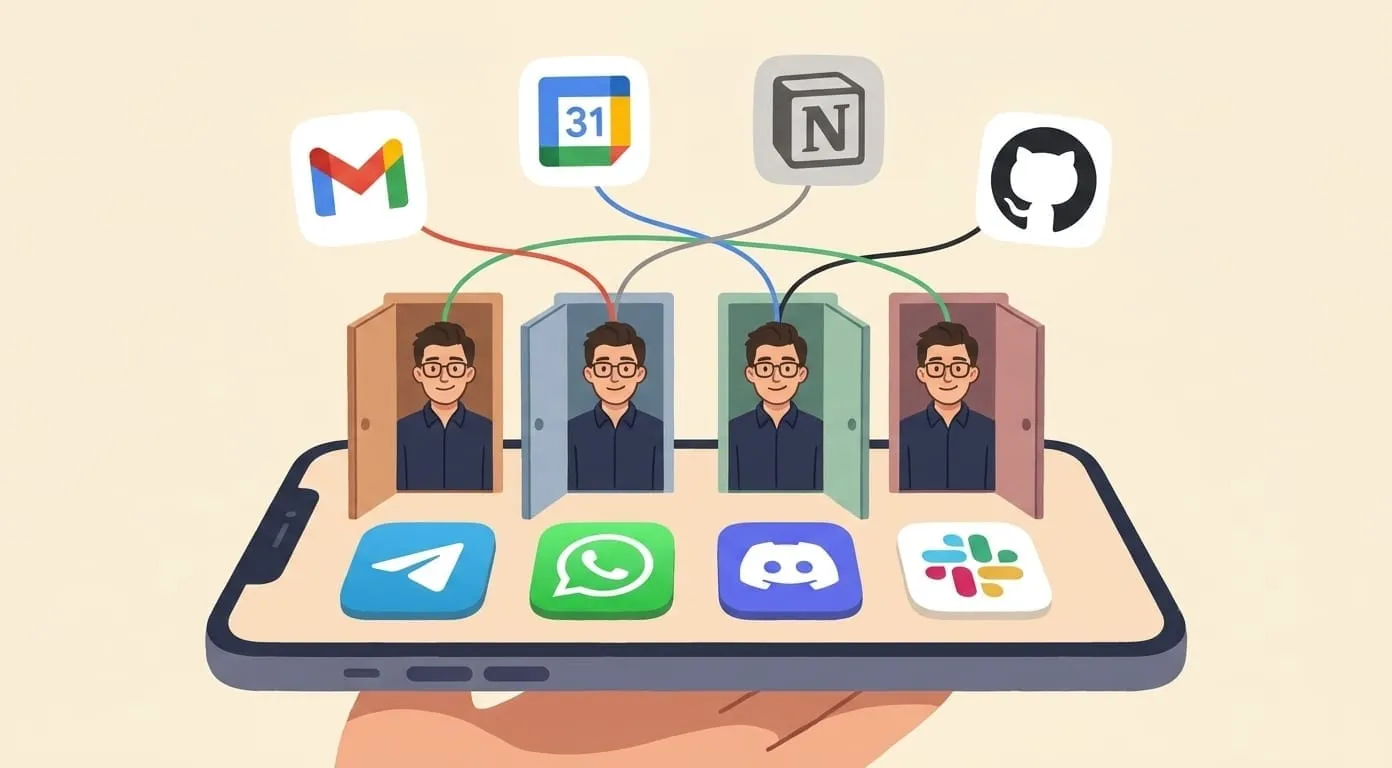
Amplify is a personal AI agent built on OpenClaw. It runs in your messenger (Telegram, WhatsApp, Discord, or Slack), connects to your Gmail, Calendar, Notion, GitHub, and Google Drive, and holds memory across all of it. That's the substrate for proactive work: it can watch, it has context, and it lives where you already read messages.
Setup is short:
First run takes a few conversations to get the rules right. Expect a week of tuning.
You pay $9.99/month for the platform. The AI usage on top is pay-per-use, so if you have a slow week the bill is small. If you have a heavy week, you pay for what you actually used, not for a subscription tier you didn't hit.
What this doesn't do
A proactive agent isn't autonomous. It doesn't decide to email a customer without you pre-approving that pattern, and it doesn't touch your money, calendar, or contracts without asking. If you want a fully autonomous system, you're looking at something different, and the risk profile is different too.
It's also not a substitute for a CRM, a project manager, or a therapist. It's the layer that notices things and moves them toward the right tool or the right person, including you.
The real gain is quieter than most AI marketing suggests. Less inbox anxiety. Fewer forgotten follow-ups. A morning that starts with three things worth doing instead of forty-seven unread emails and an unclear plan.
That's what "proactive AI" actually feels like when it works. Not another dashboard. Not another notification stream. Just a shorter list of things that need you, at the moment they need you.