How to Cut Repetitive Admin Work with an AI Assistant
Your team loses hours to email triage, scheduling, and follow-ups every day – an AI assistant that takes actions can cut that overhead without adding new tools
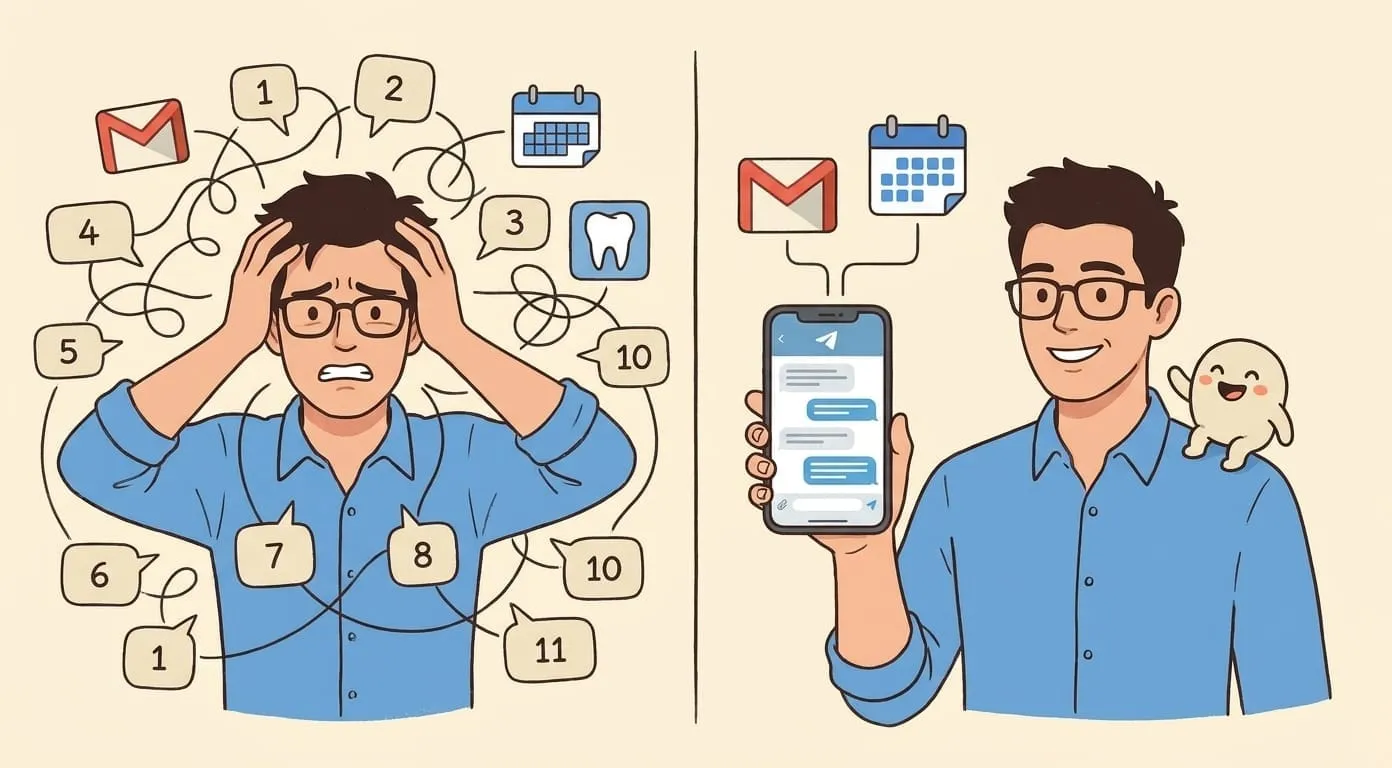
You open your laptop at 9 AM. By 10:30, you haven't started any real work. You've triaged 40 emails, moved three meetings, replied to a client who followed up (again), updated a status doc nobody reads, and hunted down a file someone shared in Slack two weeks ago.
This isn't a bad morning. This is a normal morning. Those hours disappear from every team member's day, every day. It's not complex. It's not strategic. It just keeps happening.
The usual fix is more tools. A scheduling app. An inbox plugin. A project tracker. Each one solves one slice of the problem and adds another tab to manage. The tasks don't disappear. They move.
What counts as admin work
It helps to name the things eating your time. Most of it falls into six buckets:
None of these require your expertise. All of them require your attention. That's the problem.
Why more tools don't fix it
Calendly handles scheduling but not the "should I take this meeting?" decision. Superhuman makes email faster but still expects you to process every message. Notion organizes information but someone has to put it there.
Each tool removes friction from one step while leaving you in the driver's seat for every decision. You're still the router. You're still the one context-switching between five apps to get one thing done.
The deeper issue is that these tools automate mechanics (clicking, typing, moving data between screens) but not judgment. They can't decide which emails need a reply today. They can't draft a follow-up in your voice. They can't pull your calendar and your inbox together to figure out what your morning should look like.
What changes when AI executes, not suggests
Most AI assistants are chatbots. You ask a question, you get an answer, and then you go do the thing yourself. That's useful, but it doesn't save you from admin work. It just gives you better instructions for doing admin work.
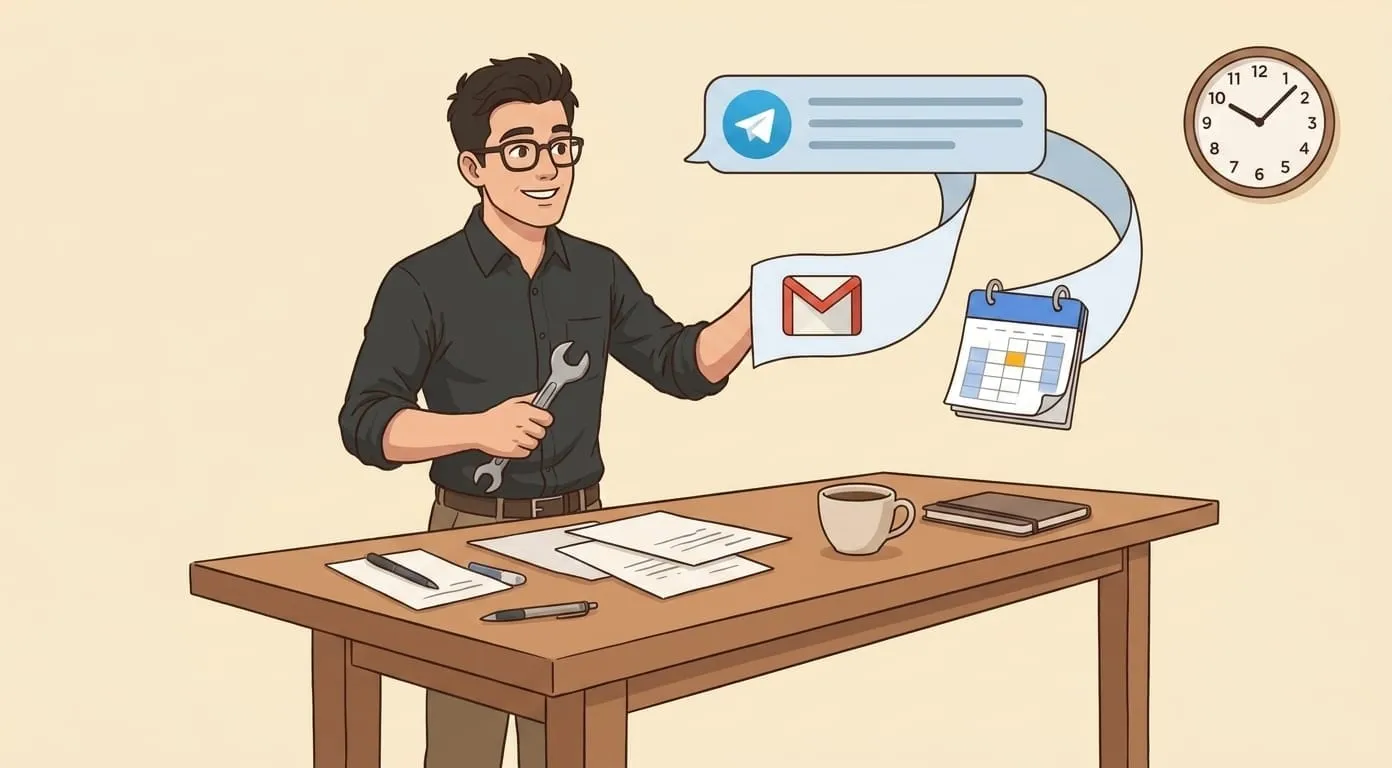
An AI assistant that takes actions is different. You say "triage my inbox" and it reads your unread emails, categorizes them by urgency, drafts replies for the routine ones, and flags the two that actually need your brain. You say "schedule a call with Sarah next week" and it checks both calendars, picks a slot, and sends the invite from your account.
The shift is from "AI as advisor" to "AI as coworker who does the task." You're not learning a new app. You're telling someone what to do, in plain language, from whatever messenger you already have open.
Three workflows that save the most time
Morning inbox triage
Instead of opening Gmail and scrolling through 30+ messages, send your assistant one message in Telegram: "Check my inbox and tell me what needs attention today." It reads your unread emails, groups them (urgent replies, FYI-only, newsletters, spam), and gives you a summary. You reply with "draft a response to the client email about the Q3 budget" and it writes a reply in your tone, from your Gmail. Total time: 3 minutes instead of 45.
Meeting follow-ups
After a call ends, message your assistant: "Send Sarah a follow-up about today's call, mention the timeline we agreed on and that I'll send the contract by Friday." The assistant drafts the email, sends it from your Gmail, and you don't open your inbox once. This takes 15 seconds. Without it, most follow-ups get forgotten or sent two days late.
Weekly status compilation
End of the week: "Give me a summary of what I did this week based on my calendar and sent emails." The assistant pulls your calendar events, checks your sent folder, and compiles a list. You review it, tweak a line, and paste it into your team's update channel. Five minutes for something that used to take 20.
How to start
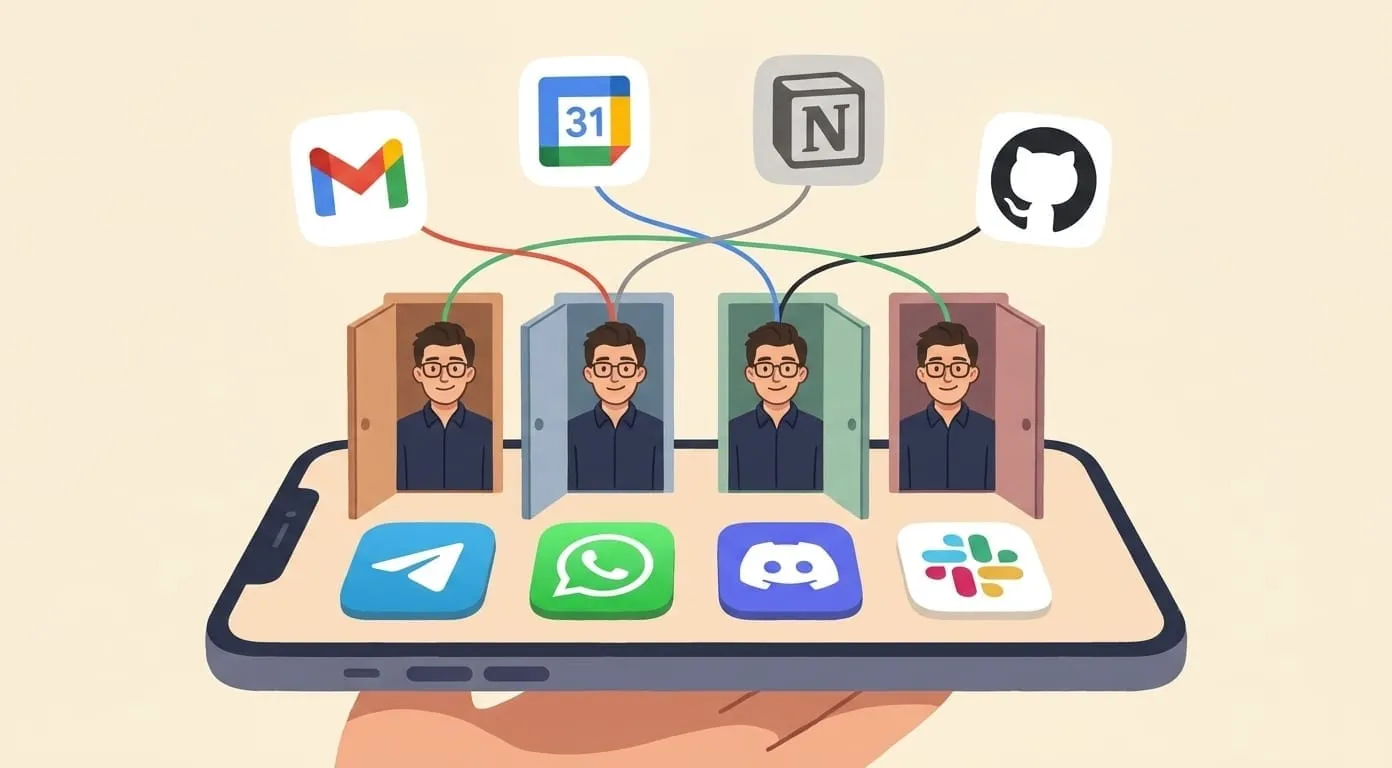
The setup is straightforward. Connect a messenger (Telegram or WhatsApp). Connect your Google Workspace (Gmail, Calendar, Drive). That's it. No new app to install on your desktop. No onboarding flow that takes an afternoon.
Your first task can be simple: "What's on my calendar today?" or "Do I have any urgent emails?" From there, you'll naturally start asking for more. Most people hit their stride in the first week.
The admin work doesn't go away entirely. Some decisions still need your judgment. But the mechanical part, the part where you're just a human router between five apps, that's what an AI assistant takes off your plate.