How to Talk to Your AI Agent from Any Messenger (Gateways Explained)
One agent, four channels: Telegram, WhatsApp, Discord, and Slack with shared memory
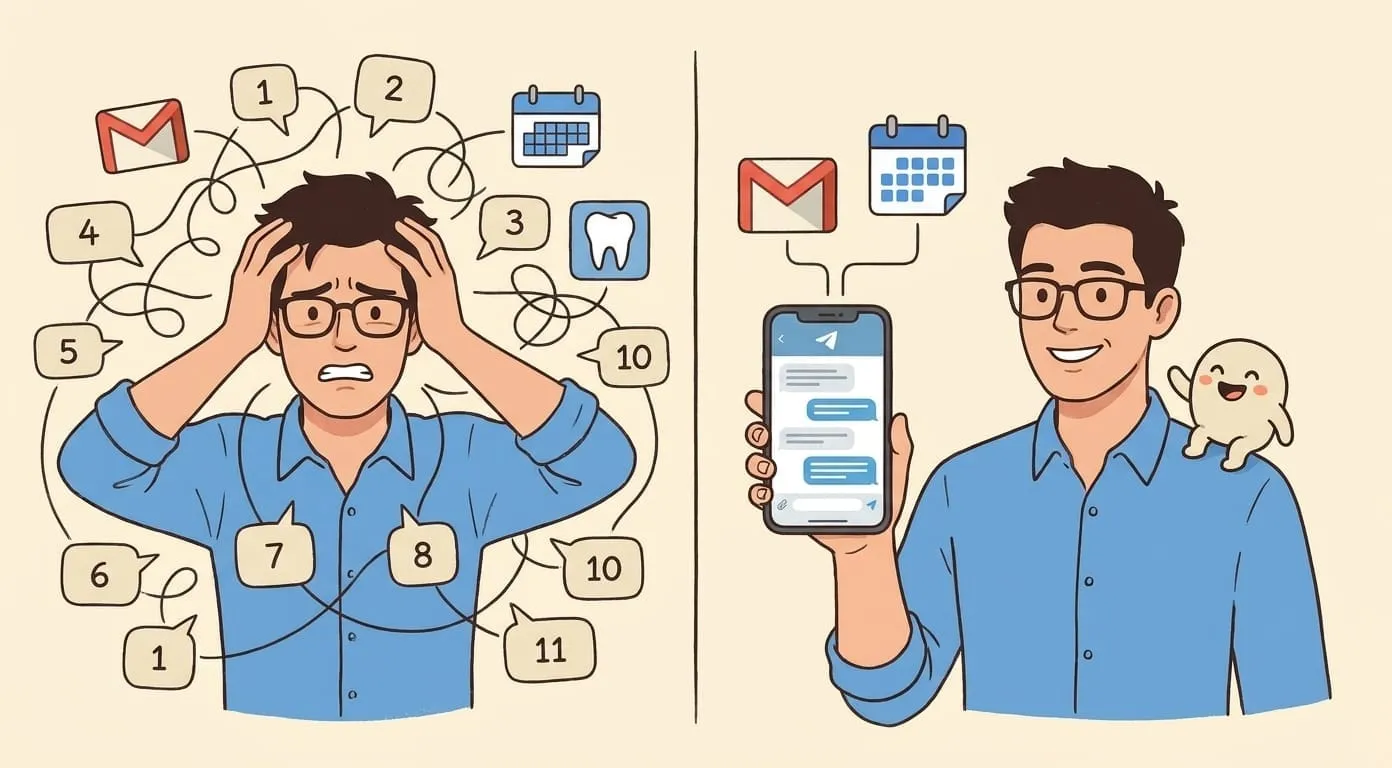
Your AI agent is only useful if people can actually reach it. An agent locked behind a single app is like a phone that only works on one network. You want your customers, your team, or yourself to talk to the agent wherever you already spend time: Telegram, WhatsApp, Discord, Slack. That's what gateways are for.
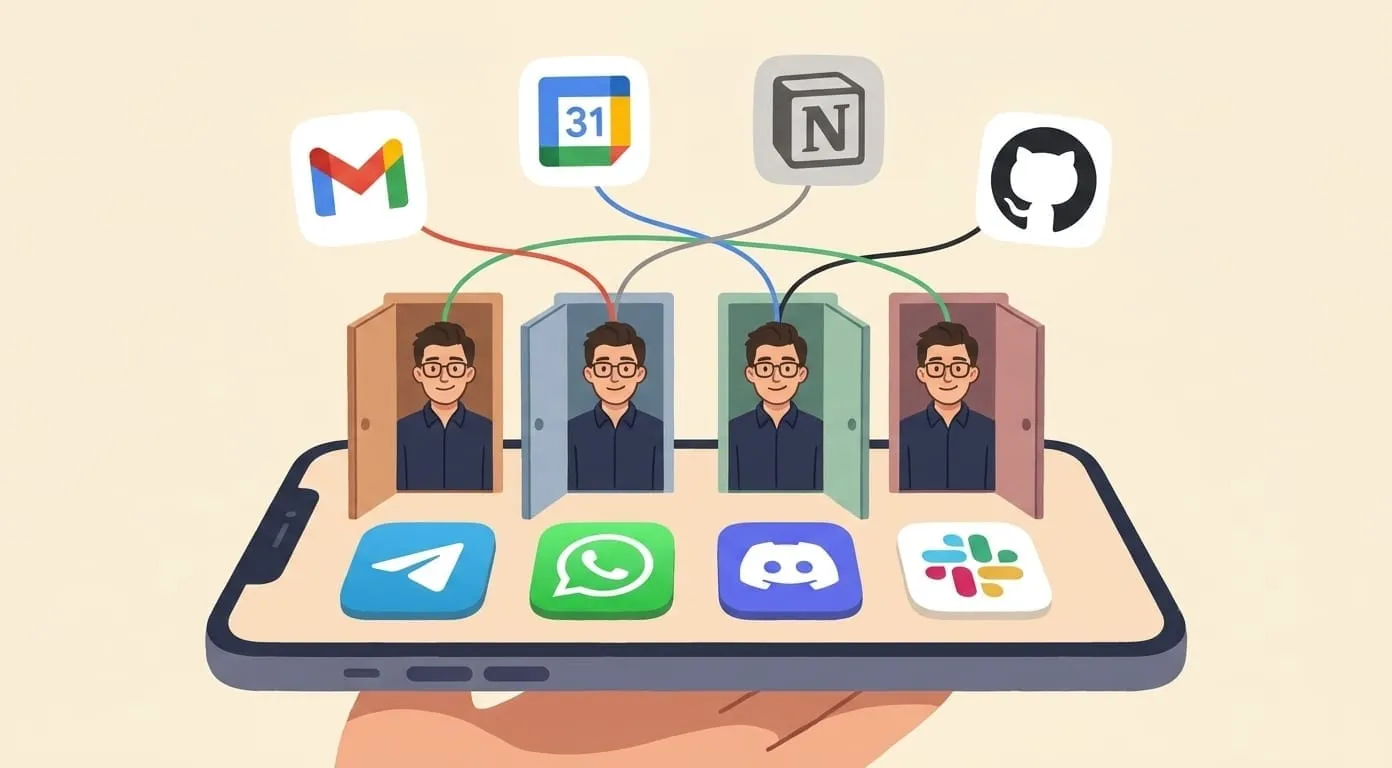
In OpenClaw (the framework Amplify runs on), a gateway is a communication channel between a human and an agent. One agent, many gateways. The agent doesn't care which door you walk through. It remembers everything regardless of the entry point.
This article explains what gateways are, how each supported channel works in practice, and how to wire them up in Amplify.
What a gateway actually is
Think of your agent as a single brain sitting in a room. Gateways are doors into that room. Telegram is one door, WhatsApp is another, Discord is a third. The person walking through any door talks to the same brain, and that brain remembers every prior conversation no matter which door was used last time.
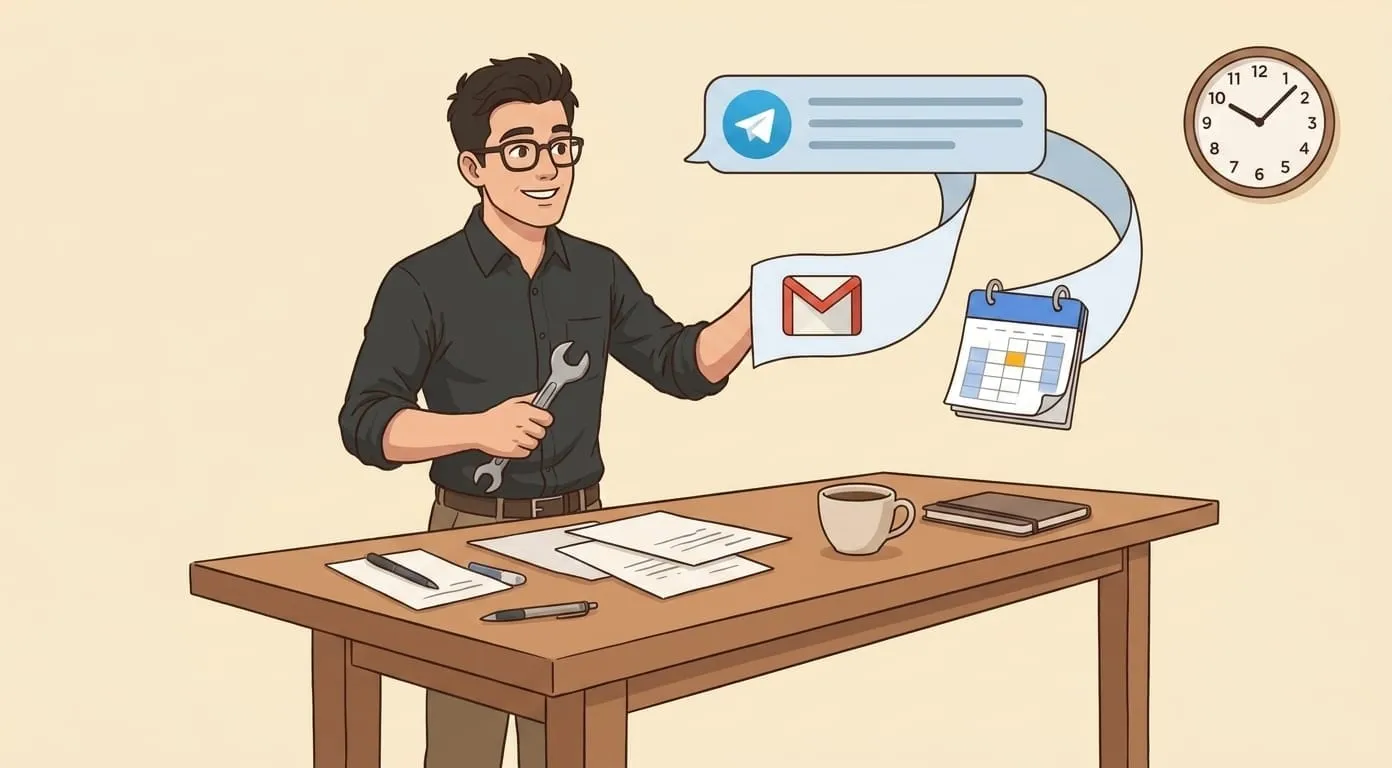
Technically, a gateway handles two things: receiving messages from an external platform and sending replies back. Each gateway implements the authentication and message format that its platform requires, but your agent's logic stays the same across all of them. You don't write separate instructions for the Telegram version versus the Slack version. There's one agent, one set of skills, one memory store.
Amplify uses Mem0 for persistent agent memory. When a user tells the agent something in Telegram on Monday, then asks a follow-up in WhatsApp on Wednesday, the agent has full context. This isn't a gimmick or a demo feature. It's the default behavior. Every client's agent gets an isolated memory space that persists across all connected gateways.
Why multiple channels matter
Here's a real scenario. You run a small e-commerce brand. Your support team lives in Slack. Your customers message you on Telegram and WhatsApp. Your community hangs out on Discord.
Without multi-channel, you'd need separate bots for each platform, each with its own configuration, its own conversation history, its own quirks. Or you'd funnel everyone into a single platform, which never works because people don't want to install another app just to talk to your support bot.
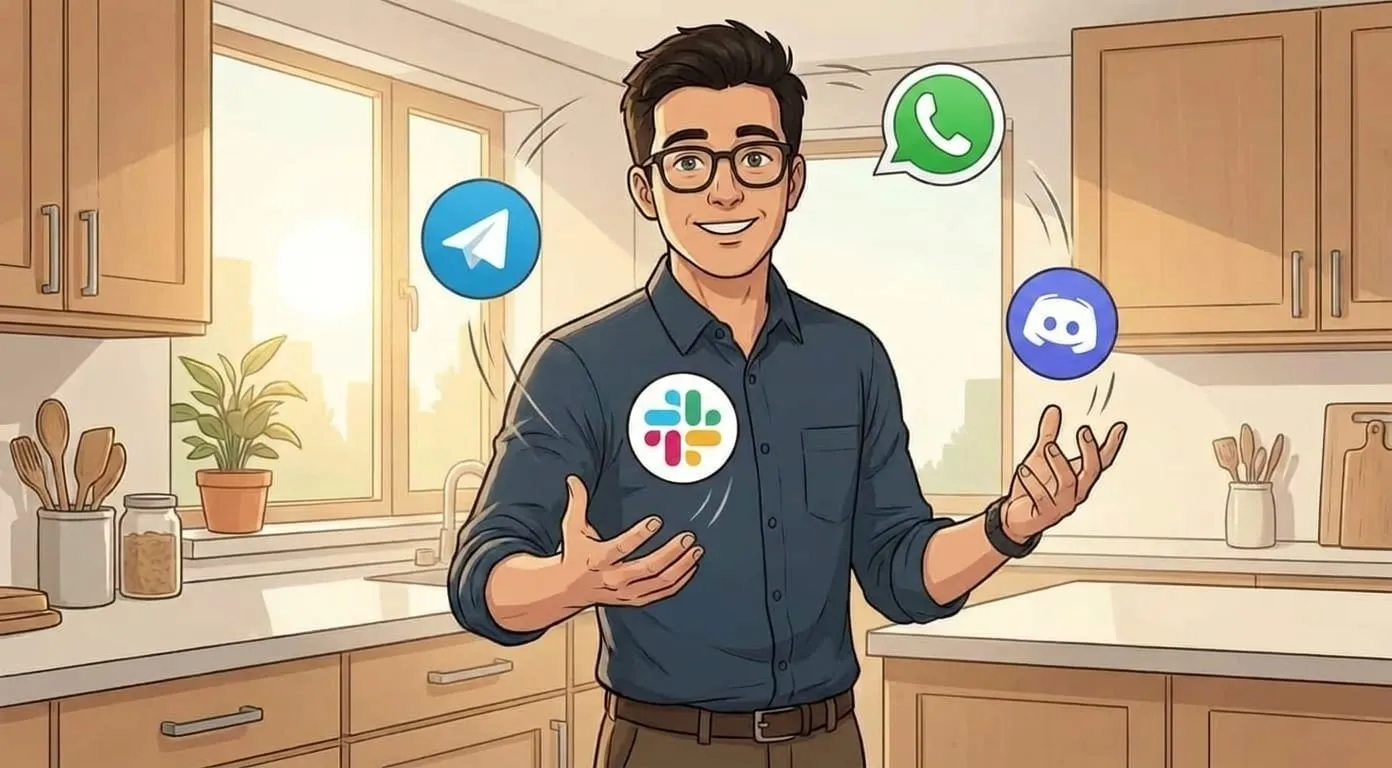
With gateways, you deploy one agent and open as many doors as you need. The agent learns from every interaction. A customer who starts on Telegram and later switches to WhatsApp doesn't have to repeat themselves. An internal team member who tests something in Slack sees the same agent personality and knowledge as the Discord community.
There's a practical cost angle too. Maintaining one agent is cheaper and simpler than maintaining four. You update the agent's instructions once, and the change applies everywhere. You add a new skill (say, order lookup or appointment booking), and it's instantly available on every channel.
The four supported gateways
Amplify currently supports four gateways: Telegram, WhatsApp, Discord, and Slack. Each has different trade-offs, and understanding them helps you pick the right combination for your use case.
Telegram
Telegram is the primary channel in Amplify. When you onboard a new agent, Telegram setup is part of the initial flow. There's a good reason for this: Telegram's Bot API is straightforward, reliable, and well-documented. Bots get their own identity, users can find them by username, and group functionality works cleanly.
Your agent gets a dedicated Telegram bot token. Users interact with it like any other Telegram bot: open a chat, send a message, get a reply. In groups, the bot can be configured to respond to all messages or only when mentioned. For most Amplify clients, Telegram is the always-on default that stays connected permanently.
Setup takes about two minutes. You create a bot through BotFather, copy the token into Amplify, and you're live. If you've ever set up a Telegram bot for anything, the process is identical.
WhatsApp is the tricky one, and we should be upfront about how it works. Amplify connects to WhatsApp through QR pairing, the same mechanism WhatsApp Web uses. You scan a QR code with your phone, and the agent session links to your WhatsApp account.
This is not the WhatsApp Business API. The Business API requires approval from Meta, a verified business account, and often a third-party provider. QR pairing skips all of that. The downside is the same downside WhatsApp Web has: the session depends on your phone staying connected. If your phone loses internet for an extended period, the session can drop and need re-pairing.
For many small businesses, this trade-off is perfectly acceptable. Their customers are on WhatsApp (especially outside North America), and getting an agent responding there in minutes, without a Business API application process, is worth the occasional re-pair.
One thing to note: because you're pairing a real WhatsApp account, the agent responds as that account. There's no separate bot identity like in Telegram. Messages come from your number. For some use cases this is exactly what you want (personal assistant vibes), for others it might not be the right fit.
Discord
Discord works through a bot that joins your server (guild). The bot responds when someone @mentions it in a channel. It also handles DMs, so users can have private conversations with your agent without cluttering a public channel.
The @mention model is a good fit for community servers. The bot doesn't interrupt conversations it wasn't invited into. Someone has a question, they tag the bot, they get an answer. Everyone else can see the exchange, which means the bot's responses double as a public knowledge base of sorts.
Setting up the Discord gateway means creating a Discord application, adding a bot user, and inviting it to your server with the right permissions. Amplify handles the connection logic; you just provide the bot token. The bot uses Discord's standard message events, nothing exotic.
If your audience is on Discord (gaming communities, developer groups, crypto projects, creative collectives), this gateway gets your agent in front of them without asking anyone to leave the platform they already use daily.
Slack
Slack is where teams work. If your agent needs to serve internal users (employees asking HR questions, developers querying documentation, sales reps looking up account info), Slack is the natural home.
Amplify's Slack gateway uses Socket Mode. This matters because Socket Mode doesn't require a publicly accessible URL. Traditional Slack apps need a webhook endpoint that Slack can POST to, which means you need a server with a public IP or a tunnel. Socket Mode flips this: the app opens an outbound WebSocket connection to Slack's servers. No inbound traffic, no firewall rules, no ngrok.
For teams behind corporate firewalls or VPNs, Socket Mode is a big deal. It means the Amplify agent can connect to your Slack workspace without any network configuration on your end.
The setup involves creating a Slack app with Socket Mode enabled, generating an app-level token, and connecting it through Amplify. The bot then appears in your workspace and responds in channels it's invited to or in direct messages.
How shared memory works across gateways
This deserves its own section because it's the feature that makes multi-channel actually useful instead of just a checkbox on a features page.
Each Amplify client gets an isolated agent. That agent has a single memory store powered by Mem0. When someone interacts with the agent through any gateway, the conversation feeds into the same memory. When the agent needs to recall something, it pulls from that single store regardless of which gateway the current conversation is happening on.
Here's what that looks like in practice. Imagine you're running an AI assistant for a small consulting firm:
On Monday morning, the founder messages the agent in Telegram: "We just signed a deal with Acme Corp, $50k, starts July 1."
On Tuesday, a team member asks in Slack: "Do we have any new clients?"
The agent knows about Acme Corp. It doesn't matter that the information came through Telegram and the question came through Slack. Same brain, different doors.
This also means user preferences carry over. If someone tells the agent "I prefer metric units" in WhatsApp, that preference applies when they later interact through Discord. The agent isn't four separate bots pretending to be one. It's genuinely one agent with one memory.
The isolation part matters too. Your agent's memory is completely separate from every other Amplify client's agent. There's no cross-contamination, no shared context between different customers' agents. Each agent lives in its own space.
Setting it up in Amplify
The setup process varies by gateway, but the general pattern is the same: create credentials on the platform side, paste them into Amplify, activate the gateway.
For Telegram (usually done during onboarding):
For WhatsApp:
For Discord:
For Slack:
You can find detailed walkthroughs for each gateway on our integrations page. If you get stuck, the most common issue is permissions: make sure the bot has the scopes it needs on each platform.
Choosing the right combination
You don't have to enable all four gateways. Most clients start with Telegram (it's the default) and add one or two more based on where their audience actually is.
If your users are consumers in regions where WhatsApp dominates (Latin America, Europe, Southeast Asia), add WhatsApp. If you're serving a developer or gaming community, add Discord. If the agent is for internal team use, add Slack. If you're not sure, start with Telegram alone and expand later. Adding a new gateway doesn't disrupt existing ones.
The platform fee is $9.99/mo regardless of how many gateways you connect. You also maintain a wallet deposit (starting from $3, never expires) that covers actual AI usage. Connecting more gateways doesn't increase the platform fee. It just gives your agent more doors.
You can review the full pricing and feature set at getamplify.team.
What's next for gateways
We're always evaluating new channels based on what clients ask for. The gateway architecture in OpenClaw is modular, so adding a new platform is a matter of implementing the message handling for that platform's API, not rebuilding the agent. The core agent logic, memory, skills, and instructions all stay untouched.
If you have a channel you'd like to see supported, let us know. The ones that get the most requests move up the list.
For now, four gateways cover the vast majority of real-world use cases. Most businesses live across two or three messaging platforms, and with Amplify, a single agent can be present on all of them with shared memory and consistent behavior. That's the point of gateways: your agent meets people where they are, not where you wish they were.