How I Stopped Switching Between Five Apps for One Simple Task
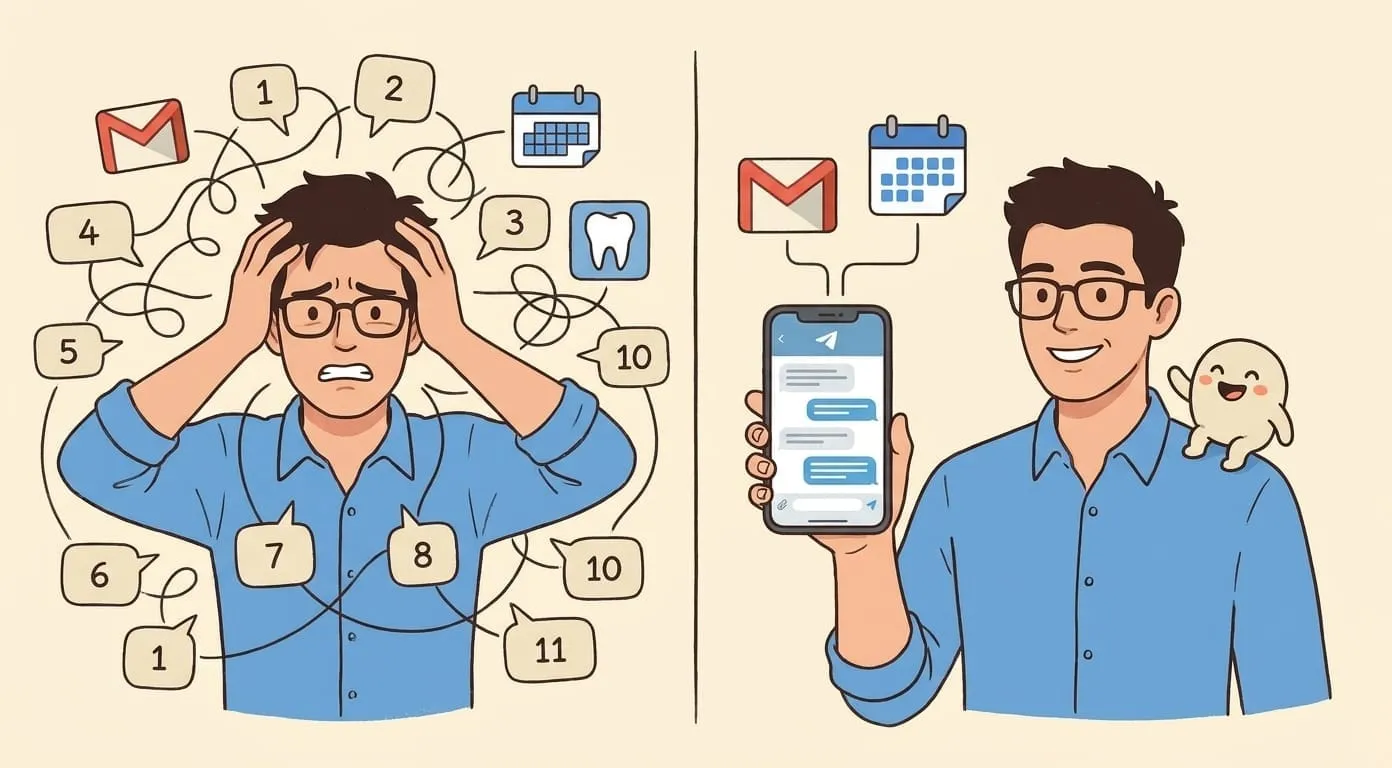
Rescheduling my dentist used to be eleven taps across four apps. Now it's four messages in one chat. Here's what actually changed.
Last Tuesday I needed to reschedule my dentist. Here's what that took, honestly:
Eleven touches. Two apps this time, but four days of context-switching. For one reschedule.
What it looks like now
Same reschedule, different setup. I message Nova on Telegram:
me: move my dentist appointment, thursday doesn't work
Nova: Found it, 3pm Thursday with Dr. Patel. You're free next Tue 2pm, Wed 10am, or Fri 3pm. Want me to email the office with those three?
me: yes
Nova: Sent. Also, the office replied with Wed 10am. Moved your calendar event, deleted the old Thursday slot. Confirmation in your inbox.
Four messages. One chat. I never opened Gmail. I never opened Calendar. Nova used both for me.
What actually changed
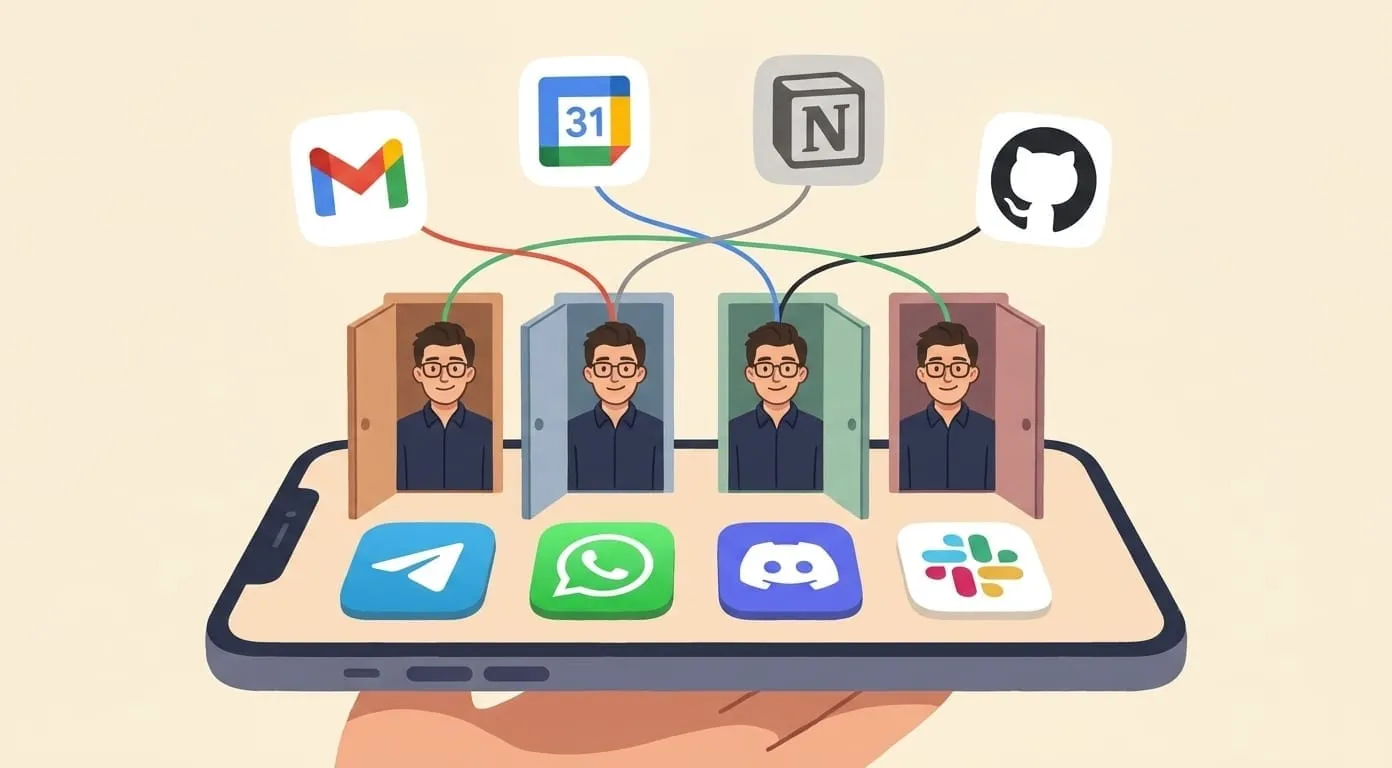
I didn't get a fancier app. I got one that could reach into the two I already have.
Each of those is boring by itself. Together they turn eleven touches into four messages.
The five-apps trap
The reason rescheduling a dentist takes eleven touches isn't that any single app is bad. It's that the task doesn't fit inside any one app. It spans two apps plus a wait-and-remember loop. The coordination is the work. And you're the one doing the coordinating, because there's nothing else that spans them.
This is true of most small annoying tasks:
Each of these is a five-minute paper cut. Ten of them a day is an hour of just switching.
What breaks
Not everything works cleanly. A few honest failure modes from the last month:
Why I stayed
The first week I kept opening Calendar to double-check what Nova said. By week three I stopped. The trust builds because the assistant does the same boring things the same way every time, and when it's not sure, it asks.
The daily count that matters: how many app switches per day did I do this week? For me it dropped from around 60 to around 20. The 20 that remain are things I actually want to do in the app itself. The 40 that went away were pure coordination.
Where to start
If you want to try this shape without buying into anything specific:
If it saves you 30 switches a week, keep going. If it doesn't, the shape isn't for you. But I'd bet on saves.