AI Assistant for Email and Calendar: One Chat, No Switching Tools
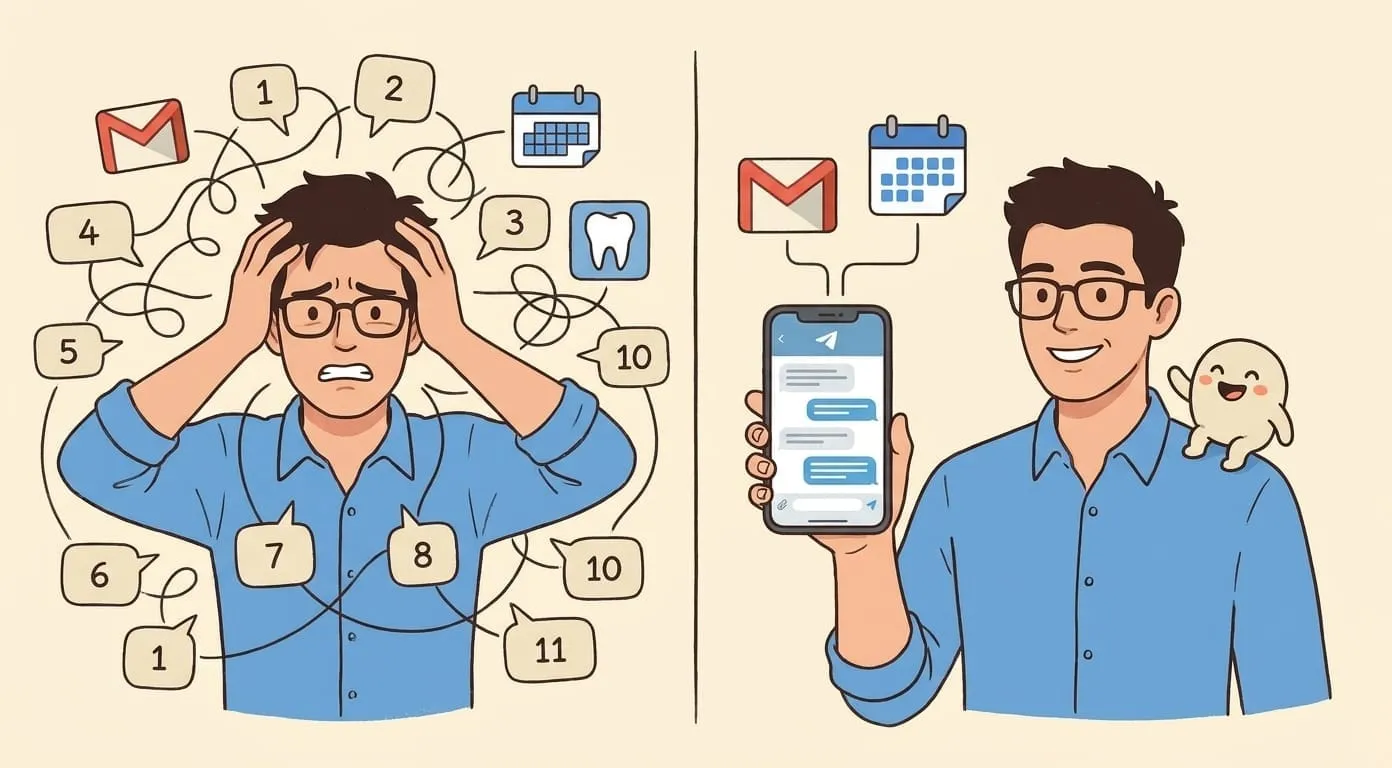
You get an email that needs a reply and a meeting. That's four tabs and ten minutes today. Here's what changes when one assistant handles both from a single chat.
You get an email at 9:47am. It needs a reply and it needs a meeting. Right now, that's four tabs and about ten minutes. Here's what changes when your assistant handles both from a single chat.
What the flow looks like today
Say Anna emails you Tuesday morning about the pricing deck. She wants to hop on a call this week. To answer this, most people do the following, roughly in this order:
Seven steps, three tabs. You're not doing work. You're doing coordination.
What the flow looks like with an assistant that has both
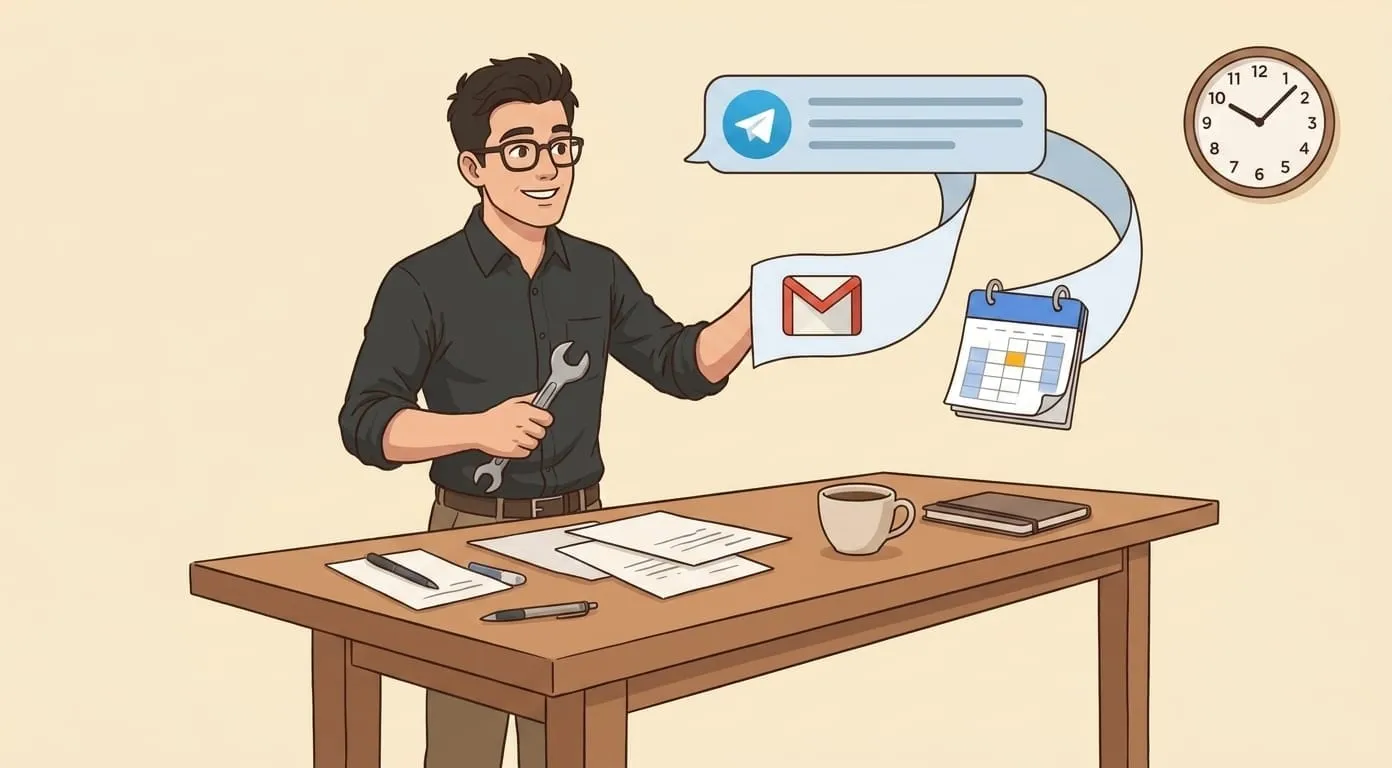
Same email, but you never open Gmail. Your assistant reads inbound mail through the Gmail integration, and it also has your calendar. When the message arrives, it messages you on Telegram:
Nova: Anna asked for a call this week to review the pricing deck. You're free Wed 2-3pm and Thu 10-11am. Want me to offer those two and add a hold?
You reply "Wed 2pm, add hold." Nova drops a Zoom link into your calendar, blocks the slot, and sends the reply. You're done in one turn. Total time: 20 seconds.
You never opened a tab. The context stayed in one chat.
Why "no switching" matters more than it sounds
The context-switch tax is real. Whether you buy the specific 23-minute recovery number from UC Irvine or not, the everyday feel is obvious: opening a second app to answer the first one breaks the thought.
What matters isn't that the assistant can technically send email OR check calendar. Most tools can. What matters is that the same assistant sees your inbox AND your calendar in the same conversation, and can act on both without you leaving the chat.
What the setup actually looks like
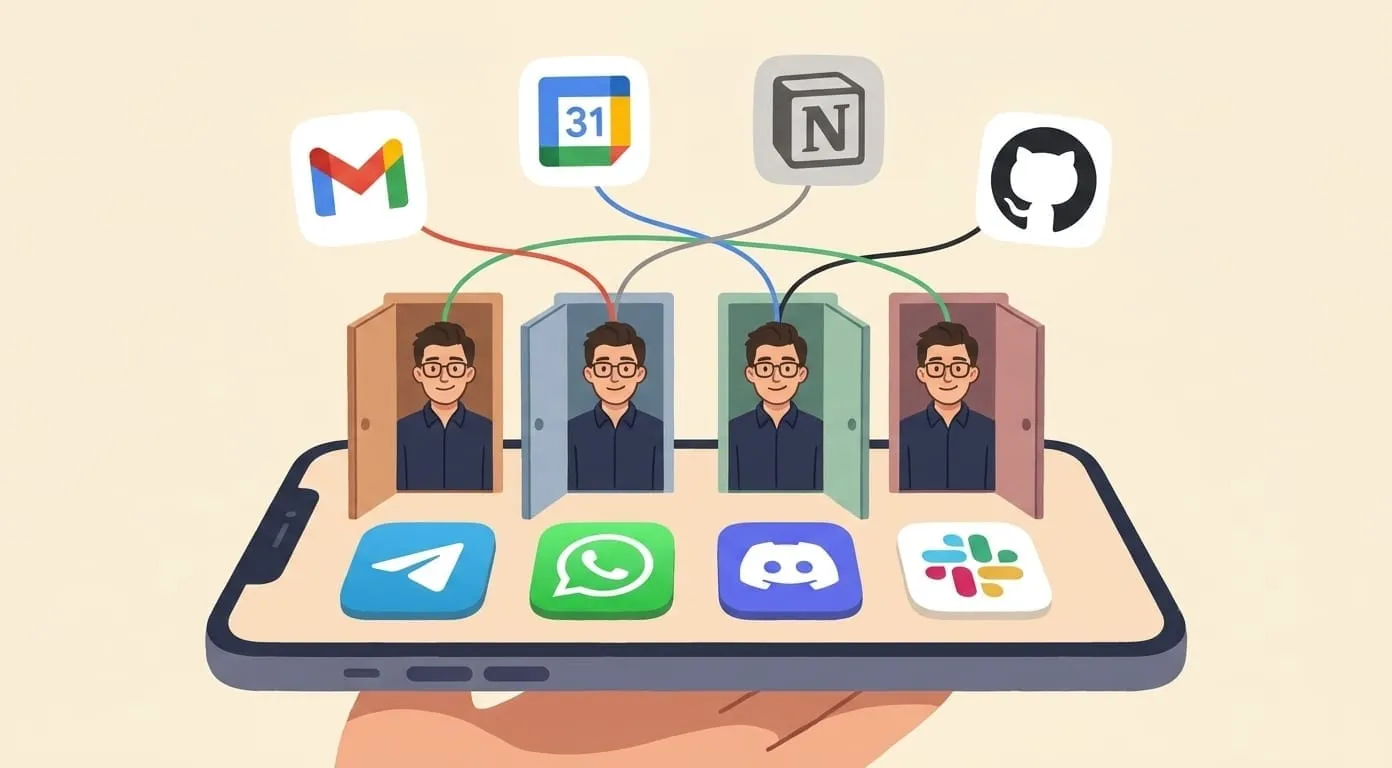
You need two integrations connected to the same agent:
That's it. No separate scheduling tool, no third-party inbox app. If you already have Google, the setup is under three minutes.
The three flows that get most of the mileage
Meeting from email. Someone asks for time. Your assistant checks calendar, proposes 2-3 slots, drafts the reply, blocks the calendar if you confirm.
Reply after check. Email needs an answer that depends on a scheduled event. "I'm out Thursday, let's do Friday." Your assistant checks the calendar entry, drafts accordingly.
Follow-up loop. You said you'd get back to someone by Friday. Friday morning, your assistant sees no reply went out, asks if you want it to draft one, sends after your OK.
Each of these is one turn in one chat. No app-switching.
What your assistant does not do
It doesn't work in your inbox as an inbox. If you want a rewritten Gmail UI, this isn't that. This is a chat that talks to your inbox on your behalf. Different shape, same underlying goal: fewer app switches, less coordination, faster turnaround.
Where it fits
Best for people who live in messengers most of the day: founders, operators, small-team leads, freelancers who juggle a lot of inbound. Less useful if you're in Gmail as your primary interface all day anyway, or if your role is inbox-triage-heavy.
If you want to try it, Amplify runs on OpenClaw with the Google Workspace + Telegram (or WhatsApp/Discord/Slack) integrations. Setup is one OAuth flow, one messenger connect, and you're in the chat with your assistant seeing both surfaces.