If you searched for how to set up an AI agent in 2026, you probably want three things answered: what counts as an "agent" this year, which setup path matches your situation, and what actually happens step by step in each one. Not the marketing version. The version where you can see the commands, the costs, and how long it'll take before you have something replying in your Telegram.
This guide walks all three tracks end to end. Read the framing, skim the tracks, pick one.
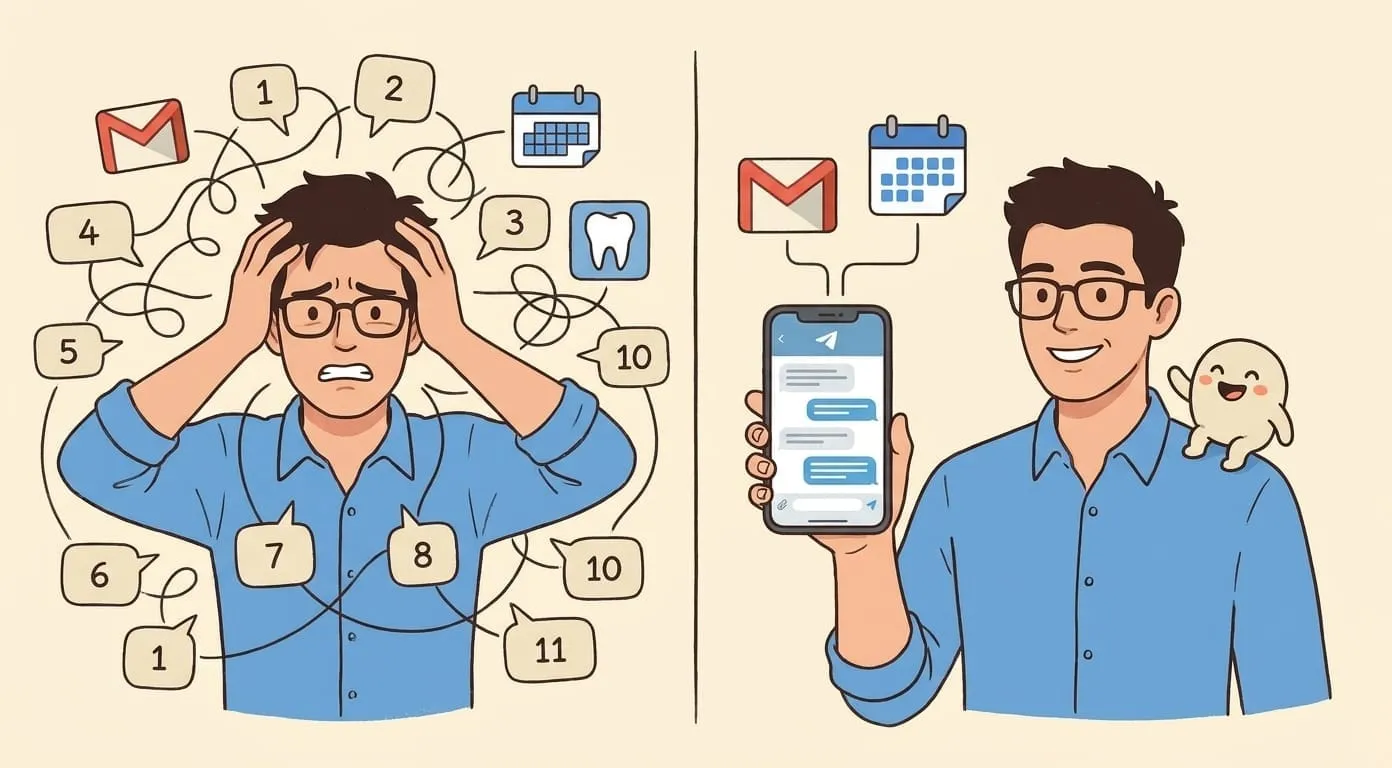
First, the frame that matters most: an agent is not an assistant. An assistant suggests things and waits for you to execute. An agent takes actions on real accounts (email, calendar, messengers, files) inside boundaries you set once, then keeps going without asking permission at every step. If you want the "suggest, I'll click" version, you want a personal AI assistant, not an agent. There's a separate guide for that. If you want the "just do it and tell me later" version, you're in the right place.
Here's the shape of what we'll cover:
•Track 1: DIY open-source. Self-hosted on a VPS you rent, runtime you install, configs you edit. Full control over the model, the memory, the tool access. You're on the hook when something breaks.
•Track 2: Framework build. You write orchestration in Python using LangChain, CrewAI, or AutoGPT. Still self-hosted, but instead of configuring a runtime you're writing agent-loop code.
•Track 3: Hosted. A managed platform runs the agent for you. You configure via wizards, pay a subscription, and don't touch infrastructure. Ready in minutes.
Each track has real people who love it and real people who quit halfway through. The differences come down to how much devops you enjoy and how quickly you need something working. We'll price each one honestly.
What "AI agent" means in 2026
The word "agent" got stretched thin over the last two years. Every chatbot startup started calling itself agentic. So let's pin the definition to something you can point at.
Agent vs assistant vs chatbot
A chatbot answers questions in a chat window. You type "what's the weather", it replies. It doesn't touch anything else. Pure input/output.
An assistant goes further: it can look things up and draft things. You ask "write me an email to Sam about the delay", it drafts. You copy, paste, edit, send. The human stays in the loop for every side effect.
An agent takes the side effect itself. You say "email Sam that I'll be an hour late for Thursday's call and reschedule to Friday if his calendar is open", and it drafts, sends, checks his availability, moves the event. It reports what it did. You verify occasionally. The default is action, not suggestion.
What an agent actually does day to day
Concrete examples, not vague possibilities:
•Reads incoming Telegram DMs, drafts replies in your voice, sends them for people it recognizes and drafts for approval for people it doesn't.
•Watches your Gmail, batches the noise into a morning digest, and flags anything urgent (a client apologizing for missing your invoice, a delivery time change).
•Takes a voice message "cancel my 3pm and move the 4pm to tomorrow same time" and executes both calendar changes.
•Runs "research the top 5 open-source vector databases released in 2026 and write me a two-paragraph comparison" and comes back with a real comparison, not a stock summary.
•Ships a scheduled digest at 7am every day: what's on the calendar, what's overdue in your task list, what the news says about companies you're watching.
What an agent doesn't do
Be honest about the limits so you don't build the wrong thing:
•It won't make legally binding decisions for you (contract signatures, financial trades above a limit you set).
•It won't fix things in the physical world (call the plumber and let them into your house).
•It won't be right 100% of the time. Plan on reviewing its high-stakes actions.
•It won't work reliably if you skip memory. An amnesiac agent isn't an agent, it's a chatbot with tools.
Track 1: DIY open-source
The self-hosted, framework-driven path. You control everything, you pay for nothing except infrastructure, and you patch things when they break.
What you get
•Full control over which model powers replies. Pick Claude Sonnet 4.6, GPT-6, Mistral Large, or a locally-run 70B if you want.
•Full ownership of memory. Nothing leaves your VPS unless you explicitly configure a hosted memory backend.
•Zero vendor lock-in. If a runtime you picked shuts down, you fork it or migrate.
•No subscription fees. You pay providers directly at cost.
What you need
•Comfort with SSH, Docker, and editing JSON or YAML by hand.
•Willingness to read logs and patch things at 2am when the agent stops responding after a Baileys update breaks the WhatsApp channel.
•4-8 hours if you know Docker. 1-2 days if you're learning as you go.
Real steps (condensed)
1.Rent a VPS. Realistic options in 2026: DigitalOcean droplet at $12/month, Hetzner CX22 at €4.51/month, Contabo VPS S at $5.50/month. 4GB RAM is the minimum, 8GB gives you breathing room.
2.Install Docker, Node 20+, git, and jq. Ubuntu 24.04 LTS is the sensible default.
3.Pick an open-source agent runtime. OpenClaw is one option and the one used as the walking example in the sibling tutorial. LangChain-based stacks and CrewAI-based stacks also work here, though they blur into Track 2 fast.
4.Configure the LLM key. OpenRouter is pragmatic because one key covers Anthropic, OpenAI, xAI, Mistral, and DeepSeek. Top up $10 to start.
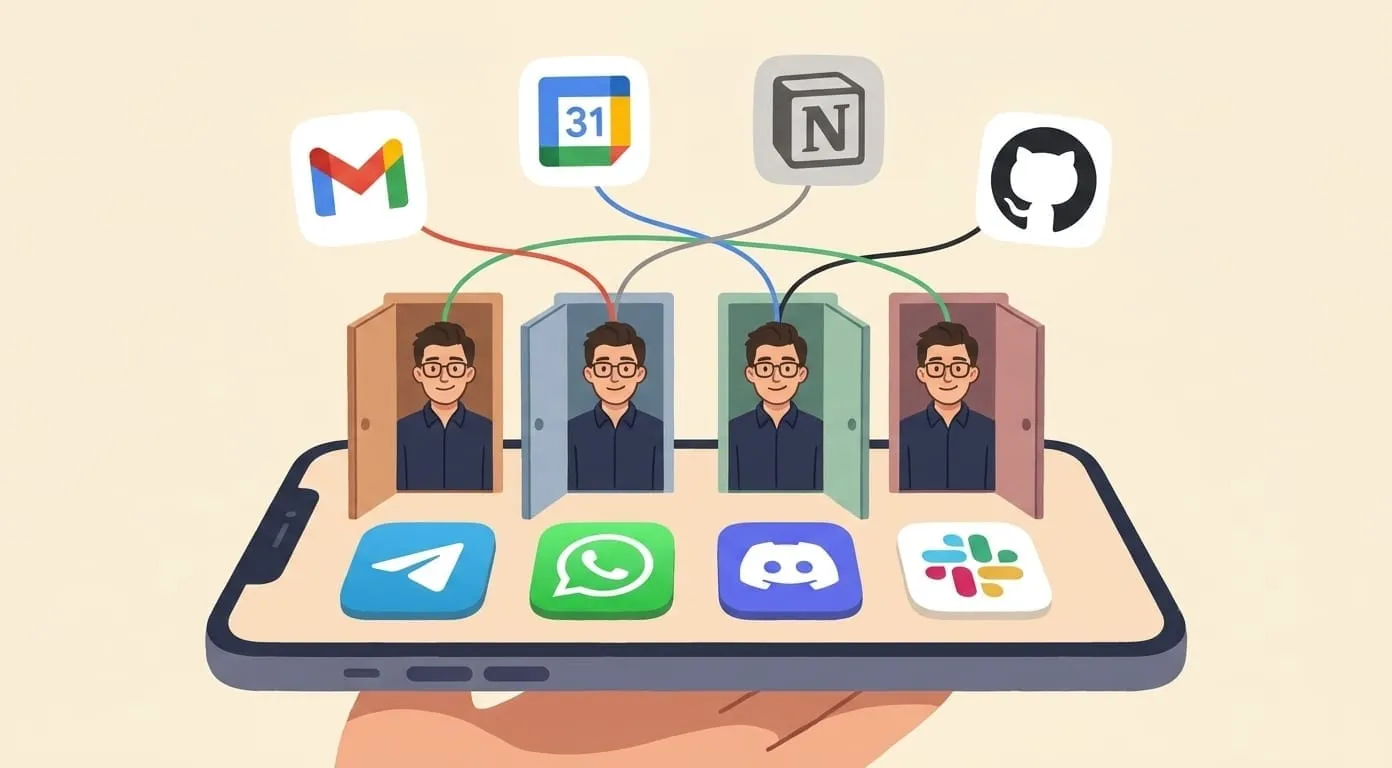
5.Wire up channels. Telegram is the easiest first channel: message @BotFather, get a token, paste it into the runtime config. Discord needs the developer portal. Slack needs a workspace app. WhatsApp needs a QR pair.
6.Add tools: memory (Mem0 has a free personal tier), web search (Tavily has 1000 free credits per month), Google Workspace (OAuth flow you'll walk through once).
7.Test in a private chat with your own agent.
For the full command-by-command version, see the OpenClaw tutorial. This section is the shape, not the steps.
Real monthly cost
•LLM usage: $5-40 for light personal use
•Hosted memory (optional): $10-20
•Hosted web search (optional): $30
Realistic total: $25-80 per month for a personal agent that runs 24/7.
When Track 1 fits
•You're a developer, or you enjoy being close to the metal.
•You have compliance requirements that block sending conversation data to a third-party host.
•You want to fork the runtime and add capabilities that don't exist yet.
When to skip
•If the word "SSH" made you flinch, this track is going to be a source of stress. Jump to Track 3.
•If you want something replying in your Telegram this afternoon, this track isn't it either.
Track 2: Framework build
You write orchestration code in Python. LangChain is the popular default. CrewAI is the popular alternative if you want multi-agent workflows. AutoGPT is still around and still opinionated.
What you get
•Freedom to define custom agent behavior. Multi-agent teams, tool chains, guardrails that don't fit a runtime's plugin model.
•The full Python ecosystem underneath you.
•A community that ships new patterns weekly (this is a double-edged benefit, see below).
What you need
•Python fluency. All three frameworks assume you can read and write it comfortably.
•An LLM key (same providers as Track 1).
•Patience for framework churn. LangChain in particular ships major breaking releases every three to six months. Code you wrote last quarter probably needs updates.
Real steps (condensed)
1.pip install langchain (or crewai, or autogpt).
2.Write a Python file that defines your LLM, your tools, your memory backend, and the agent loop that ties them together.
3.Add a channel integration. Usually this means a webhook plus a small Flask or FastAPI server, deployed alongside the agent code.
4.Deploy to a VPS or a serverless platform like Modal or Fly.io.
5.Wire up observability. LangSmith is the natural choice for LangChain. For the others, custom logging plus a hosted log aggregator works.
Real monthly cost
•Hosting: $10-30 (VPS or serverless credits)
•Observability: $20+ optional
Realistic total: $40-100 per month, similar ballpark to Track 1 but with more expected time investment.
When Track 2 fits
•You're building a product feature that has agent behavior at its core.
•You're a researcher experimenting with multi-agent orchestration.
•You have a specific tool chain in mind that no runtime supports yet.
When to skip
•You want a personal AI that just works in your messenger. The framework route adds developer overhead without a proportional reward for that goal. Track 3.
Track 3: Hosted
You sign up for a managed platform. It runs the agent, connects the channels, handles the model routing, and consolidates billing. You configure through wizards.
What you get
•Agent running in five to fifteen minutes.
•Channels connect through guided flows (paste a token, sign in with Google, scan a QR).
•Model, memory, observability, and billing all abstracted behind one subscription.
•Someone else patching the runtime when Baileys breaks.
What you give up
•Some knob-turning. If you wanted to swap in a specific fine-tuned model, most hosted platforms don't expose that.
•Some data-locality control. Your conversation data lives on the provider's infrastructure. Check their terms if this matters for your use case.
Real steps (Amplify as the concrete example)
2.Pick a name for your agent.
3.Connect Telegram: paste the bot token from @BotFather. Or connect Discord, Slack, WhatsApp through the wizard.
4.Connect Google Workspace with one-click OAuth (Gmail, Calendar, Drive, Contacts, Sheets, Docs).
5.Connect Notion by pasting a token if you use it.
6.Start chatting in your messenger. First reply lands in under 60 seconds.
Real monthly cost
Amplify's pricing at time of writing: $9.99 subscription plus a wallet for provider usage. Wallet minimum deposit is $3, no expiry. Provider costs (LLM, media generation, web search) get debited from the wallet at cost plus a 7.5% service fee.
Typical light user: $15-25 per month. Heavy user with lots of image or video generation: $50-100 per month.
When Track 3 fits
•You want an agent working today.
•You're not technical, or you are but you're out of energy for another self-hosted service.
•You're a solo operator or one-person business and your time is better spent on the business than on runtime patches.
Other hosted options
Lindy is aimed at teams and workflow automation. Cognosys leans research. Rabbit hasn't come back around after its 2025 pivot. Each has its own pricing and its own opinion about what the agent should do. Amplify's shape is: personal AI in your existing messenger, wallet billing, no per-seat pricing. Pick whichever matches your shape.
Which track should you pick
A 30-second decision tree, in prose:
•Do you want to write code, or edit config files? If code, look at Track 2. If configs, Track 1.
•Do you need the agent replying today? Track 3.
•Do you have compliance rules that block third-party hosting? Track 1.
•Do you want multi-agent orchestration or custom tool chains? Track 2.
•None of the above, you just want it working on Telegram? Track 3.
Most personal-use readers land on Track 3. Most builders land on Track 1 or Track 2. Both are legitimate answers, both have people happily running agents on them right now.
Common setup mistakes across all three tracks
These are the ones that will bite you regardless of which path you pick.
•Skipping memory. An agent without memory is a chatbot with tools. Configure Mem0 or an equivalent from day one, not later.
•Wiring up too many tools at once. If your agent has 30 tools available, it'll pick wrong ones. Start with three or four, add more as you notice gaps.
•No observability. When something goes wrong in production, you need logs. Langfuse (self-hosted or hosted) is the common choice. Set it up before you need it, not after.
•Ignoring rate limits. LLM providers throttle. When your agent goes silent for a minute, half the time it's a 429, not a bug.
•Missing owner-only gating. If you connect your agent to a group chat without an allowlist, it'll respond to everyone. Set the owner check up front on Telegram, Discord, Slack, and WhatsApp.
What comes after "it works"
The good news: once the base is running, adding capabilities is fast. A rough progression:
•Add a second channel. If you started on Telegram, wire up Discord too. Ten minutes.
•Add domain skills. Calendar management, email triage, research digests, project standups. Each is a plugin or a Python function depending on your track.
•Move from Q&A to actions. Instead of "what should I write?", train yourself to say "draft it and send". Verify what shipped. Adjust the guardrails.
•Track cost per week. Agents that run 24/7 with unbounded tool access get expensive fast. Set a wallet cap or a monthly budget alert.
TL;DR
Three tracks. DIY open-source gives you full control and takes real time. Framework build gives you code-level customization and adds ongoing maintenance. Hosted gives you a working agent this afternoon and gives up some knobs. The pricing lands in roughly the same ballpark for personal use across all three (~$25-100 per month), so the choice is really about how much of your time you want to spend on infrastructure versus on the actual work the agent does for you. Pick the track that matches your appetite for devops, start small, and let the agent earn its subscription.