32 Things Your AI Can Do (That You Probably Don't Know About)
Every Amplify skill explained: from image generation to GitHub integration
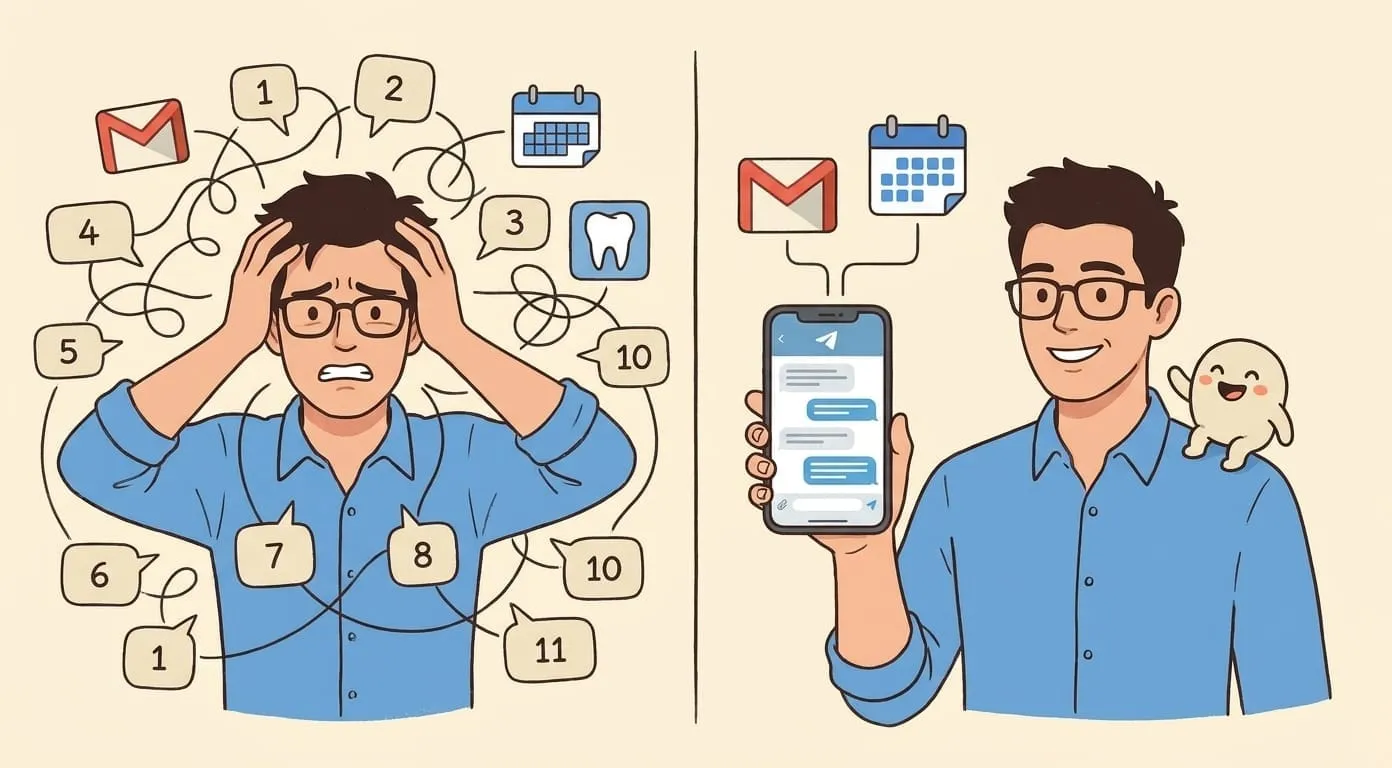
Most people who set up an AI assistant use it for one or two things. They ask it questions. Maybe they have it draft emails. Then they stop exploring and settle into a routine, never realizing the thing they're paying for can also generate videos, transcribe meetings, build slide decks, read PDFs with OCR, manage their Google Calendar, and run scheduled jobs at 3 AM while they sleep.
Amplify, built on the open-source OpenClaw framework, ships with 32 skills out of the box, available to every user. No tier gating, no "upgrade to unlock" walls. You get the full set from day one.
Here's every single one.
1. Morning Briefing
Your agent pulls together your calendar, unread emails, weather, and outstanding tasks into a single summary. It delivers this every morning to whichever messenger you use. You wake up, check your phone, and get a paragraph that tells you what your day looks like before you've opened a single app. One read, and you know what's coming.
2. Scheduled Tasks (Cron)
This is the engine behind most automations. You tell the agent to do something on a recurring schedule: daily reports, weekly data pulls, periodic reminders, whatever you need. It runs in the background without you triggering anything. "Every Friday at 4pm, summarize my open tickets" is a valid instruction. The agent handles the timing.
3. Weather
Simple but useful. Your agent checks forecasts and current conditions for any location. This feeds into the Morning Briefing automatically, but you can also ask on demand. "What's the weather in Berlin this weekend?" works in any conversation.
4. Gog (Google Workspace)
This one skill connects to six Google services: Gmail, Calendar, Drive, Contacts, Sheets, and Docs. Your agent can read and send emails, check your schedule, find files in Drive, pull data from spreadsheets, update documents. All through your actual Google account via OAuth. Recipients see emails from you, not from a bot. Calendar events appear under your name.
5. Tavily Web Search
Real-time web search. Your agent can look things up on the internet, find current prices, check recent news, research competitors, look up documentation. The results come back summarized and relevant, not as a list of ten blue links. This is what powers the competitive intelligence and research use cases.
6. Agent Browser
Where web search finds specific answers, Agent Browser goes deeper. Your agent can visit web pages, read their content, follow links, and synthesize information across multiple sources. Need a thorough analysis of a topic that requires reading five different articles? This handles it.
7. Meeting Autopilot
Handles the whole meeting lifecycle. Scheduling, finding open slots, sending invites, rescheduling. It checks your Google Calendar for conflicts, proposes times, and creates events. After meetings, it can generate summaries and action items. Pairs naturally with Gog for the calendar access.
8. Cloud Transcription (Whisper API)
Upload an audio file and get text back. Meeting recordings, phone calls, voice memos, podcast episodes. It uses OpenAI's Whisper model, which handles accents, background noise, and multiple languages well. Also processes voice notes you send in chat, so you can give your agent instructions by talking instead of typing.
9. Local Transcription
An alternative to cloud transcription for situations where you don't want audio leaving your environment. Processes audio locally instead of sending it to an external API. If you're handling sensitive recordings or working under data residency requirements, this is the option to use.
10. Transcribee
A third transcription path with its own processing approach. Different transcription engines excel with different audio types (phone calls vs. conference rooms vs. podcasts). Having three options means you can pick the one that works best for your specific recordings.
11. Nano Banana (Image Generation)
The default image generator. When you ask your agent to create an image without specifying a model, Nano Banana is what runs. It's synchronous, meaning you send a prompt and get the image back in the same conversation flow. Good for everyday requests: social media graphics, blog illustrations, concept visuals.
12. GPT Image
Runs on OpenAI's infrastructure. It handles complex scene compositions and follows detailed spatial instructions closely. If you need an image with specific relationships between objects or a particular artistic style, GPT Image tends to interpret those nuances well. Also synchronous.
13. Flux Image
What makes Flux stand out is Kontext edit mode. You generate an image, then modify specific parts of it with text instructions. "Change the sky to sunset" or "remove the person on the left." Instead of regenerating from scratch, you iterate on what you have. Saves time and credits when you're 90% happy with a result.
14. Seedream Image
Another generation model in the stack. Different models produce different aesthetics from the same prompt. Seedream may nail a subject that other models struggle with, and vice versa. Having it available means you can experiment until you find the right fit for what you're creating.
15. Kling Video
AI video generation from text or image prompts. Describe a scene and get a short video clip back. The same technology behind those AI-generated clips you see on social media. Runs through your agent in the same chat where you do everything else. No separate accounts or subscriptions.
16. Seedance Video
A second video generation model. Like with image models, different video engines produce different results. Motion quality, style, and how well they follow your prompt all vary. Having two options lets you compare and pick the better output for each project.
17. Veo Video
A third video generation option. More choices mean more flexibility. Some prompts work better on one model than another, and you won't know until you try. All three video models are available through the same chat interface with the same billing.
18. Voice Generation (ElevenLabs)
Text-to-speech, sound effects, voice cloning, and voice design. Four capabilities in one skill. Need a voiceover for a video? Done. Want to clone your own voice so the agent can produce audio content that sounds like you? That works. Sound effects for a podcast? Covered. All powered by ElevenLabs.
19. AI Text Humanizer
Rewrites AI-generated content so it reads like a person wrote it. Strips out the telltale patterns: "in today's fast-paced digital landscape," "it's important to note that," and every other phrase that screams machine output. If you use AI for drafting blog posts, marketing copy, or client communications, run the output through this before publishing.
20. PPTX Generator
Builds PowerPoint presentations from scratch based on your description. Not a template fill-in. It generates layouts, content, and structure based on what you tell it. "Create a 10-slide pitch deck about our Q2 results" produces a real deck you can open in PowerPoint or Google Slides and present.
21. Nano PDF
PDF processing with OCR built in. It reads text-based PDFs, but it also handles scanned documents, photographed pages, and image-heavy files where the text is embedded in the visuals. For anyone who deals with contracts, invoices, or legacy documents that exist only as scans, this removes a real bottleneck.
22. Summarize
Hand it a document, get a summary. Articles, reports, email threads, research papers. The output focuses on key points rather than just shortening the text. Useful when someone sends you a 4,000-word report and you need the essentials in two minutes.
23. HeyPocket Reader
A content extraction tool. Feed it an article, a web page, or a document, and it pulls out the important parts in a structured way. Where Summarize gives you a condensed overview, HeyPocket Reader breaks content into sections and highlights what matters.
24. Second Opinion
Gives you an alternative analysis of whatever you're working on. Wrote a business plan? Get a contrarian view. Drafted a strategy doc? Ask for pushback on your assumptions. It's designed to challenge your thinking, which is the thing most people don't get from their AI because they never think to ask.
25. Real Estate Photo Enhancer
Purpose-built for property listings. Enhances real estate photos: fixes lighting, improves colors, adjusts composition for listing platforms. If you're in real estate or property management and you're still manually editing listing photos, this one was built specifically for your workflow.
26. Notion
Connects your agent to your Notion workspace. It can read from and write to pages and databases. If Notion is your project management tool, your wiki, your CRM, or your content calendar, the agent has direct access. Create pages, update database entries, pull information from existing docs, all from chat.
27. Obsidian
Same concept as the Notion skill, but for Obsidian vaults. If you maintain a local knowledge base (common among developers and researchers), your agent can read your notes and reference them during conversations. Your personal knowledge, accessible through natural language without needing to search for it yourself.
28. Discord Soul
Configures your agent's personality and behavior as a Discord bot. This goes beyond basic responses. You define how the bot talks, what topics it covers, what tone it uses. If you run a Discord community, this is how you give your bot a consistent identity that matches your brand or community culture.
29. Discord Chat
Handles the actual message-level interactions in Discord channels. Your agent reads messages, understands context, and responds appropriately. It works in both public channels (when mentioned) and DMs. Think automated community support, FAQ answering, and moderation assistance.
30. Discord Voice
Extends your agent into Discord voice channels. Voice presence, audio interaction, and voice-based commands in your server. For communities that spend more time in voice than text, this brings your agent into the conversations that matter most.
31. GitHub
Your agent can interact with repositories, pull requests, issues, and code. "Check if there are any open PRs on the main repo" or "create an issue for the login bug we discussed" translates directly into GitHub operations. For solo developers or small teams, this turns chat conversations into repository actions.
32. tmux (Power Users)
For people who live in the terminal. Your agent can manage tmux sessions, the terminal multiplexer that developers use to run multiple terminal windows. If you don't know what tmux is, skip this one. If you do, you're already thinking of three ways to use it.
The full picture
Every skill listed here is available to every Amplify user. No premium tier, no unlock gates. The subscription is $9.99/month plus wallet deposits for usage-based features like media generation.
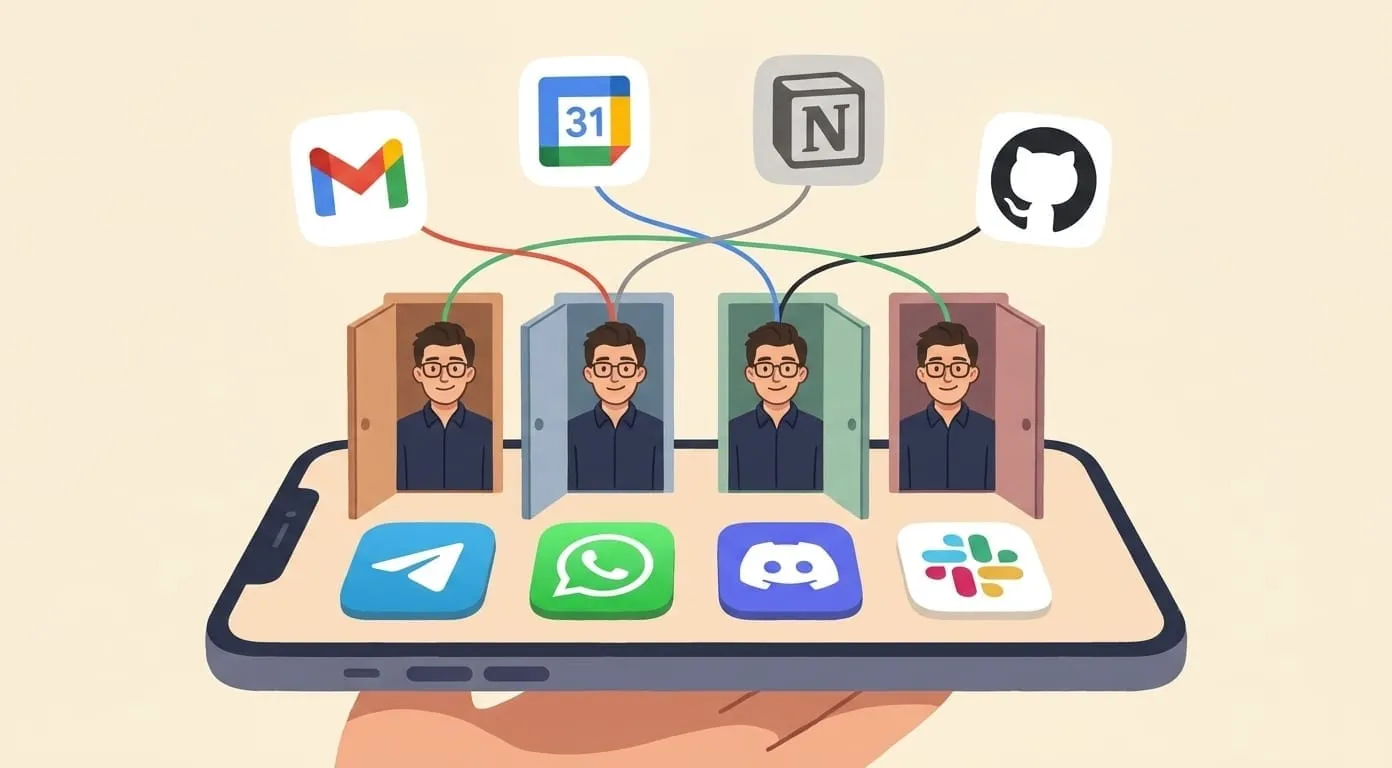
All 32 skills run on the same agent, in the same conversation, across whatever messenger you prefer: Telegram, WhatsApp, Discord, Slack. They work together. Morning Briefing pulls from Gog and Weather. Meeting Autopilot uses Gog for calendar access. Scheduled Tasks triggers any other skill on a timer. The combinations compound.
Browse the full skills catalog with details at getamplify.team/skills. And if you've been using Amplify for a while but only scratching the surface, pick one new skill this week and try it on a real task. That's usually all it takes.