AI Web Research, Document Summarization and Presentations – Beyond Chat
Search the web, summarize documents, and create presentations from one chat
Most people use AI assistants for conversation: ask a question, get an answer. That's useful, but it's a fraction of what a capable assistant can do. The more interesting capabilities start when the assistant can reach outside the chat window – search the web, read a document, open a webpage, and produce something you can share with others.
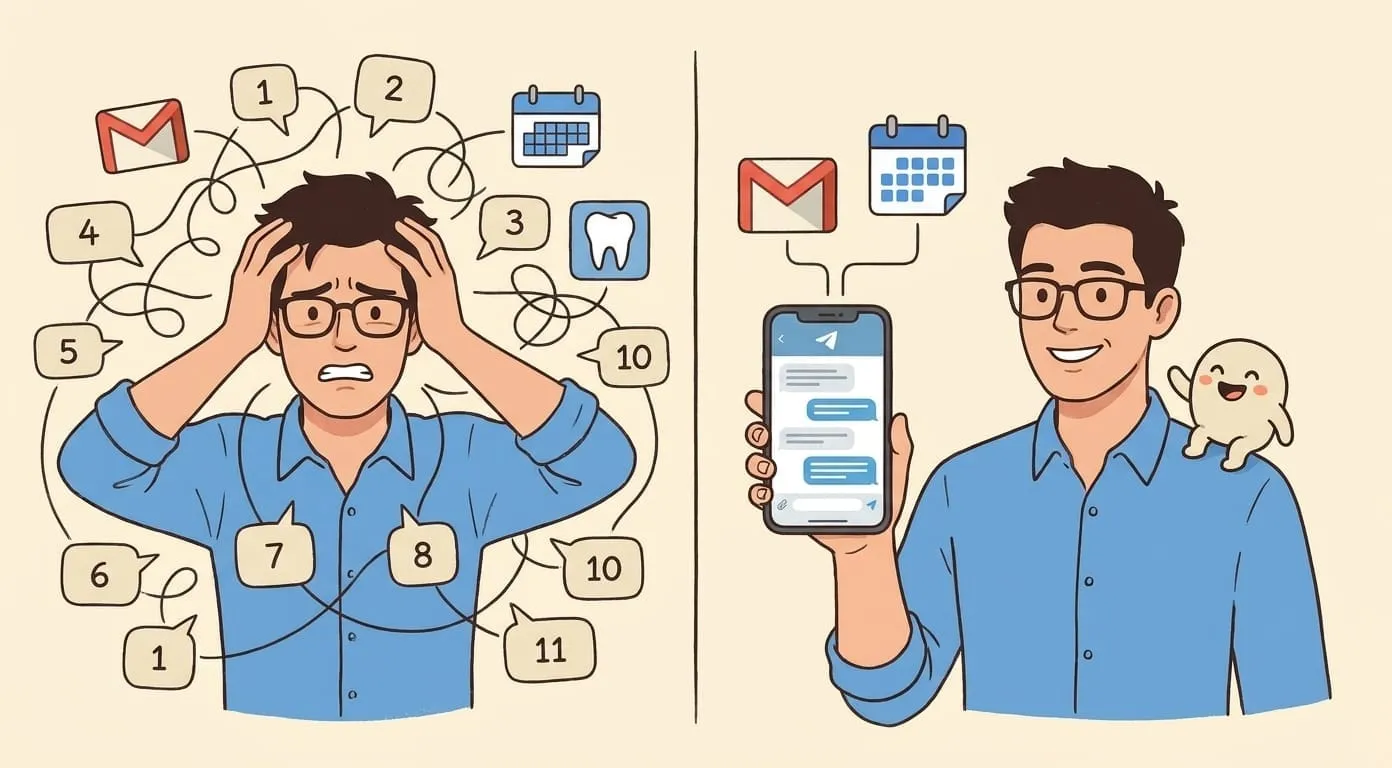
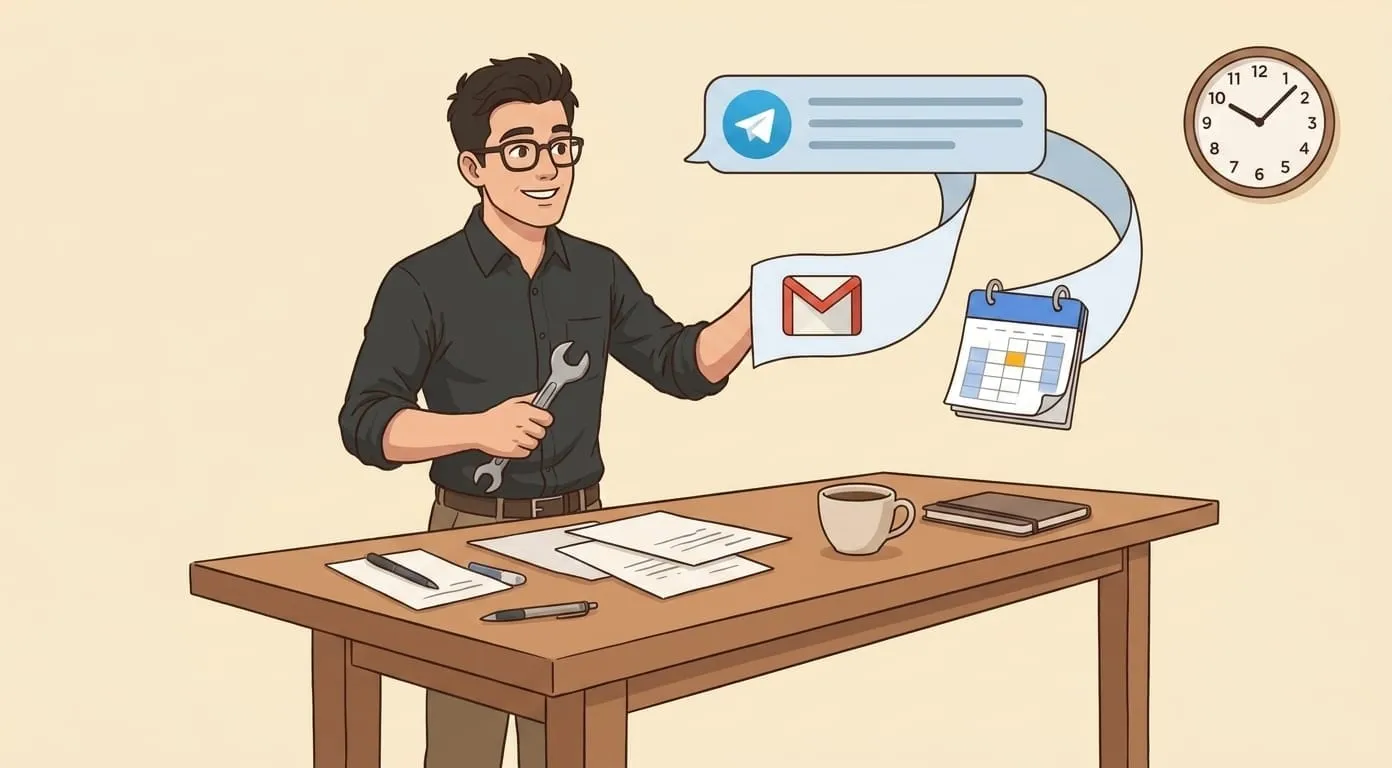
When these capabilities work from the same messenger you already use, the workflow changes. You don't open a research tool, then a summarizer, then a presentation builder. You describe what you need in a message, and the result arrives in the same conversation.
Web search and research
Web search through an assistant works differently from searching yourself. Instead of scanning ten blue links, you describe what you're looking for – "find recent benchmarks comparing LLM providers on coding tasks" – and the assistant returns a summarized answer with sources.
The search is powered by Tavily, a search API built for AI agents. The results come back as structured data that the assistant can reason about, not raw HTML to parse. This means the assistant can synthesize information from multiple sources into a coherent answer, cite where each claim comes from, and distinguish between authoritative sources and blog posts.
For research tasks that go beyond a single query, the assistant can run multiple searches, compare results, and build a picture over several exchanges. Ask it to research a competitor's product lineup, and it searches, reads the relevant pages, and produces a structured summary – pricing tiers, feature comparisons, gaps in their offering – all delivered in your chat.
Web browsing
Search finds pages. Browsing reads them. When you need the assistant to look at a specific URL – a documentation page, an article, a product listing – it can open the page, read the content, and extract what you need.
This matters for tasks where search alone isn't enough. "Read this article and give me the three key takeaways" requires actually reading the article, not searching for it. "Check if this company's pricing page mentions annual discounts" requires opening that page and looking. The assistant handles both without you copying and pasting content into a chat window.
Browsing also handles pages that search engines don't index well – gated content you have a link to, dynamically rendered pages, recently published content that hasn't been crawled yet.
Document summarization
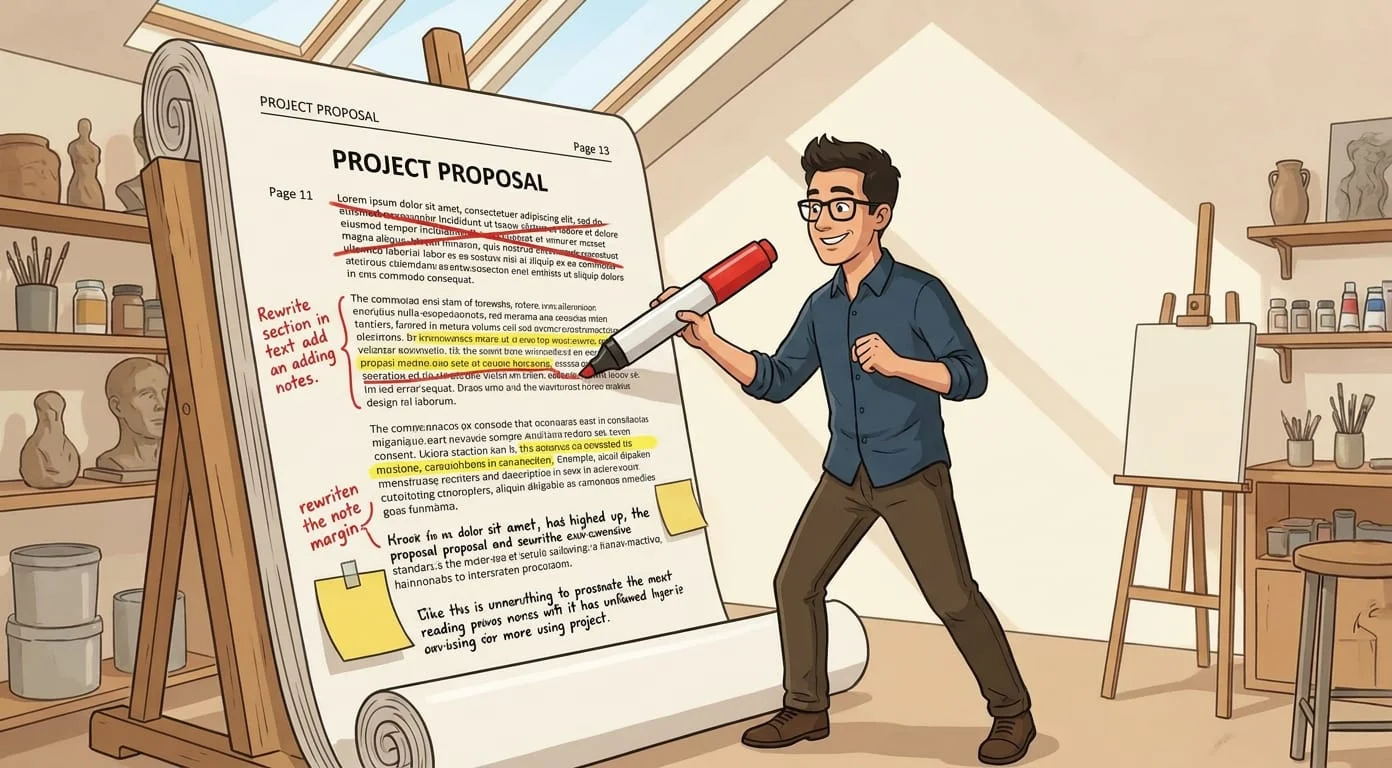
Send a PDF to the assistant, and it comes back summarized. The nano-pdf skill handles document processing – extracting text, understanding structure, and producing summaries that preserve the important content while cutting the length.
This works for contracts, reports, research papers, and any document where you need the key points without reading every page. The summary arrives in your chat, so you can ask follow-up questions immediately: "What are the payment terms?" or "Does the report mention our competitor?" The assistant answers from the document's content, not from general knowledge.
For scanned documents and images with text, OCR extracts the content before summarization. A photo of a whiteboard, a scan of a signed contract, a screenshot of a data table – the assistant reads the text and works with it the same way it handles a clean PDF.
Presentations
Generating a presentation from a conversation is where these capabilities combine. You've had a discussion with the assistant about a project update. You've shared some research findings. Now you need slides for tomorrow's meeting.
The assistant generates Google Slides directly from the conversation – structured with a title slide, content slides, and a summary. The brand-setup workflow lets you configure your company's colors, fonts, and logo so generated presentations match your brand without manual formatting after the fact.
The workflow from a messenger is straightforward: "Create a 10-slide presentation on the Q3 product roadmap based on our discussion" produces a Slides link you can open, review, and present. Edits happen in Google Slides as usual – the assistant handles the first draft, you refine the details.
For teams that produce presentations regularly – agencies preparing client decks, consultants delivering weekly reports, founders updating investors – this eliminates the blank-slide problem. Starting from a structured first draft is faster than starting from nothing, even if you change half the slides.
Combining capabilities in one thread
The individual capabilities are useful on their own, but the real value shows up when they chain together in a single conversation.
A practical example: you need to prepare a briefing document for a client meeting. You ask the assistant to research the client's recent news coverage – it runs a web search and summarizes what it finds. You share an internal report as a PDF – it extracts the relevant sections. You ask it to combine the external research and internal data into a presentation – it generates slides with both sources integrated. You review the slides, ask for adjustments, and share the link.
That entire sequence happens in one chat thread, with the assistant carrying context from each step to the next. The research informs the document summary. The summary informs the presentation. Nothing gets lost between tools because there's only one tool – the assistant – and it remembers everything from the conversation.
Amplify builds personal AI assistants on OpenClaw, an open-source agent framework, with web search, browsing, document processing, and presentation generation – all accessible from the messengers you already use. If you want to try capabilities beyond chat, start at getamplify.team.
Frequently Asked Questions
Web search uses Tavily to find pages relevant to a question and returns a synthesized answer with cited sources – no scanning ten blue links yourself. Web browsing opens a specific URL the assistant already has and reads the page content directly. Search is for "find me" tasks; browsing is for "read this and tell me" tasks. The assistant chooses between them based on what you ask for.
Yes. The nano-pdf skill handles PDFs – extracting text, understanding structure, and producing summaries. For scanned documents and images of text, OCR extracts the content before summarization, so a photo of a whiteboard or a scan of a signed contract works the same way a clean PDF does. You can ask follow-up questions about the document right after the summary.
Presentations are generated as Google Slides directly from the conversation – title slide, content slides, and a summary. The brand-setup workflow lets you configure your company's colors, fonts, and logo so generated slides match your brand. You get a Slides link you can open, review, and edit in Google Slides as usual.
Yes – that's where the value shows up. A practical example: ask the assistant to research a client's recent news, share an internal report as a PDF, and request a presentation that combines both. The assistant runs the search, summarizes the PDF, and generates slides with both sources integrated, all in one chat thread with context flowing between steps.
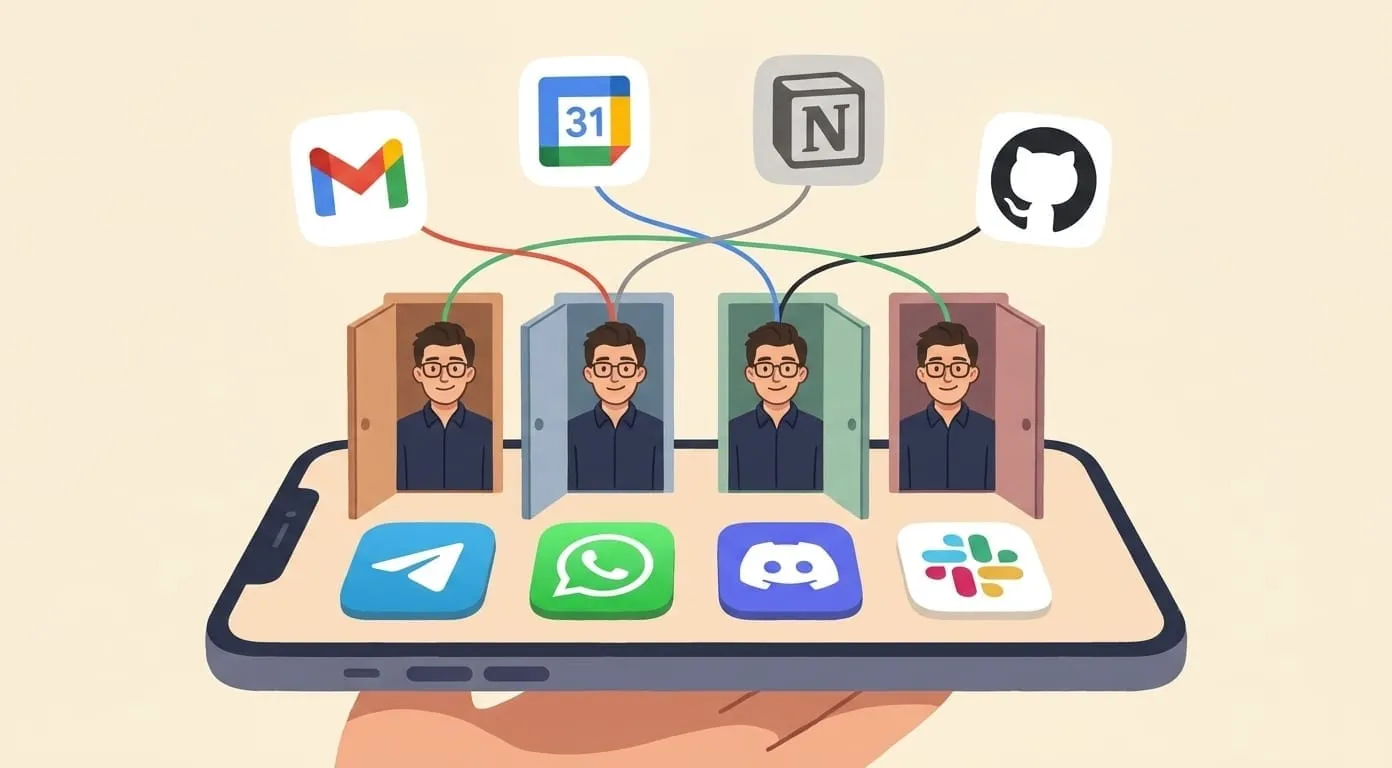
No. Web search runs through the assistant's Tavily integration, browsing uses the assistant's built-in browser tool, document processing is the nano-pdf skill, and presentations are generated through your Google account once you've connected it. From your side it's one assistant in one messenger; the integrations stay behind the scenes.