AI Assistant for Small Teams – Collaboration Without Enterprise Pricing
Individual assistants with shared tools for teams of any size
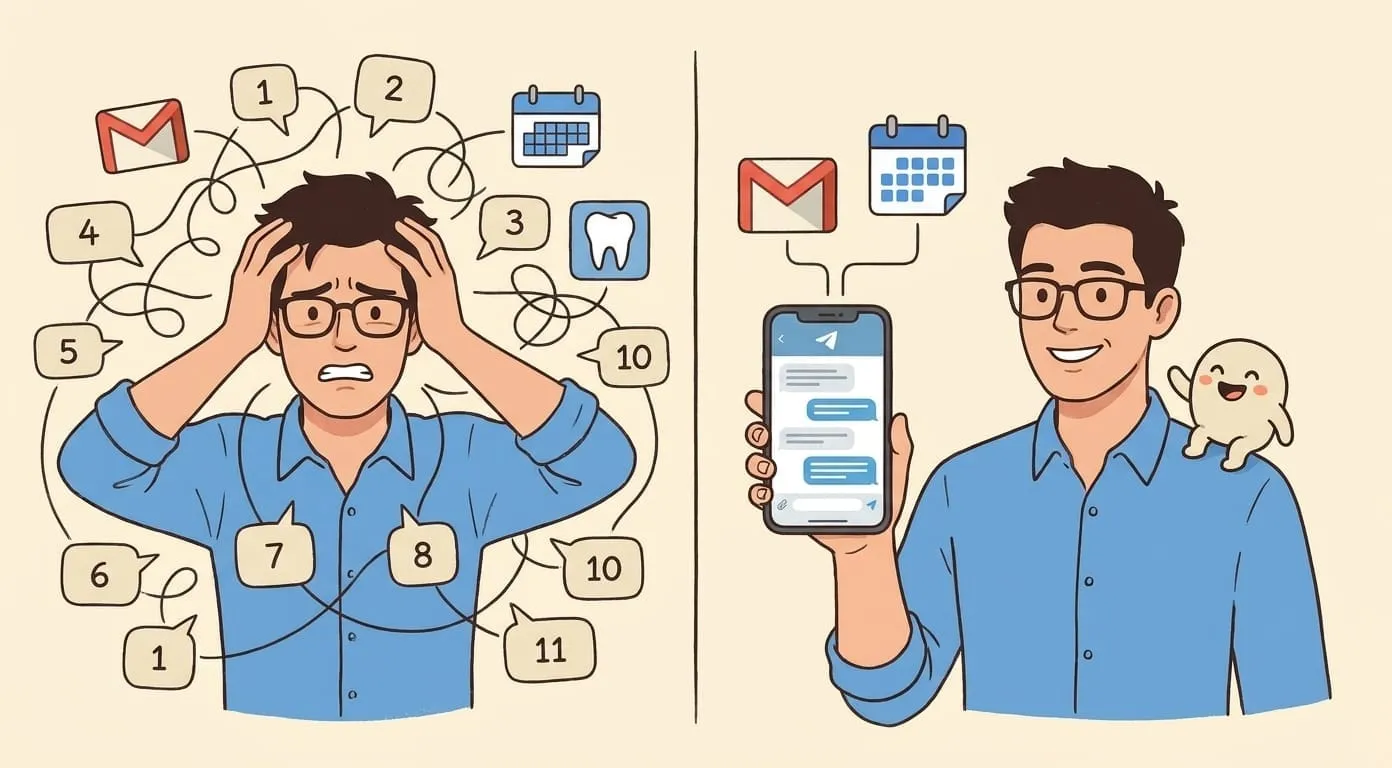
Small teams have the same coordination problems as large ones. Meetings generate action items that get lost. Follow-up emails go unsent. Someone's working from a different timezone and misses the context from a morning conversation. The difference is that a team of eight people can't justify a six-figure enterprise platform to solve these problems.
Most AI productivity tools are built for one of two extremes: individual users who need a personal chatbot, or enterprises that need SSO, admin dashboards, and compliance certifications. The middle – a marketing agency with twelve people, a consultancy with five partners, a remote startup with a distributed founding team – gets either a toy or a sales call.
Here's what it looks like when each team member gets their own AI assistant, with shared tools but independent context.
Individual assistants, shared tools
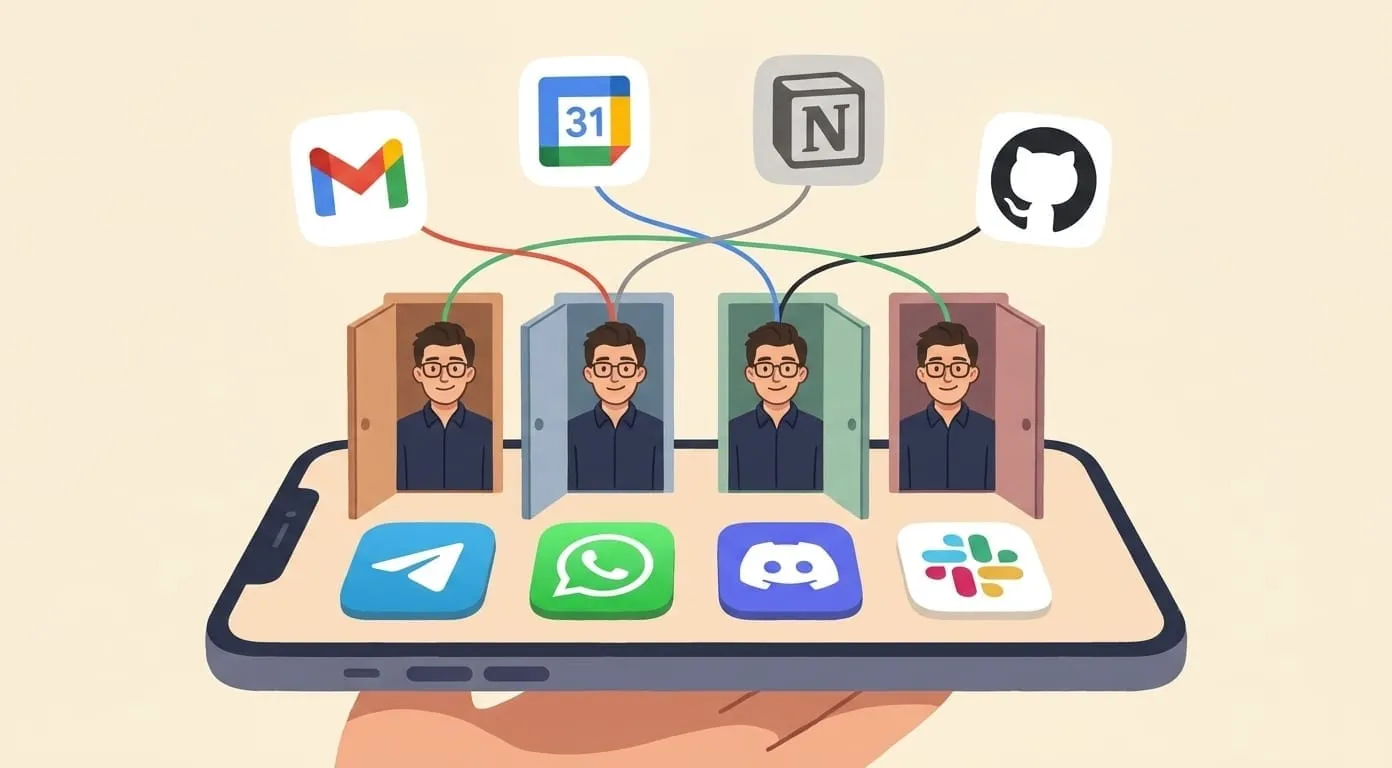
Each person on the team has their own assistant with its own persistent memory. Your assistant knows your clients, your communication style, your schedule, and your preferences – and nobody else's assistant has access to that context.
Coordination happens through shared surfaces: Notion boards, email threads, calendar invites, shared documents. When your assistant updates a Notion task board after a meeting, every team member's assistant can see the updated board. But the conversation you had with your assistant about how to handle a difficult client stays private.
This separation matters. A shared assistant that knows everyone's context creates awkward situations – one team member asks about another's client, and the assistant answers from memory it shouldn't be sharing. Individual assistants with shared tools avoid this entirely. Each person gets personalized help; coordination happens through the tools the team already uses.
Meeting flow
A typical team meeting generates a predictable set of follow-up work: someone needs to send a recap, someone needs to update the task board, someone needs to schedule the next meeting, and everyone needs to remember what they committed to.
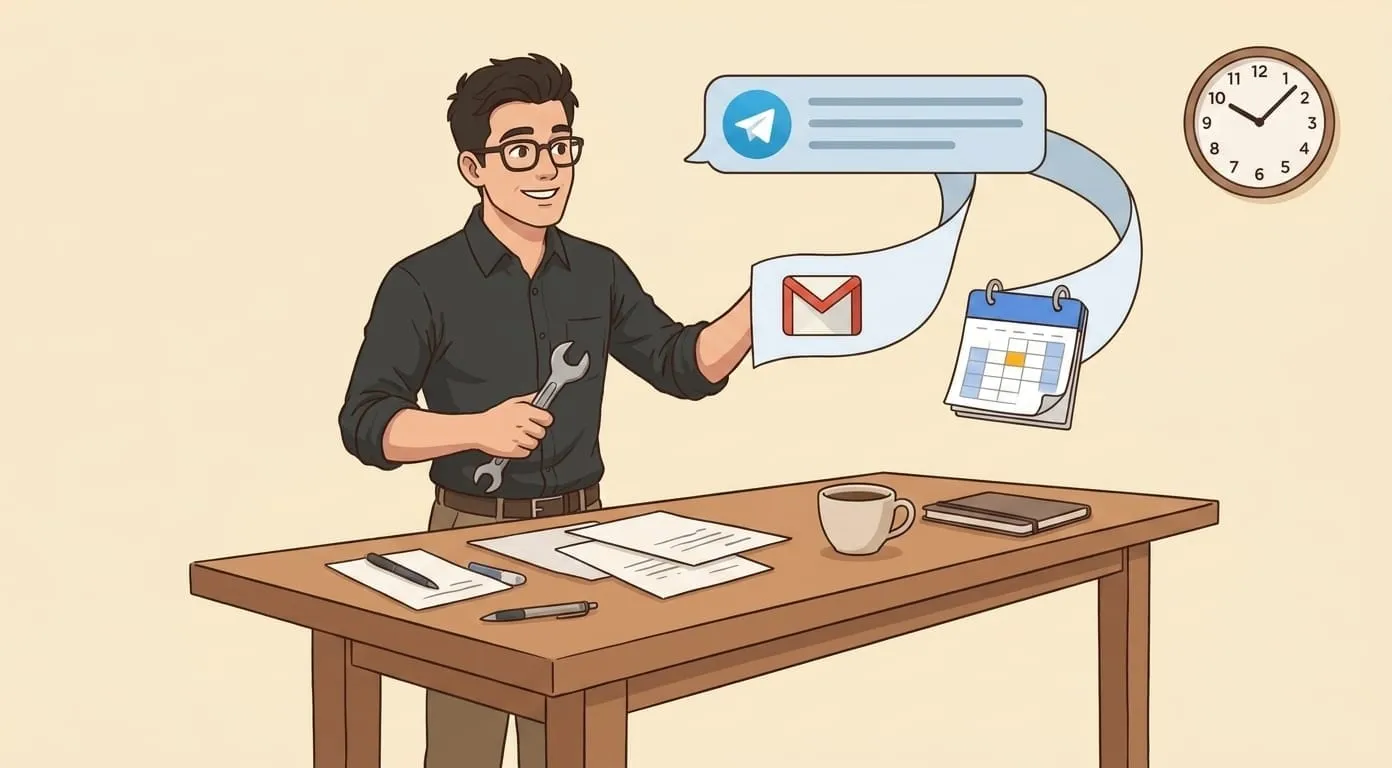
With a persistent assistant, the flow compresses. Record a voice recap after the meeting – even 90 seconds covering the key points. The assistant produces a structured summary: decisions made, action items with owners, open questions. It drafts the follow-up email. It can update the relevant Notion board with new tasks. And because it remembers the last meeting with the same group, it can flag commitments from two weeks ago that never got a status update.
Each team member gets their own version of this workflow. The project lead gets the full recap with client-facing language. The developer gets the technical action items. The designer gets the creative brief. Same meeting, different outputs, each shaped by the assistant's memory of what that person needs.
Project tracking through conversation
Notion integration turns conversations into project updates. Mention that a deliverable is done, and the assistant can mark it complete on the board. Ask for a status update, and the assistant pulls the current state from Notion and cross-references it with what was discussed in recent meetings.
This works because the assistant understands context, not just commands. "We finished the homepage redesign" updates the right task on the right board because the assistant knows which project you're talking about. You don't need to specify a task ID or navigate to the right page – the persistent memory connects the conversation to the project.
For agencies and consultancies managing multiple clients, this means each client's project lives in its own Notion workspace, and the assistant keeps track of where each project stands across all of them.
Cross-timezone coordination
Remote teams spread across timezones have a specific problem: the morning standup that works for London doesn't work for Singapore. Information shared at 9 AM GMT doesn't reach the person who starts work at 9 AM SGT until they manually catch up on messages they missed.
A morning brief adapted to each team member's schedule solves part of this. Each person's assistant delivers a summary when they start their day – what happened while they were offline, which emails need attention, what meetings are coming up, and what changed on the project boards. The brief is personalized: the engineer gets technical updates, the account manager gets client-facing updates.
This doesn't replace direct communication, but it eliminates the hour of scrolling through Slack history that remote workers know too well. When you start your day already knowing what happened, the first real conversation of the day can be productive instead of catching up.
Agency and consultancy use case
Agencies and consultancies have a pattern that makes AI assistants particularly useful: recurring client interactions with long relationship histories. The partner who has been working with a client for two years has context that no CRM fully captures – the client's communication preferences, their internal politics, which stakeholders need to be copied on emails, which topics are sensitive.
A persistent assistant accumulates this context naturally. After months of drafting emails to a client, scheduling meetings, and processing meeting notes, the assistant understands the relationship. It knows that this client prefers bullet points over paragraphs. It remembers that the last quarterly review raised a concern about timeline, so the next status update should address it proactively.
For billing and admin, the assistant can track time against projects based on calendar events and conversations. It won't replace a dedicated billing system, but it can surface "you spent four hours on Client X this week" from calendar data without anyone logging time manually.
What it costs
The pricing model is per-person, wallet-based. Each team member has their own wallet that covers their assistant's usage – LLM processing, media generation, integrations. There are no per-seat enterprise fees, no minimum team sizes, and no annual contracts.
This means a five-person team pays for five individual assistants. A twelve-person team pays for twelve. Costs scale linearly with team size. If someone joins the team, they get an assistant. If someone leaves, their wallet closes. There's no "contact sales for pricing" because the pricing is the same whether you have three people or thirty.
For teams that want more control over costs, the bring-your-own-API-key model lets each person (or the team collectively) use their own LLM provider keys. This gives full visibility into what each provider charges and lets the team choose models that balance capability with cost.
Amplify builds personal AI assistants on OpenClaw, an open-source agent framework, with individual persistent memory, shared tool integrations, and per-person pricing that works for teams of any size. If your team is too small for enterprise AI but too busy for manual coordination, start at getamplify.team.
Frequently Asked Questions
Each person gets their own assistant with its own persistent memory. Coordination happens through shared tools – Notion boards, email threads, calendar invites, shared documents – not through a shared assistant. Your private conversations with your assistant stay private; the team-visible work happens through the tools the team already uses.
Pricing is per-person and wallet-based. A five-person team pays for five individual assistants; a twelve-person team pays for twelve. There are no per-seat enterprise fees, no minimum team sizes, and no annual contracts. Costs scale linearly with team size, and there's no "contact sales" tier – the same pricing applies whether you have three people or thirty.
There's no minimum. The product is built for individuals first, so a team of two people works the same way a team of twenty does. Each person provisions their own assistant; shared work flows through the team's existing tools.
Each person's assistant delivers a personalized morning brief when their day starts, summarizing what happened while they were offline – emails that need attention, meetings coming up, changes on the project boards. The brief is shaped by the assistant's memory of what that person actually needs, so the engineer gets technical updates and the account manager gets client-facing ones.
Their assistant and wallet close with their account. There's no shared memory that has to be carved up, because each person's assistant already had its own isolated memory. Shared work continues through the tools the team uses – Notion, email, calendars – which are not tied to any single team member's assistant.