AI Image, Video and Voice Generation – All Through Your Messenger
Generate images, videos, and voice directly from your chat
Generating an image with AI typically means opening a web interface, typing a prompt, waiting, downloading the result, and then sending it to wherever you actually need it. Video generation adds another layer – longer wait times, separate tools, different accounts and billing. Voice generation is yet another tool with its own interface.
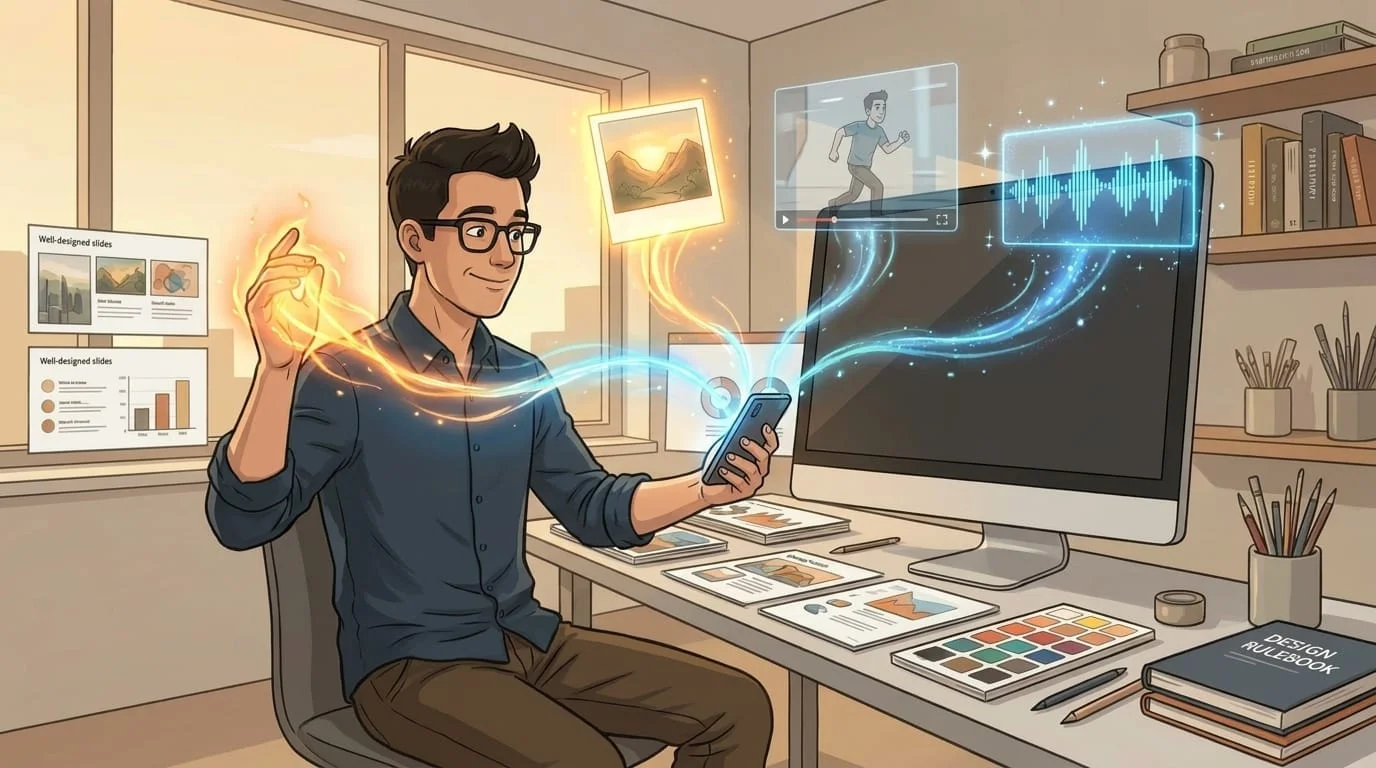
What if all of this happened inside the messenger you already use? Send a text message describing what you want, and the image appears in the same conversation. Send a photo with editing instructions, and the edited version comes back. Request a video from an image, and it arrives when it's ready – no tab-switching, no downloads, no separate accounts.
Image generation
Text-to-image generation works through a simple message: describe what you want, and the assistant generates it. The underlying models include options at different quality and price points. A quick concept image costs less than a high-quality final version, and you choose the quality level that fits the task.
The results arrive directly in your chat. You can iterate – "make the background darker," "add a person on the left," "try a different style" – without leaving the conversation. Each generation is a separate wallet transaction with transparent pricing, so you always know what a request costs before you commit.
Image editing
Image editing is where things get more interesting. Send an existing photo and describe what you want changed: "add a yellow lemon next to the apple," "remove the background," "make it look like a watercolor painting." The assistant sends the edit back – the original image is preserved and the requested changes are applied on top.
This is a true edit, not a re-generation. The input photo's composition, lighting, and details carry through to the result. The workflow from a messenger is natural: snap a photo, send it with instructions, get the edited version back. No need to open a dedicated image editor or learn a new interface.
Video generation
Video generation takes an image or a text prompt and produces a short video clip. The supported models – including Kling and Seedance – offer different styles, durations, and quality levels. Generation typically takes 90 to 180 seconds depending on the model and queue load.
Because video generation takes longer than images, the workflow is asynchronous. You send the request, the assistant confirms it's been submitted, and the result arrives in your chat when it's ready. You can continue other conversations while the video renders – there's no progress bar to watch.
Image-to-video is particularly useful for social media content, product demos, and presentations. Send a product photo and describe the motion you want, and the video arrives ready to post.
Voice and sound
Voice generation uses ElevenLabs for text-to-speech, sound effects, and voice capabilities. Send text, receive audio – in a natural voice, with control over tone and style. Sound effects generation works the same way: describe the sound you need, and the audio file appears in your chat.
Voice cloning lets you create a consistent voice profile for content that needs to sound like you (or a specific character). The generated audio files can be shared directly from the messenger or saved for use in other projects.
What it costs
All media generation runs on a wallet-based billing model. Each operation – one image, one video, one voice generation – has a transparent per-action cost. There are no subscriptions on top of the base platform fee, no credit packs to buy in advance, and no hidden markups.
You see the cost before the generation starts (the wallet reserve), and you see the actual charge when it completes. If a generation fails, the hold is released – you only pay for successful results. This makes it straightforward to compare costs: a single image generation through the assistant costs roughly the same as using the underlying model provider directly, with the convenience of not managing API keys or separate accounts (unless you prefer to – bring-your-own-key is supported).
For teams and individuals who generate media regularly, the wallet model means costs scale linearly with usage. Ten images cost ten times what one image costs. There are no tiers, no overage fees, and no surprises at the end of the month.
Amplify runs personal AI assistants on OpenClaw, an open-source agent framework, with integrated media generation across image, video, and voice – all accessible from your messenger. If you want to try it, start at getamplify.team.
Frequently Asked Questions
Images run through models like GPT-Image, Nano-Banana, Flux, and Seedream, each with its own quality and price profile. Videos run through Kling and Seedance with several tiers. Voice uses ElevenLabs for text-to-speech, sound effects, and voice cloning. You can let the assistant pick a sensible default for the task or name a specific model when you care.
Typically 90 to 180 seconds depending on the model and queue load. Because that's longer than image generation, the workflow is asynchronous – the assistant confirms the request was submitted, you keep doing other things in the same chat, and the result arrives in the conversation when it's ready. There's no progress bar to babysit.
Each operation has a transparent per-action cost charged from your wallet. There are no subscription tiers on top of the base platform fee, no credit packs to buy in advance, and no hidden markups. Ten images cost ten times what one image costs – usage scales linearly without surprises at month end.
No. Each generation reserves the predicted cost on the wallet at submission and releases the hold if the provider returns a failure. You only pay for successful results. If a generation comes back broken, you can flag it and the assistant will refund or retry without an extra charge for the failed attempt.
Yes. Bring-your-own-key is supported for both LLM providers (like OpenRouter) and media providers (like fal.ai). When you bring your own key, the requests go through your own provider account, subject to your billing and your provider's terms. That gives you full cost visibility and an independent audit trail.