One Agent, Many Skills: How Complex Workflows Run Behind a Single Chat Message
What multi-agent coordination actually looks like in a personal AI assistant
"Multi-agent coordination" sounds like something from a research paper. Swarms of AI models passing messages to each other, debating strategies, voting on outcomes. It makes for impressive demos and interesting Twitter threads.
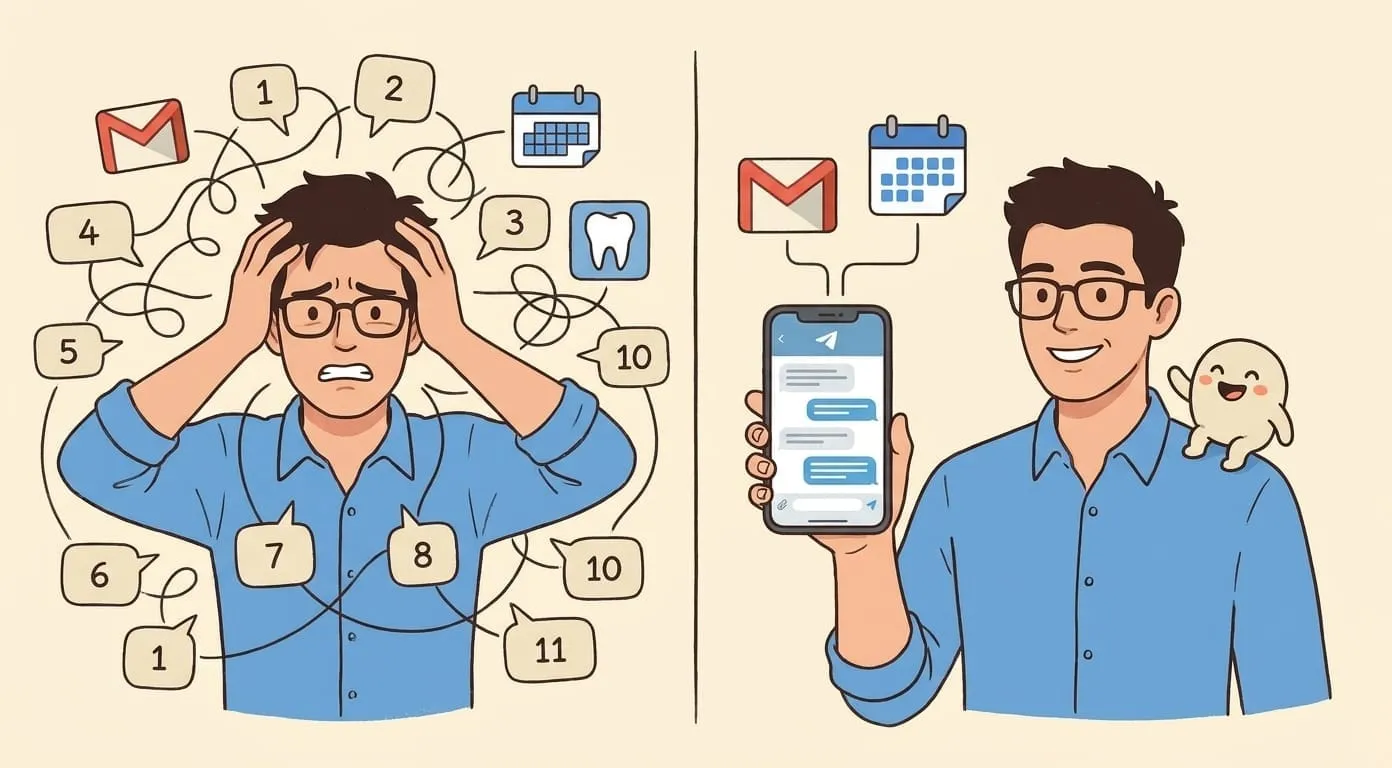
In practice – in the kind of product where someone just wants to get through their workday – multi-agent coordination looks different. It looks like Mike recording a 90-second voice note after a meeting and getting back a structured summary, a follow-up email draft, an updated calendar, and refreshed task boards. One message in, one result out. Behind that result, six distinct operations ran in sequence, each dependent on the last.
That's multi-agent coordination as it actually works in a personal AI assistant. An orchestrator.
A real example: post-meeting recap
Mike runs a small consultancy. After every client call, he records a voice note – stream of consciousness, about 90 seconds: what was decided, who committed to what, what the open questions are, when the next call should be.
He sends it to Key (his AI assistant) via Telegram. What happens next:
Step 1: Speech-to-text – the audio goes through a transcription skill. Raw voice becomes text. This part is straightforward; it's what happens after transcription that matters.
Step 2: Structure extraction – a language model parses the transcript and produces structured output: decisions made, action items with owners and deadlines, open questions that need follow-up, dependencies between tasks. An organized document, ready to act on.
Step 3: Context cross-reference – the memory layer connects this meeting to everything that came before. Prior meetings with the same client. Outstanding tasks from the last call. Calendar history. Email threads with the attendees. The agent understands where this meeting fits in the relationship.
Step 4: Email drafting – a follow-up email is drafted, the standard "as discussed" message. Because step 4 reads the output of steps 2 and 3, the draft references specific decisions, prior agreements, and the context of the relationship. It reflects what Key has learned of Mike's communication style over months of conversations.
Step 5: Calendar event – if a follow-up meeting was mentioned, the Google Calendar skill creates the event: date, time, attendees, and an agenda pulled from the meeting recap. Invites go out automatically.
Step 6: Task updates – if Notion is connected, completed tasks get moved, new tasks appear with owners and deadlines. The project board reflects what was decided in the call, current as of this afternoon.
Six operations. Mike sees a structured summary, a draft email ready for approval, and a confirmation that calendar and tasks are current. Total investment from Mike: 90 seconds of talking and a couple of minutes reviewing.
What makes this "coordination"
The interesting part is how these six steps are connected.
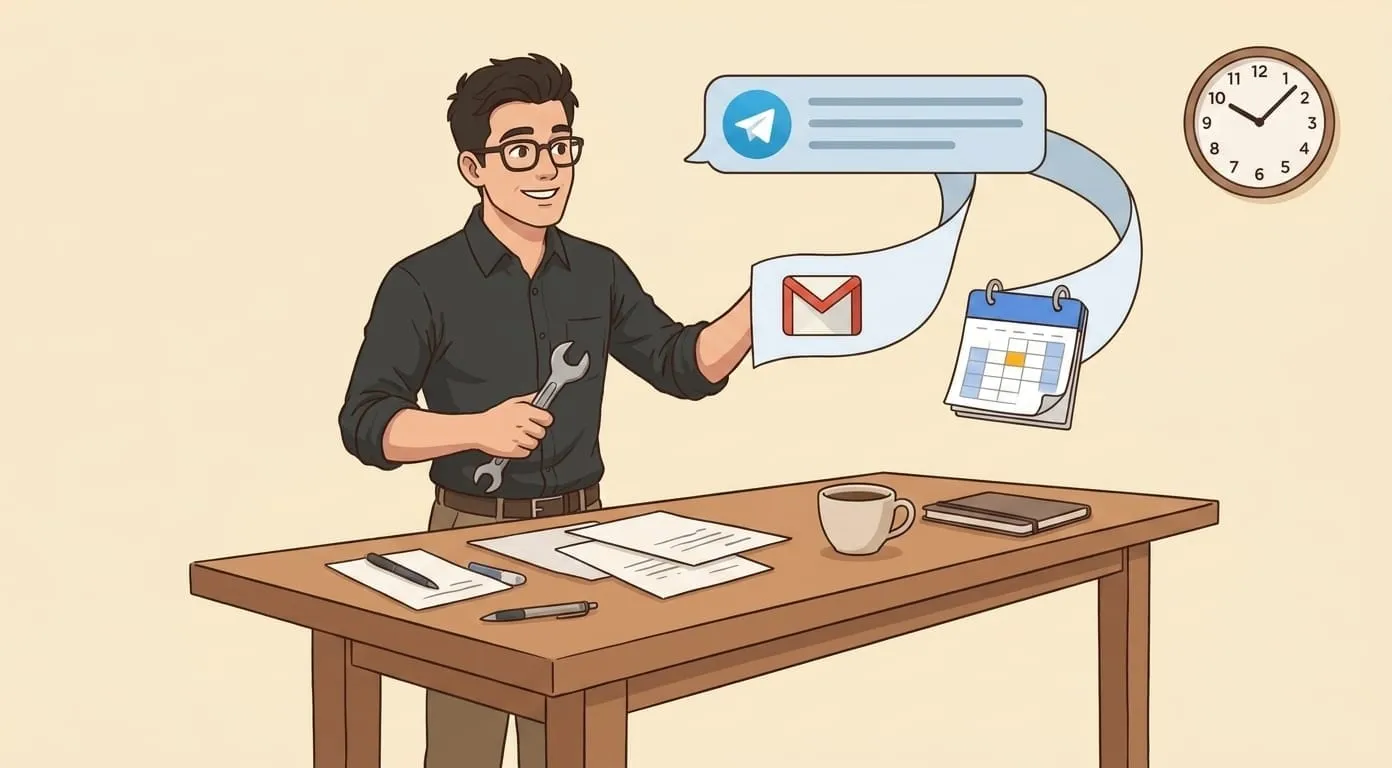
The follow-up email references what was agreed, because step 4 reads the output of step 2. The calendar invite includes an agenda, because step 5 reads the same structured output. The task update knows which existing tasks to mark complete, because step 6 queries the context from step 3.
This is the "complex logic" part. Dependencies between steps. Conditional branching: if no follow-up meeting was mentioned in the recap, step 5 doesn't fire, so there's no phantom calendar event. If an action item contradicts something agreed in a previous meeting, the agent flags it instead of silently updating the board.
In traditional automation platforms – Zapier, Make, n8n – you build these connections manually. Trigger leads to action leads to branch leads to action. You design the flow, you maintain the flow, and when anything changes – a new tool, a different meeting format, an added step – you redesign the flow.
With an agent that carries persistent context, the connections emerge from understanding the content. The agent reads the transcript, understands what was discussed, and routes the outputs to the right places because it understands what those outputs mean. No flowchart. No workflow builder. No maintenance.
Another example: media generation
Mike sends a message: "Turn this photo into Ghibli style and send it to the team chat."
Four operations in four different subsystems:
Mike sees an image appear in his conversation. The orchestration behind it – model routing, sandboxed execution, billing integration, channel-aware delivery – is invisible. That's the point.
What this looks like at scale
Honesty matters here, because "multi-agent" has become a loaded term.
The kind of coordination that makes a personal assistant useful is one agent with access to specialized skills, running them in sequence or parallel depending on what the task requires, connected by persistent context that spans months of conversations. Mike stays in the loop for anything that goes outward – emails wait for his approval, calendar events can be reviewed. The agent proposes, Mike disposes.
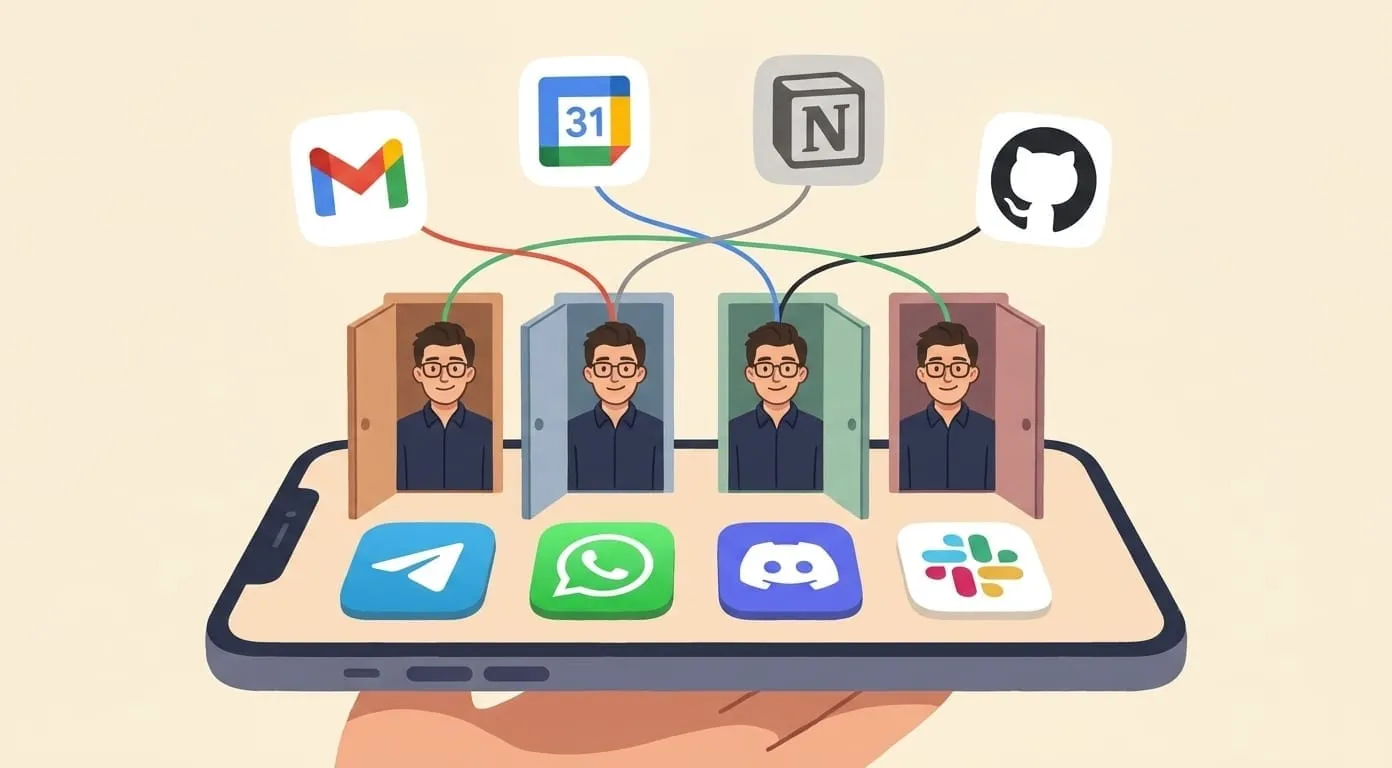
The agent itself is purpose-built infrastructure: skill routing decides which capability to invoke, sandbox isolation keeps each execution safe, the memory layer maintains continuity, and the delivery layer gets results to the right place. The user just talks.
Multi-agent coordination, in practice, is invisible. You record a voice note. You ask for an image. You tell the agent to follow up with someone. Behind each request, multiple specialized systems activate, pass information to each other, and produce a unified result. The complexity lives in the infrastructure. The experience stays simple.
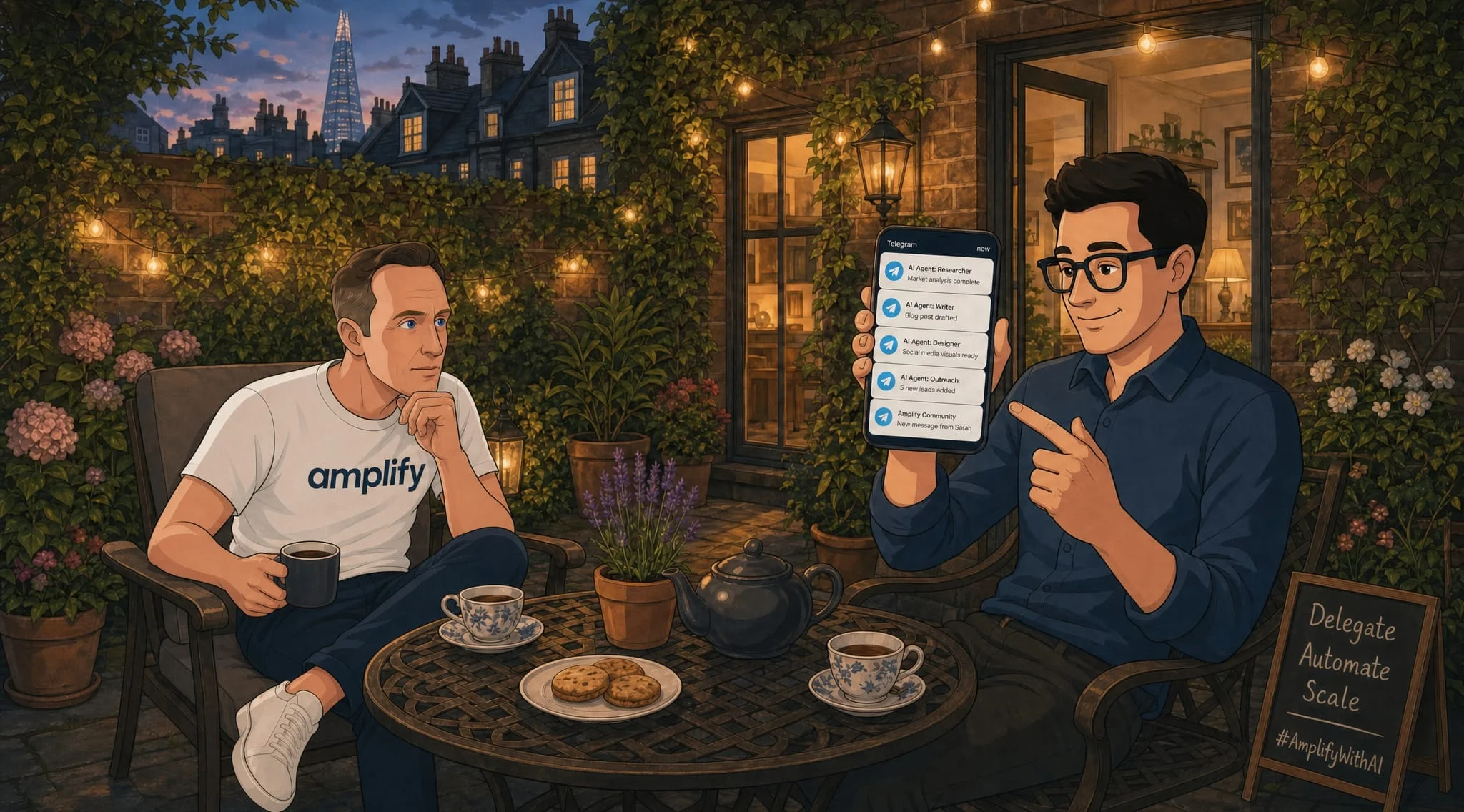
I'm Yevhen, CTO at Amplify. We build personal AI assistants on OpenClaw, our open-source agent framework. During our beta, most of our early users were partners, colleagues, and friends we invited to stress-test the product. The coordination layer handles skill routing, cost tracking, and cross-channel delivery – so neither the user nor the developer has to wire it together manually. If you're curious what this looks like as a daily experience, start at getamplify.team.
Frequently Asked Questions
It means one assistant with access to multiple specialized skills – transcription, email drafting, calendar management, task updates – running them in sequence or parallel depending on what the task requires. You send one message, and the assistant coordinates everything behind the scenes to produce a unified result.
Traditional automation platforms require you to design, maintain, and update workflows manually. With an agent that carries persistent context, the connections emerge from understanding the content. The agent reads what you said, understands what it means, and routes outputs to the right places. No flowchart to build or maintain.
The assistant transcribes the audio, extracts decisions and action items, cross-references with prior meetings and open tasks, drafts a follow-up email, creates a calendar event if a next meeting was mentioned, and updates task boards if connected. You see a structured summary, a draft email ready for approval, and confirmation that calendar and tasks are current.
No. Anything that goes outward – emails, calendar invites, messages to other people – waits for your approval. The assistant proposes, you decide. Internal actions like updating task boards or filing meeting notes happen automatically because they only affect your own workspace.
Skill routing is handled by the orchestration layer. When you send a message, the assistant interprets your intent and selects the appropriate capability – transcription for audio, image processing for photos, calendar for scheduling. Each skill runs in an isolated environment with its own resources, and the results are combined before they reach you.
Yes. Cost tracking logs each operation against your wallet balance with transparent, per-action billing. You can see exactly what each step cost. There are no hidden fees or bundled charges – you pay for what the assistant actually does.