AI Inbox Triage That Actually Works: From a Morning Ritual to One Telegram Message
How Mike's AI agent Key handles email triage, reply drafting, and follow-ups — all from Telegram
Mike runs a small consultancy – about a dozen people across three time zones. His inbox is what you'd expect: a steady stream of client threads, internal updates, vendor emails, newsletters, and the occasional urgent thing buried between two irrelevant ones.
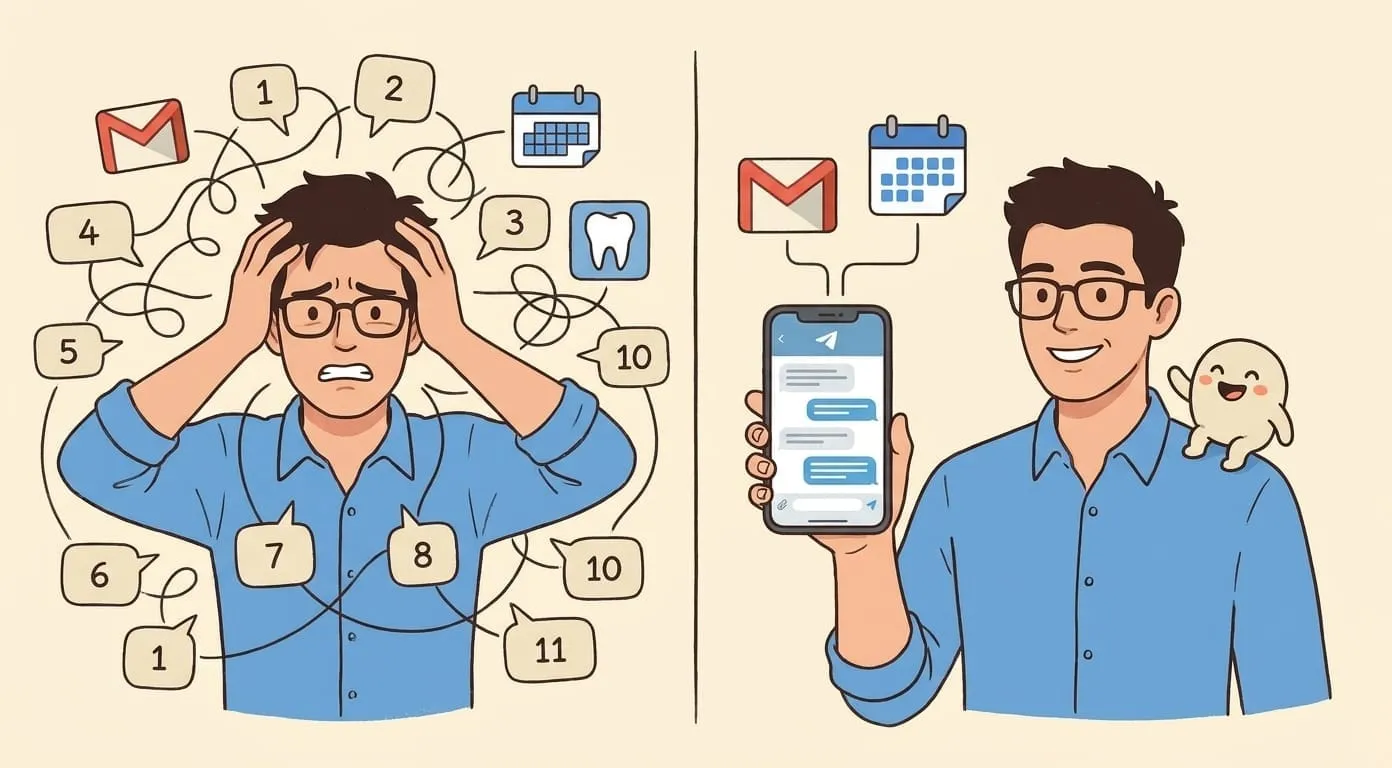
His morning used to start the same way every day. Open Gmail. Scan subject lines. Mentally sort by urgency. Flag what needs a reply. Move newsletters to "later" (which really meant "never"). Search for the one email from a client that actually needs attention before 10am.
The whole ritual took around half an hour. Sometimes longer when something unexpected was hiding in the pile. And that was before any real work started.
He tried the usual fixes – filters, labels, priority inbox, Superhuman, SaneBox. All of them helped at the margins, and none of them eliminated the triage itself. The tools moved emails around faster, but Mike was still the one making every micro-decision: urgent or not? Reply now or later? Need context from another thread? Those decisions were the real cost.
One morning message instead of an inbox
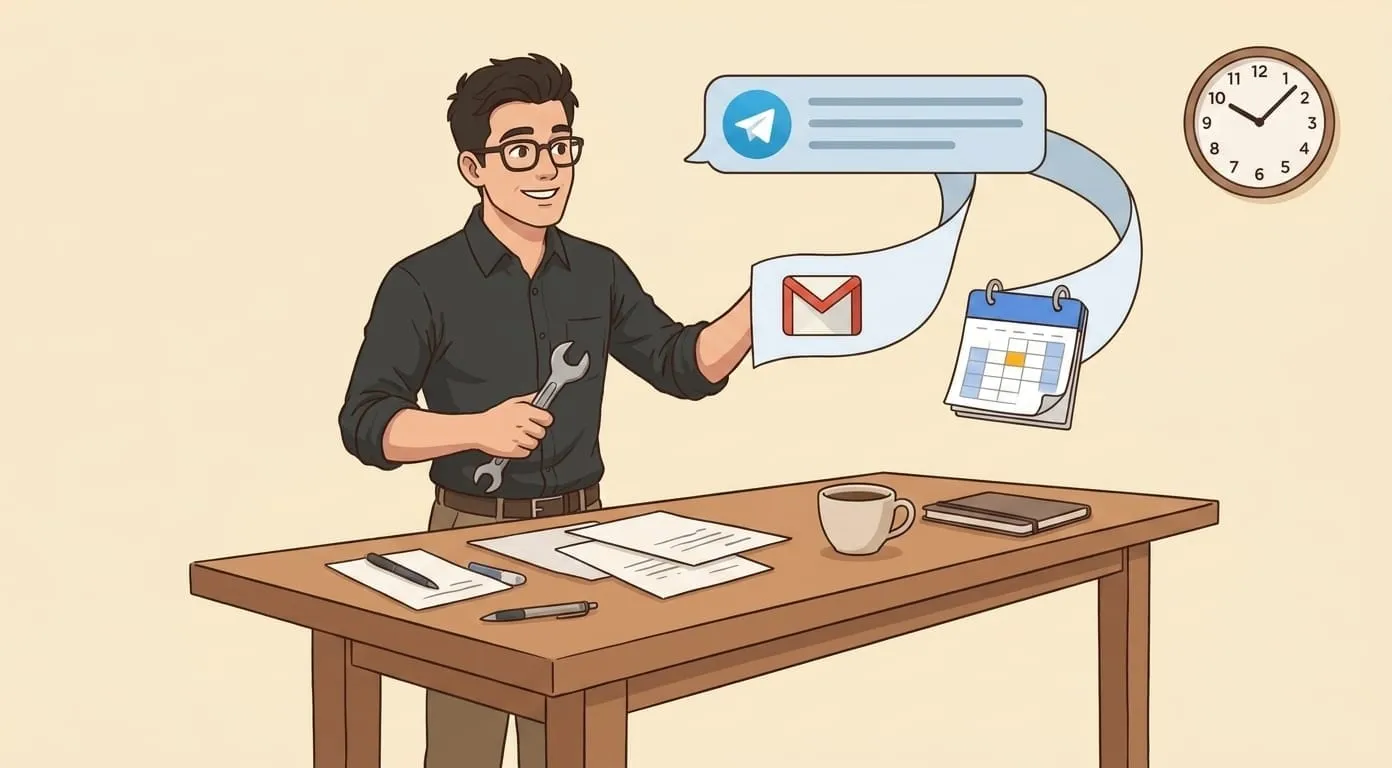
Key – Mike's AI assistant – connects to his Gmail through Google Workspace. Every morning around 6:45, a Telegram message arrives. A structured brief:
One screen. In the messenger he already has open. No Gmail tab required.
The brief gets better over time. During the first week, the prioritization was rough – Key was still learning which senders and threads mattered most. By week three, it was noticeably sharper. Key learned that an email from a specific client during project crunch is high-priority, but a message from the same contact about an event invitation can wait. It picked up patterns that Mike himself would have had trouble articulating as rules.
Reply drafting and follow-ups
For the fires – the emails that need a reply today – Mike replies from Telegram.
A voice note or a quick text: "Tell Sarah the timeline works but push the deliverable to Friday. And ask if she's available for a quick call next week to go through the revised scope."
Key drafts the email. A draft that reflects what it has learned about Mike's communication style over time. Persistent memory means Key accumulates context from every conversation: it knows the project, the client relationship, the history of that specific thread. The draft is professional where Mike is professional, direct where he's direct, and softer in tone when the relationship calls for it.
Mike reviews the draft. Sometimes he tweaks a line. Most of the time, he approves it as-is. The email goes out from his Gmail – the recipient sees a normal message from Mike.
If the reply involves a meeting, Key handles that too. Calendar event created, agenda added, invites sent. One voice message covers both the reply and the scheduling.
And then the follow-up tracking. Mike set a simple rule months ago: if someone hasn't replied to a proposal or action item within 48 hours, Key sends a polite nudge in Mike's voice. If they still haven't replied after 72 hours, Mike gets a flag. The moment a reply comes in, the sequence stops automatically. This runs permanently, across every thread, without Mike maintaining a list of who owes him what.
Without switching tools
Here's the part that sounds simple but changes everything in practice: the agent lives in the messenger.
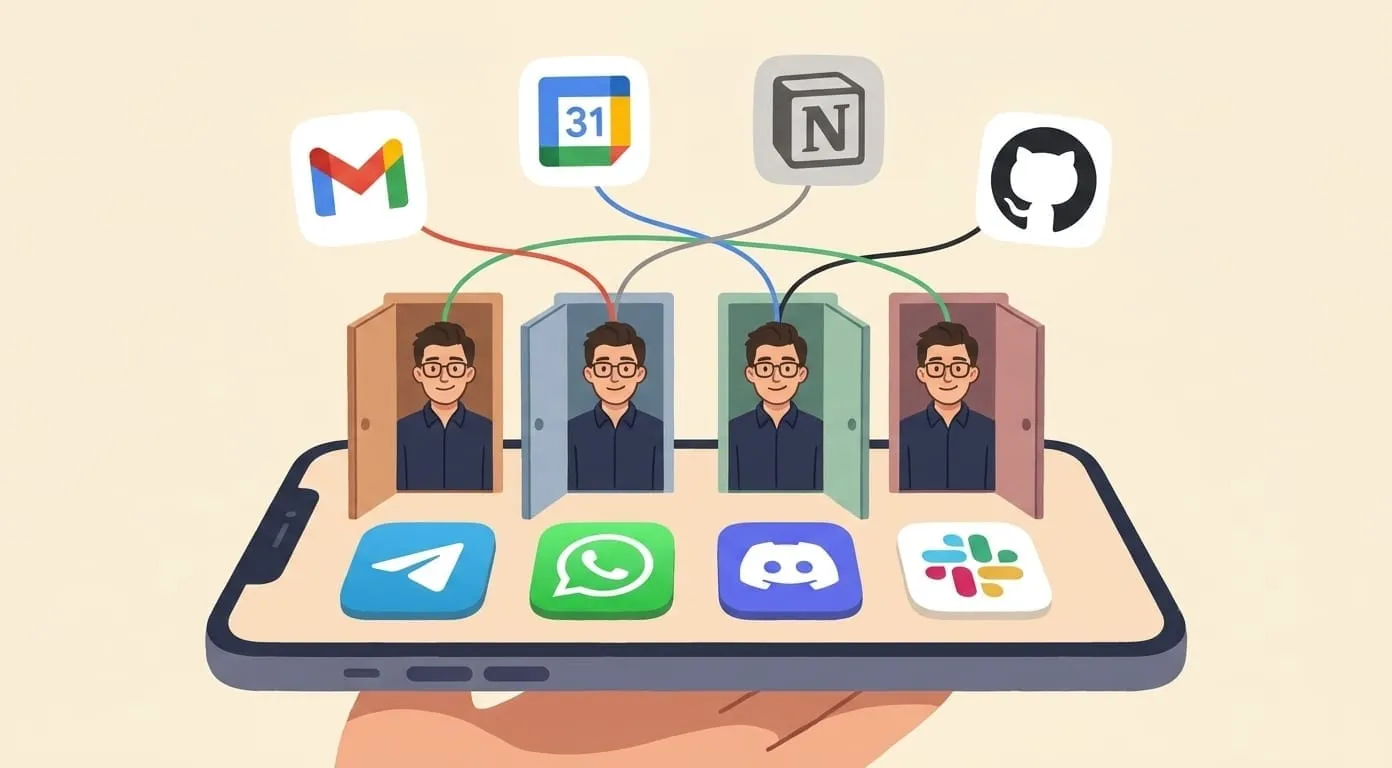
Gmail stays connected as a data source and a sending backend, and the interface – the place where Mike reads his brief, replies to emails, approves drafts, sets follow-up rules – is Telegram. The same thread where he handles calendar questions, voice memos, task capture, and media generation also handles his inbox.
No new app to install. No dashboard to learn. No browser tab to keep open and periodically check. Mike's inbox management happens in the same conversation where everything else happens.
This matters more than it seems, because it means the agent has full context. A standalone inbox tool sees email and nothing else. Key sees email, calendar, meeting recaps, tasks, voice notes – everything Mike has ever mentioned in any conversation. When it drafts a reply, it knows about the meeting Mike had yesterday with the same person. When it prioritizes the morning brief, it factors in the deadlines Mike mentioned in a voice note last night. Inbox triage is informed by everything else.
What changed
Mike still gets the same volume of email. His clients still send urgent requests. Vendors still send proposals. Newsletters still arrive.
The difference is that Mike doesn't process any of it manually. He starts his morning with a plan he didn't have to make. The emails that matter get replies within minutes. The ones that don't get handled silently. Follow-ups run on their own. And the half hour that used to go to sorting through an inbox now goes to the work that actually moves his business forward.
I'm Yevhen, CTO at Amplify. We built this on OpenClaw, our open-source agent framework. During our beta, most of our early users were partners, colleagues, and friends we invited to stress-test the product – we asked them for honest feedback, and these are their real workflows. If you're interested in how it works, or want to see what it does for your own inbox, the starting point is getamplify.team.
Frequently Asked Questions
The AI assistant connects to your Gmail through Google Workspace and pulls new messages on a schedule. It categorizes each email by urgency and context – what needs a reply today, what is waiting on your input, and what moved overnight but does not need you. The result arrives as a single structured brief in your messenger every morning.
Yes. You send a voice note or quick text describing what you want to say, and the assistant drafts the reply in your communication style. You review and approve the draft before it goes out – the recipient sees a normal email from your Gmail address. Over time the drafts improve as the assistant learns your tone and preferences.
Yes. During the first week the prioritization is rough, but the assistant accumulates context from every conversation. By the second or third week it picks up patterns – which senders matter during a project crunch, which "urgent" flags are noise, and which threads need your attention even when the subject line looks routine.
Newsletters, automated notifications, and low-priority updates are archived or deferred silently. They are not deleted – you can always ask the assistant to surface them. The goal is to keep your morning brief focused on what actually needs your attention.
You set a rule once – for example, nudge if someone has not replied to a pending action item within 48 hours. The assistant sends a polite reminder in your voice through email. If they still have not replied after 72 hours, you get a flag. The moment a reply arrives, the sequence stops automatically. This runs permanently across every thread without you maintaining a list.
No. The assistant lives in the messenger you already use – Telegram, WhatsApp, Discord, or Slack. Gmail stays connected as a data source and sending backend, but the interface where you read your brief, reply to emails, and set follow-up rules is the same chat thread where everything else happens.