I Wanted an AI That Actually Takes Actions — Here's What I Found
Why most AI assistants just talk, and what changes when one actually executes
You have seen the demos. We all have.
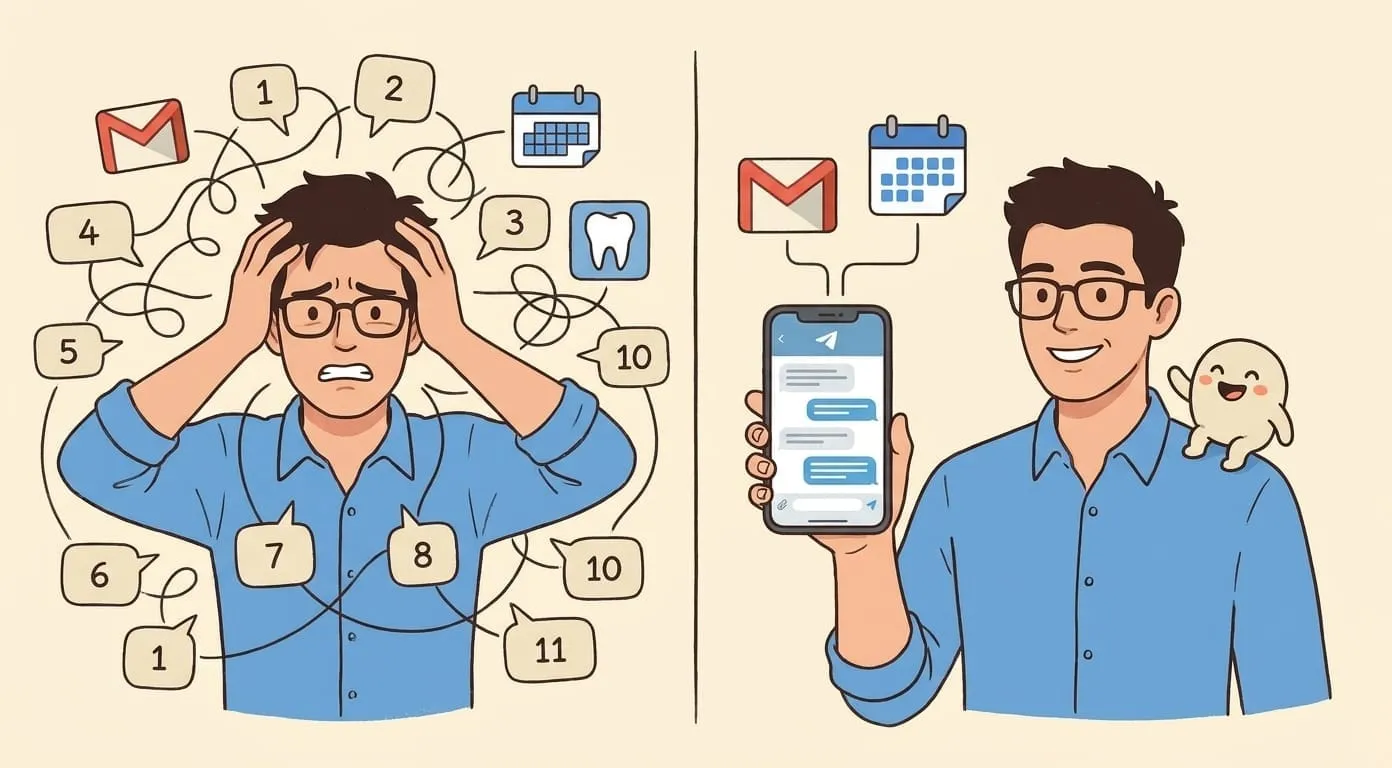
Someone types a prompt, the AI responds with something jaw-dropping, and the audience claps. Then you go home, open the same tool, and realize – it talks. That is all it does. It talks really well. But it does not do anything.
I spent the better part of two years in that cycle. Try a new AI assistant. Get impressed by the conversation. Ask it to actually handle something in my life. Hit a wall. Move on.
The gap between what AI demos promise and what AI tools deliver is enormous. Most "AI assistants" are just search engines wearing a personality. They answer questions. They summarize things. They generate text about tasks. But they do not execute the tasks themselves.
I was skeptical that anything would be different. Then I started using Amplify, and something actually changed.
Not because the AI is smarter. Because it is connected to real systems and allowed to act on them.
What "Taking Action" Actually Means
Let me be specific, because "AI that takes action" can mean anything in marketing copy.
I do not mean an AI that generates a draft email in a text box and then you have to copy-paste it into Gmail. I do not mean an AI that suggests you create a calendar event and gives you the details to type in manually. I do not mean an AI that tells you which app to open to track your package.
I mean:
That is action. The task goes in. The result comes out in the real world. Not in a chat window.
Amplify sits in that second category. It acts, doesn't just talk.
Real Use: Voice to Action
This is the one that sold me.
I was driving, hands on the wheel, and I mumbled into a voice note: "lunch Thursday noon with Dmitri, that new place on Maple." By the time I parked, the calendar event was created. Location filled. Dmitri had the invite.
I did not open an app. I did not dictate into a form. I sent a messy voice note through WhatsApp and the agent handled the rest.
Same thing with email. I am terrible at writing polite follow-ups when I am annoyed. So now I voice-explain what I want to say – "tell the vendor their last delivery was short by 40 units and I need a credit or replacement by Friday, be firm but professional" – and a draft appears. I read it, approve it, sent. The AI did not just write the email. It prepared it in my actual Gmail, ready to fire.
That is the difference between a writing tool and an agent. A writing tool gives you text. An agent gives you a sent email.
Amplify handles the loop end-to-end here, from Telegram voice message to sent email.
Real Use: Monitoring Without Checking
I did not realize how much of my day was just... checking things.
Checking if a package shipped. Checking if a tracking number updated. Checking if someone replied to an important email. Checking if a subscription renewed.
The agent replaced all of that with a simple rule: only tell me when something changes that matters.
Eight packages, four different carriers – I get a notification when something actually moves. Not a daily digest. Not a summary. A ping when the status changes. Zero manual checking.
Same concept with restocking. The agent knows my coffee pod burn rate. It knows when I am likely to run out. I get a reminder before the box is empty, not after. I did not set a recurring calendar reminder. I told the agent once what I use and how fast I go through it, and it figured out the timing.
This is what "proactive" should mean. Not "the AI sends you a daily summary you did not ask for." Proactive means it watches something on your behalf and only speaks up when there is a reason.
Amplify's persistent memory is the piece that makes this work. It remembers what I asked yesterday and doesn't ask again today.
Real Use: Chaos In, Clarity Out
This is the one my colleagues cannot believe.
I had a rough week. Voice notes to myself at odd hours. Screenshots of error messages. Texts from three different people about the same project. A forwarded email chain that was already six layers deep.
I dumped all of it into the agent. Voice notes, screenshots, texts, the email chain. I said: "sort this out and tell me what I actually need to do."
Back came a prioritized action list. Clean. Organized. The agent had transcribed the voice notes, read the screenshots, parsed the email chain, cross-referenced who said what, and built a list of concrete next steps ordered by urgency.
That is not summarization. That is synthesis. Different thing entirely.
Other examples from my actual use:
A 50-page vendor contract. I do not have time to read it. The agent read it and came back with three risk areas, two red flags, and five specific action items. Not "this contract has some concerning clauses." Actual page numbers, actual quotes, actual recommendations.
A 2am server incident. I was half asleep, typing rough notes about what went wrong and what we did. Next morning, the agent had turned my incoherent scribbles into a clean technical handoff document that I could send to the day team. Professional. Structured. Accurate.
Amplify picks the right skill from context. I don't have to name the tool.
Real Use: Creative Production That Ships
This one surprised me.
My kid gets a new illustrated story every week. Not a prompt I run manually on Sunday night. The agent generates it, illustrates it, and delivers it. Weekly. On schedule. I set it up once.
I also use it for design work. I send reference images, describe what I want – "something like this but warmer tones, more whitespace, swap the header font" – and get visual iterations back. With notes on which tools it used and why it made certain choices.
These are not party tricks. These are recurring production tasks that used to eat real time.
Amplify's media stack (image, video, PDF) is available on the same account. It's wallet-billed per use rather than a separate add-on subscription.
Why Most AI Assistants Cannot Do This
It is worth understanding why the gap exists between chatbot AI and agent AI, because it explains why most tools will disappoint you.
They are sandboxed from real systems. Your AI chatbot cannot create a calendar event because it has no access to your calendar. It cannot send an email because it is not connected to your email. It lives in a text box, and the text box is its entire world.
They have no memory. You told it your preferences yesterday. Today, it has no idea who you are. You cannot build workflows on top of a system that forgets everything between sessions.
They are session-based. Close the tab, context gone. There is no persistent process watching your packages or tracking your follow-ups. There is nothing running between conversations.
They were designed to chat, not to execute. This is the core issue. Most AI products are built as conversational interfaces. The entire architecture is oriented around generating responses, not taking actions.
Amplify's integration layer is where most of the engineering time went. That's the actual bottleneck.
What Changes When an Agent Has Integrations
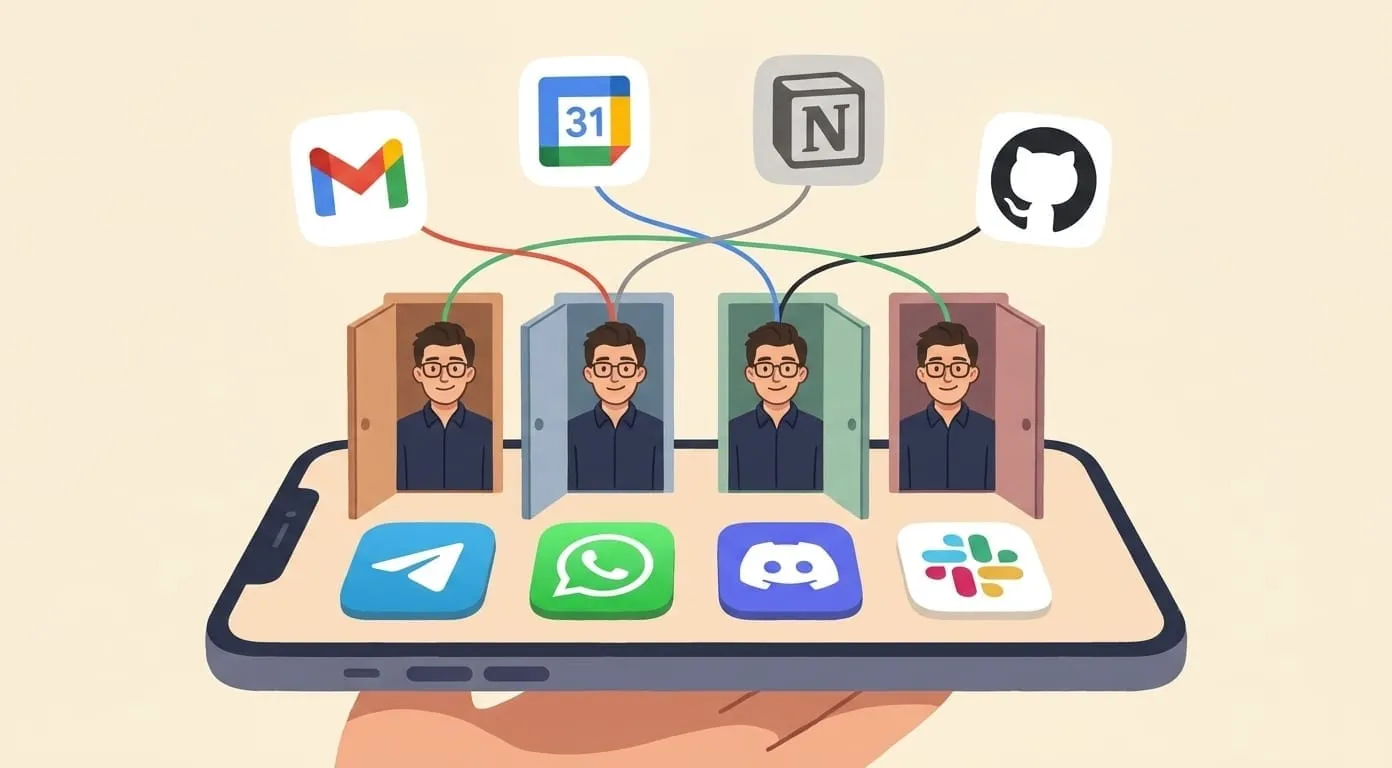
Amplify connects to Gmail, Google Calendar, Google Drive. It can read and write. Not just "read your email and summarize it" – actually compose, actually send, actually create events with the right attendees and links.
It has persistent memory. It remembers your contacts, your preferences, your patterns. When I say "send a follow-up to Dmitri," it knows who Dmitri is, what the context was, and what tone I usually want.
It works across channels. I can send a WhatsApp voice note at 2am with a half-formed thought, and it shows up processed and organized in my morning brief. I do not need to be at a computer. I do not need to open a specific app.
And there is a skill system underneath – transcription, PDF editing, image generation, video generation, web browsing. These are not listed features on a marketing page that half-work. They are tools the agent actually uses to complete tasks. When I send a voice note, it uses transcription. When I ask for an illustrated story, it uses image generation. When I need contract analysis, it uses document parsing. The skills are the machinery. The agent decides which ones to use.
With Amplify, integrations are per-user and persistent. You connect once, the agent remembers.
Honest Limits
I am not going to pretend this is magic.
There are walls. Amazon purchase automation – I wanted the agent to reorder things for me automatically. That is a wall. Amazon does not expose the kind of API access that would make this safe or reliable. The agent cannot do everything, and some of the things it cannot do are things you would really want it to do.
Some actions need human confirmation. The agent will not send an email to your entire contact list without you approving it. That is a feature, not a limitation, but it does mean you are not fully hands-off for sensitive operations. You are in the loop where it matters.
And there is a learning curve. My first week with Amplify was fine. Useful, but not transformative. By the third month, the difference was significant. The agent knew my patterns. My workflows were dialed in. The skills I relied on were configured correctly. It gets better with time because it actually remembers and adapts. But that means week one is not representative of what the tool becomes.
Amplify still can't watch a video call live, doesn't drive a browser end-to-end for arbitrary web tasks, and won't act on ambiguous instructions without confirming first. Those aren't roadmap dodges. They're deliberate.
What I Actually Think
Here is my honest take after months of use.
The question is not "can AI talk well." Every AI talks well now. GPT talks well. Claude talks well. Gemini talks well. Talking well is table stakes.
The question is "can AI do things for you." Can it create, send, track, remind, escalate, generate, deliver – without you babysitting every step?
If your AI assistant just answers questions, it is a search engine with a personality. If it takes actions — real actions, in real systems, with real follow-through – that is an agent.
That is what I was looking for. That is what I found.
Amplify is $9.99/month plus wallet deposits that cover provider costs (plus a 7.5% service fee) for the AI models and tools you use. Cancel anytime. No annual lock-in.
My advice: do not give it a test prompt. Give it a real task. Something you actually need done. The difference between testing an AI and using an AI is the difference between reading a menu and eating the food.
Give it something real to do. That is when you find out if it works.