How I Automated My Daily Routine with a Personal AI Agent
From morning briefing to evening wrap-up — a real day with one AI agent
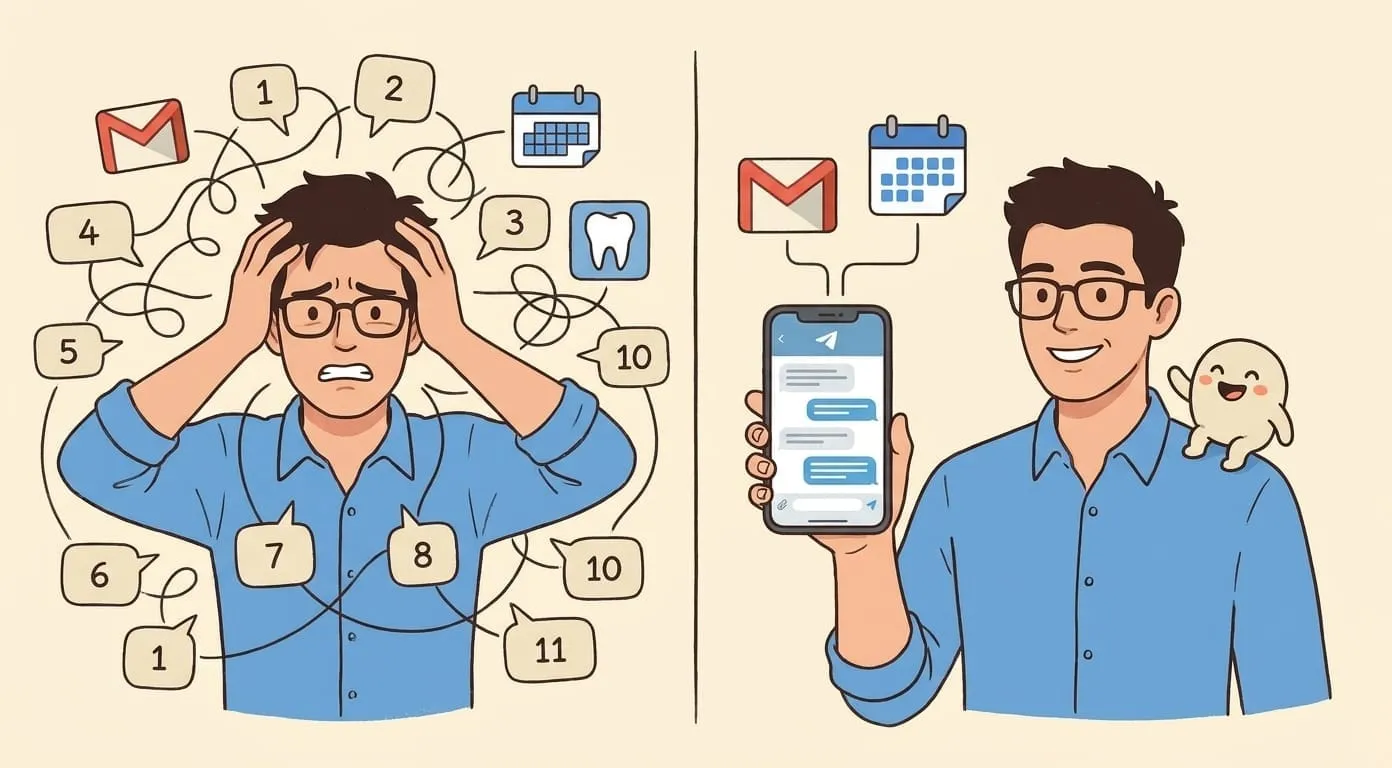
Every few months, someone publishes the same article: "20 AI Tools to Automate Your Life." It always follows the same formula. One app for email triage, another for calendar scheduling, a third for task capture, a fourth for follow-ups, a fifth for grocery lists. Each tool does one thing well. Together, they create a new full-time job: managing your automation stack.
That is not automation. That is twenty new things to configure, maintain, and context-switch between. Real automation is one system that handles the flow – the full day, start to finish, without you directing traffic between a dozen dashboards.
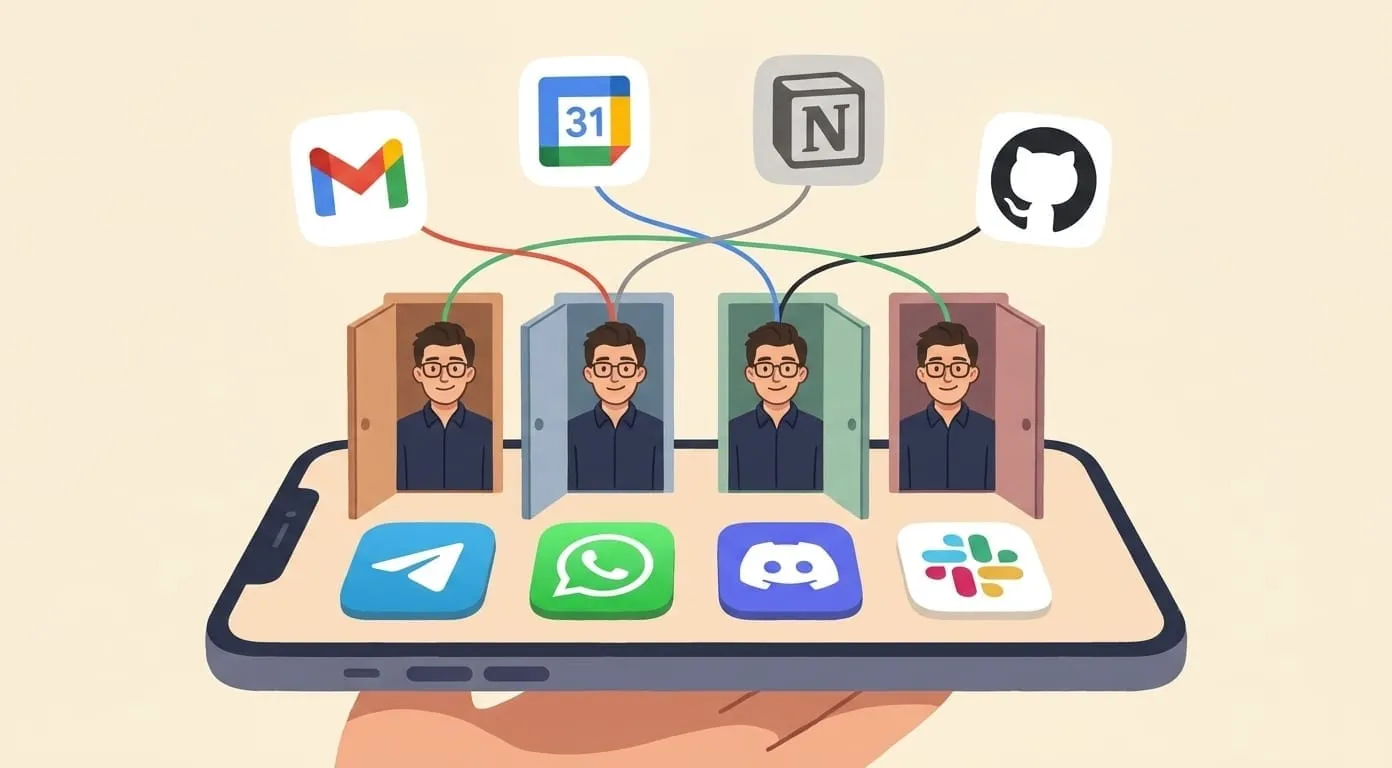
I have been running my entire daily routine through a single AI agent for about five months now. Not a collection of Zaps and workflows. One conversational agent that lives in my Telegram chat (you can also use WhatsApp or Discord), connected to my email, calendar, task lists, and a handful of other services. It knows my preferences, remembers my context, and handles the connective tissue between everything – the stuff that used to leak through the cracks.
Here is what an actual day looks like.
6:45 AM – Morning Briefing
My phone buzzes once. Not an alarm – a Telegram message from my agent.
It is a single, structured message: the four emails that need attention today (out of 37 that arrived overnight), two calendar conflicts I should resolve before 9 AM, a reminder that I never replied to a client proposal that came in Tuesday, and a note that my afternoon meeting got moved to 3:30 PM by the other party.
One screen. Fires, decisions, and what can wait.
I used to open Gmail first thing, scroll through everything, mentally sort by urgency, check Calendar separately, try to remember what I forgot yesterday. That process took 15–20 minutes and left me feeling behind before I even started. Now I glance at one message while the coffee brews and I know exactly where the day stands.
The agent pulls from Gmail, Google Calendar, and my running task list. It synthesises everything into a brief – not a dump. It knows that an email from my accountant during tax season is high-priority, but a newsletter from the same sender in July is not. It learns this over time. The first week, the prioritisation was rough. By week three, it was better than my own triage.
The morning briefing groups items by urgency. Not vague labels, but clear categories: what needs a reply today, what is waiting on someone else, and what can sit until next week. That changes how I plan the first hour.
8:15 AM – Commute: Voice-Driven Task Capture
I am driving. A thought hits me: I need to schedule lunch with a potential partner on Thursday, and I should send the revised scope document to a client before our Friday call.
Old workflow: try to remember both things until I park, open two separate apps, manually create a calendar event and a task reminder. Lose one of the two thoughts by the time I sit down.
New workflow: I hold down the voice note button in Telegram and say, roughly: "Lunch Thursday noon with Daniel, somewhere near his office. Also remind me Wednesday evening to send the revised scope doc to Meridian before Friday."
By the time I park – eight minutes later – I have a Telegram confirmation: a calendar event for Thursday at noon and a reminder queued for Wednesday at 6 PM about the scope document. The agent parsed the intent, figured out that "Thursday" means two days from now, knew that Daniel's office is downtown because I mentioned it in a previous conversation, and created everything.
No app-hopping. No typing while driving. No lost thoughts. I mumble it, and it gets structured and scheduled before I reach the parking garage.
The voice capture works for anything – tasks, reminders, quick notes, even rough drafts of messages I want to send later. I have started treating my commute as a productive 15 minutes instead of dead time.
9:00 AM – Workday Starts: Pre-Meeting Prep
My first call is at 9:30. Five minutes before, a message appears:
"9:30 – Call with Meridian (Sarah Chen, David Park). Last call was May 15 – discussed Phase 2 timeline, they pushed back on the Q3 deadline. Open item: Sarah was going to confirm budget allocation. You wanted to push for starting design review this month."
That is a pre-meeting briefing. I did not ask for it – it just arrives before every meeting, automatically. It pulls from my calendar, previous meeting notes (which the agent itself generated from past voice recaps), email threads with the attendees, and any tasks linked to that project.
I walk into the call knowing exactly where we left off, what is unresolved, and what I want to push for. No scrambling through old notes. No "remind me what we discussed last time" – a question that makes you look unprepared even if the other party says they don't mind.
The call runs 40 minutes. As I walk out, I record a 90-second voice recap: what was decided, what Sarah committed to, the new deadline we agreed on, and the fact that David wants a follow-up next Wednesday.
Within two minutes, I get back a structured summary and a draft follow-up email. Action items are already extracted. A calendar invite for next Wednesday is ready to send. The email matches my writing tone – professional but not stiff, specific but not exhaustive. I review it, change one sentence, and approve it.
The part that saves the most time is the follow-up tracking. If Sarah does not reply to the budget confirmation within 48 hours, the agent nudges her – politley, in my voice. If she still has not replied after 72 hours, I get a flag. The moment she replies, the follow-up sequence stops automatically. I set this rule once, months ago. It runs on every pending follow-up across every project. I no longer maintain a mental list of who owes me what.
12:30 PM – Midday Admin
Lunch break. I check my Telegram thread and find a few things the agent handled in the background:
A package I ordered was marked as shipped – I had asked the agent to check the tracking page, and it told me the expected delivery date.
My accountant replied to that overdue email from this morning. The agent flagged it as resolved and removed it from tomorrow's brief.
A meeting I had scheduled for next Monday was declined by one attendee. The agent suggests two alternative times when everyone is free.
None of this required me to open any app, check any status page, or remember any pending item. The agent monitors the things I care about and surfaces only what needs my attention. Everything else stays quiet.
3:30 PM – Afternoon Meeting and Context Switching
Another call. Another pre-meeting briefing. Another voice recap afterward.
But this time, something from the morning intersects. During the call, a decision was made that affects the scope document I am supposed to send to Meridian on Friday. The agent catches this – because it processed both meeting recaps and sees the overlap – and flags it: "Note: today's call with the design team changed the Phase 2 scope. You have a reminder to send the scope document to Meridian on Wednesday evening. You may want to update it first."
This is where context matters. A simple reminder tool would have dinged me on Wednesday evening regardless. The agent understands that two separate conversations are connected, because it has the context of both.
6:00 PM – Evening Wrap-Up
Driving home. I record a two-minute voice dump: what happened today, what I am thinking about for tomorrow, a couple of things I want to follow up on next week.
Tomorrow morning at 6:45, this becomes part of my brief. The voice dump gets processed, tasks get extracted and scheduled, and my tomorrow self gets a clean start.
I also mention that I am running low on a supplement I take with dinner. The agent notes it and will remind me later – persistent memory means it does not forget things I mention in passing, even weeks later.
On the personal side, this is where the agent handles the small stuff that accumulates into stress. Package tracking, restock reminders, logging meals by voice and getting a rough nutrition summary the next morning. None of it is urgent. All of it, over time, reduces the mental load of keeping a life running.
Why This Is Not the Same as Zapier or n8n
I have used all three – Zapier, Make, and n8n. I still think they are excellent tools for what they do: connecting event A to action B. When a new row appears in this spreadsheet, send that Slack message. When an email matches this filter, copy the attachment to that Drive folder. Clean, predictable, reliable.
But they are pipes. They move data from one place to another based on triggers you define in advance. They do not understand that your Thursday meeting was rescheduled, that Dave prefers email over Slack for project updates, or that the scope document you are sending Friday needs to account for what was said in today's design review.
An AI agent carries context. It does not just execute instructions – it understands what you are doing and why, and applies that understanding across everything it handles for you.
The practical difference: with Zapier, you build workflows. You think in terms of triggers and actions and branches. You maintain those workflows when your tools change or your processes evolve. With an AI agent, you talk. You say "remind me about this" or "follow up if she doesn't reply" or "brief me before meetings." No workflow builder. No flowcharts. No maintenance. Tell it once, and it remembers.
This does not mean automation platforms are obsolete. If you need to process 10,000 form submissions into a CRM every day, use Zapier. But for personal daily routines – the messy, contextual, always-shifting reality of how one person moves through a day – a conversational agent that remembers and adapts is a different category entirely.
Getting Started
If this sounds useful, here is the practical path.
Week one: connect and talk. Sign up for Amplify ($9.99/month) and connect your preferred channel – Telegram, WhatsApp, or Discord. Start by just talking to it. Tell it about your day. Send it voice notes. Forward it emails you want help with. The agent starts learning your patterns, your preferences, and your communication style from day one.
Week two: enable integrations. Connect Google Workspace for calendar and email access. Enable transcription if you want voice recaps processed into meeting summaries. Add media skills if you need image or video generation for your work. Each integration unlocks new capabilities, but they are all optional – enable what you actually use.
Week three: let it run. By now, the morning briefings are getting good. The follow-up tracking is catching things you would have missed. The voice capture during commutes is second nature. You stop thinking about "how to automate" and start just living your day while the agent handles the infrastructure.
The deposit model means you control your spend. The $9.99 monthly fee covers the platform and agent infrastructure. Anything that uses external services – AI model calls, transcription, media generation v draws from a wallet balance you top up as needed. Provider costs vary based on which skills you use and how often – the wallet shows you exact costs for each action, no surprises.
There is no configuration phase. No workflow builder to learn. No "automation design" step. You talk to it like a person, and it gets better at helping you over time.
The Honest Summary
I did not set out to "automate my daily routine." I started by forwarding a few emails and recording a few voice memos, and over a few weeks, the agent absorbed enough context to start being genuinely useful without being asked.
The morning briefing alone saves me 15 minutes a day. The post-meeting processing saves an hour or more. The follow-up tracking has caught at least a dozen dropped balls that would have cost me real money or real relationships. The voice capture during commutes turned dead time into productive time.
None of it required building anything. No spreadsheets of triggers and actions. No API configurations. No maintenance. Just conversation, consistently, with one system that remembers everything and connects the dots.
That is what personal AI automation actually looks like. Not twenty tools. One agent, one day, and a lot less falling through the cracks.
Frequently Asked Questions
Zapier and Make connect apps with predefined triggers and actions. An AI agent carries context across all interactions and can handle ambiguous, natural-language requests. The article explains why both approaches have their place – automation platforms excel at high-volume structured workflows, agents excel at personal daily routines.
The morning briefing is a scheduled task – you set the time, and the agent handles the rest. It pulls from your connected accounts (Gmail, Google Calendar, tasks) and synthesizes a brief. Over time, it learns which emails are urgent and which can wait, based on your patterns.
Yes. The article describes using voice notes in Telegram during a commute to schedule meetings and set reminders. The agent transcribes, parses, and acts on voice messages without requiring you to type or interact with a screen.
Week one is about connecting accounts and getting familiar. Week two, with integrations active, the agent starts handling real tasks. By week three, morning briefings are accurate, follow-ups are tracked, and voice capture is part of your routine. The article recommends giving it three weeks before judging.
The article mentions $9.99/month for the platform plus pay-per-use AI costs from wallet deposits. For a typical day of briefings, messages, and email drafting, the AI usage cost is small – the wallet system means you only pay for what you use, with no expiry on deposits.
Tags: ai, aiagents, productivity, automation