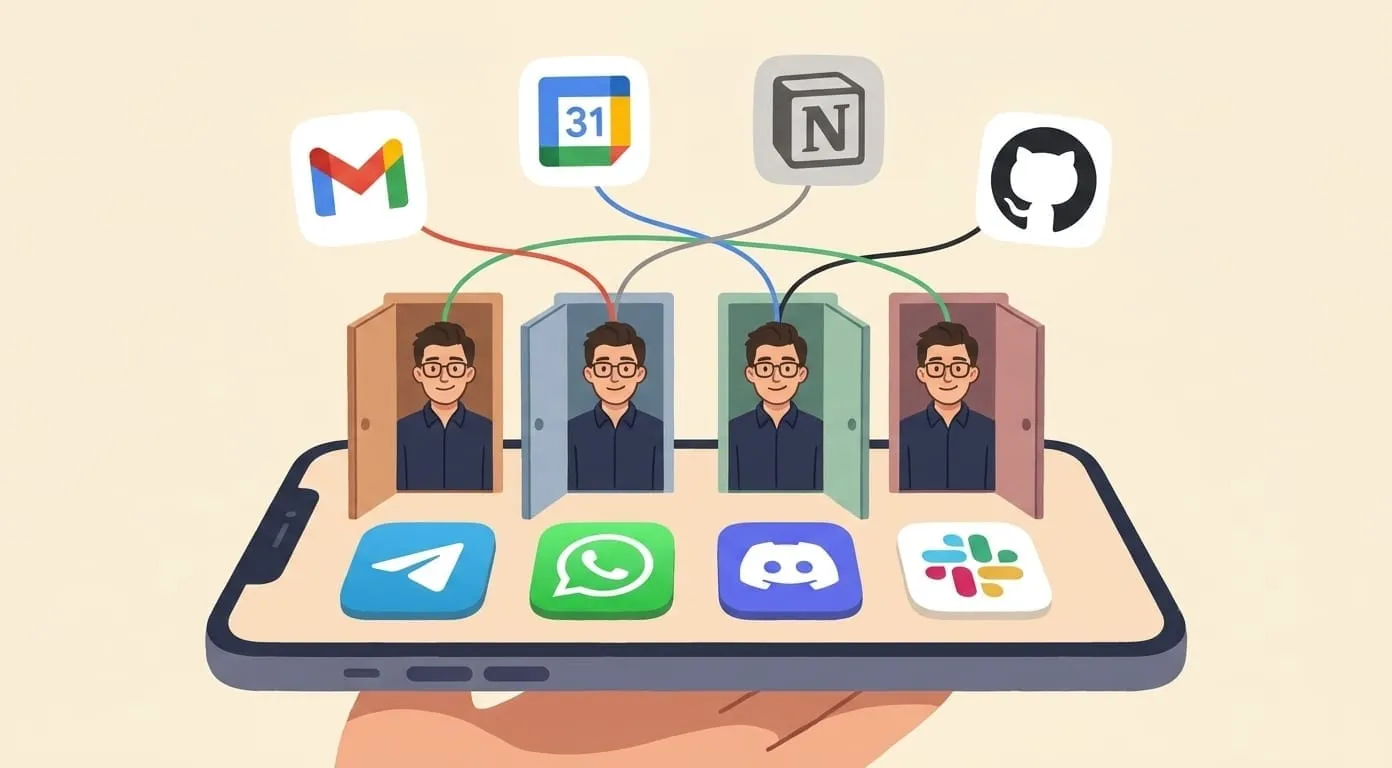
Build Your First AI Agent with OpenClaw
OpenClaw lets you build and deploy a personal AI agent with persistent memory, skills, and messenger integrations. This guide explains the core concepts.
OpenClaw is an open-source framework for building personal AI agents with persistent memory, modular skills, and built-in messaging channel support. If you want your own AI assistant that lives in Telegram – one you fully control, self-host, and customize – OpenClaw is what Amplify is built on.
This guide explains the core concepts and what building an agent looks like. For exact CLI commands and API syntax, refer to the official OpenClaw documentation – it stays current as the framework evolves.
What You Can Build
An OpenClaw agent consists of four pieces that snap together:
A minimal agent connects one channel (say, Telegram), adds a couple of skills, and uses local memory. A production agent like Amplify connects four channels, runs 32 skills, and uses Supabase-backed memory.
Core Concepts
Channels
Channels are how your agent receives and sends messages. OpenClaw ships with plugins for Telegram, WhatsApp, Discord, and Slack. Each channel plugin handles the platform-specific protocol – your agent logic stays the same regardless of which messenger a user writes from.
When a user sends "What's the weather in Berlin?" via Telegram, the Telegram channel plugin receives the message, passes it to the agent core, and routes the response back to the same Telegram chat.
Skills
Skills are modular, sandboxed capabilities. A skill defines:
The LLM decides when to invoke a skill based on user intent. If someone asks about weather, the LLM recognizes the intent and calls the weather skill automatically.
Skills run in sandboxed environments for security – a skill can't access other users' data or interfere with other skills.
Memory
Memory persists across conversations. If a user says "My name is Alex and I live in London" today, the agent remembers tomorrow. Memory is cross-channel: context from a Telegram conversation is available when the same user messages via WhatsApp.
For development, you can use local file-based memory. For production, OpenClaw supports database-backed providers (Supabase, PostgreSQL).
LLM Routing
OpenClaw routes LLM requests through OpenRouter by default, giving access to 100+ models (OpenAI, Anthropic, Google, Mistral, and more) with a single API key. The framework supports dynamic model selection – choosing the best model for each task automatically. You can also connect your own API keys directly.
What the Setup Looks Like
At a high level, getting a basic agent running involves:
The exact commands, configuration syntax, and project structure are in the OpenClaw documentation. We keep the docs authoritative rather than duplicating them here — the framework evolves and articles go stale.
What a Custom Skill Does
To give you a sense of the skill model, here's the conceptual structure (not runnable code — see docs for exact syntax):
A weather skill would define:
When a user asks "What's the weather in Tokyo?", the agent's LLM recognizes the intent, calls the weather skill with location: "Tokyo", gets the result, and formats a human-readable response.
You can build skills for anything: calling external APIs, processing files, querying databases, generating media, or running computations. Each skill is isolated and modular – add or remove them without affecting the rest of the agent.
Deployment Options
Running Costs
The framework itself is free (open-source). Your costs:
A personal agent serving one user typically costs $5-15/month in total infrastructure and API fees.
OpenClaw vs Just Using the OpenAI API
You could build a Telegram bot that calls OpenAI directly — many people do. OpenClaw gives you the layer above that:
| Raw API | OpenClaw | |
|---|---|---|
| Messaging channels | Build from scratch | Telegram, WhatsApp, Discord, Slack built-in |
| Persistent memory | Build from scratch | Built-in, cross-channel |
| Skill system | Build from scratch | Modular, sandboxed |
| Multi-model | One provider at a time | 100+ models via OpenRouter |
| Conversation management | Build from scratch | Built-in |
If you're building a quick prototype, the raw API is fine. If you're building something you'll use daily – with memory, multiple channels, and growing capabilities – OpenClaw saves you from rebuilding infrastructure that's already solved.
Frequently Asked Questions
Yes. You can configure the agent to use your OpenAI API key directly. OpenRouter is the default because it provides access to 100+ models with a single key and supports automatic model selection.
The framework is free. Hosting runs ~$5-20/month for a VPS. API usage is typically $0.003-$0.01 per message depending on model. A personal agent serving one user costs roughly $5-15/month total.
Yes. OpenClaw is open-source. Contributions – skills, channel integrations, documentation, bug fixes – are welcome. Check the GitHub repository for contribution guidelines.
Yes. Amplify (getamplify.team) is a hosted deployment of OpenClaw with additional features: billing, onboarding, managed infrastructure, and pre-configured skills. If you want the same capabilities without managing infrastructure, use Amplify. If you want full control, use OpenClaw directly.
OpenClaw is open-source at getamplify.team/openclaw. For the full documentation, API reference, and more skill examples, visit the repository.