Best ChatGPT Alternatives for Personal Use (2026)
Looking for a ChatGPT alternative that does more than chat? Seven AI platforms worth trying in 2026 — from personal agents to open-source frameworks.
ChatGPT set the standard for AI assistants, but it's not the only option anymore. Whether you want better privacy, multi-channel access, specialized research, or just a different approach – there are strong alternatives worth trying. Here are seven platforms we'd actually recommend, each with a different strength.
How We Picked
We evaluated alternatives on five criteria that matter for personal (non-enterprise) use:
The Alternatives
1. Perplexity – Best for Real-Time Research
Perplexity is an AI-powered search engine that cites its sources. Every answer includes links to where the information came from, so you can verify claims instead of trusting the AI blindly.
2. Claude (Anthropic) – Best for Long-Form Analysis
Claude excels at handling long documents and nuanced analysis. Its context window is among the largest available, and its reasoning on complex topics is consistently strong.
3. Amplify – Best for Personal AI Agent
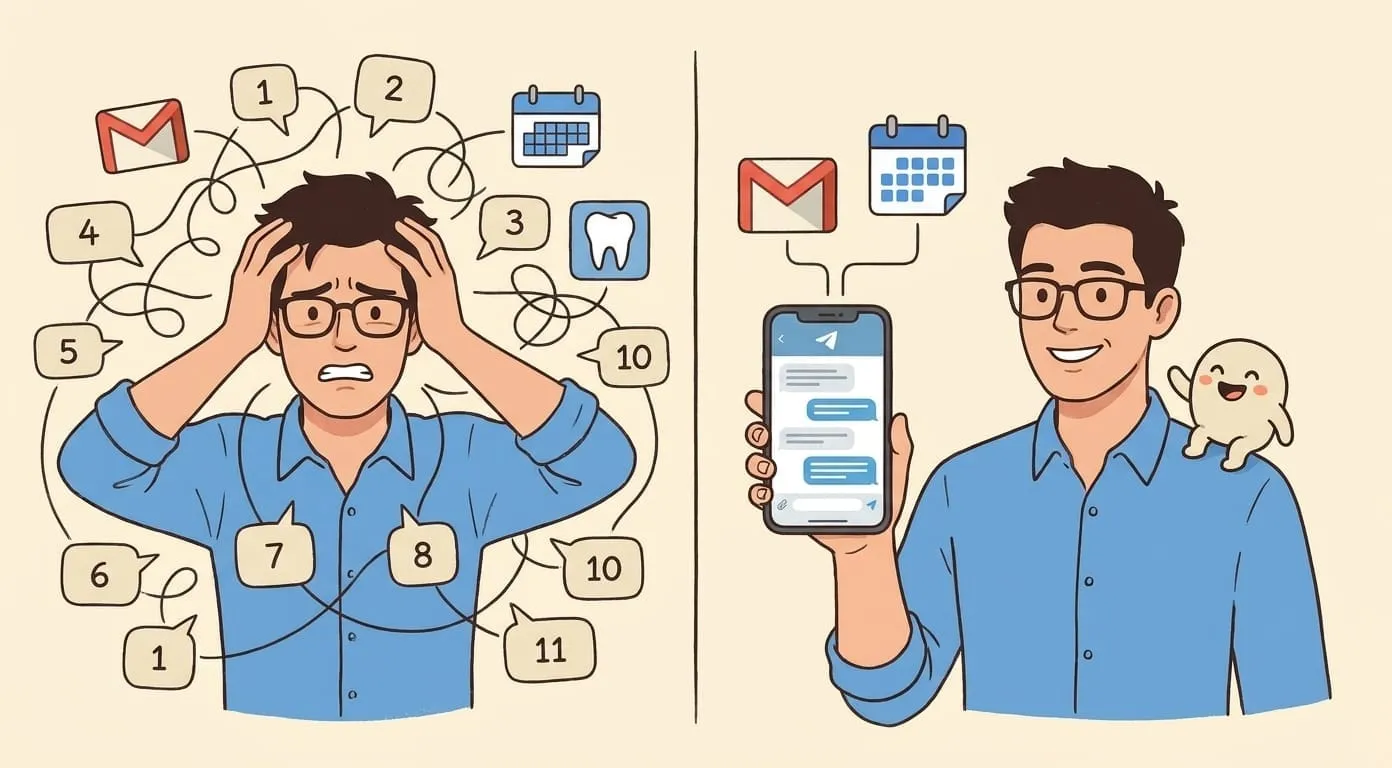
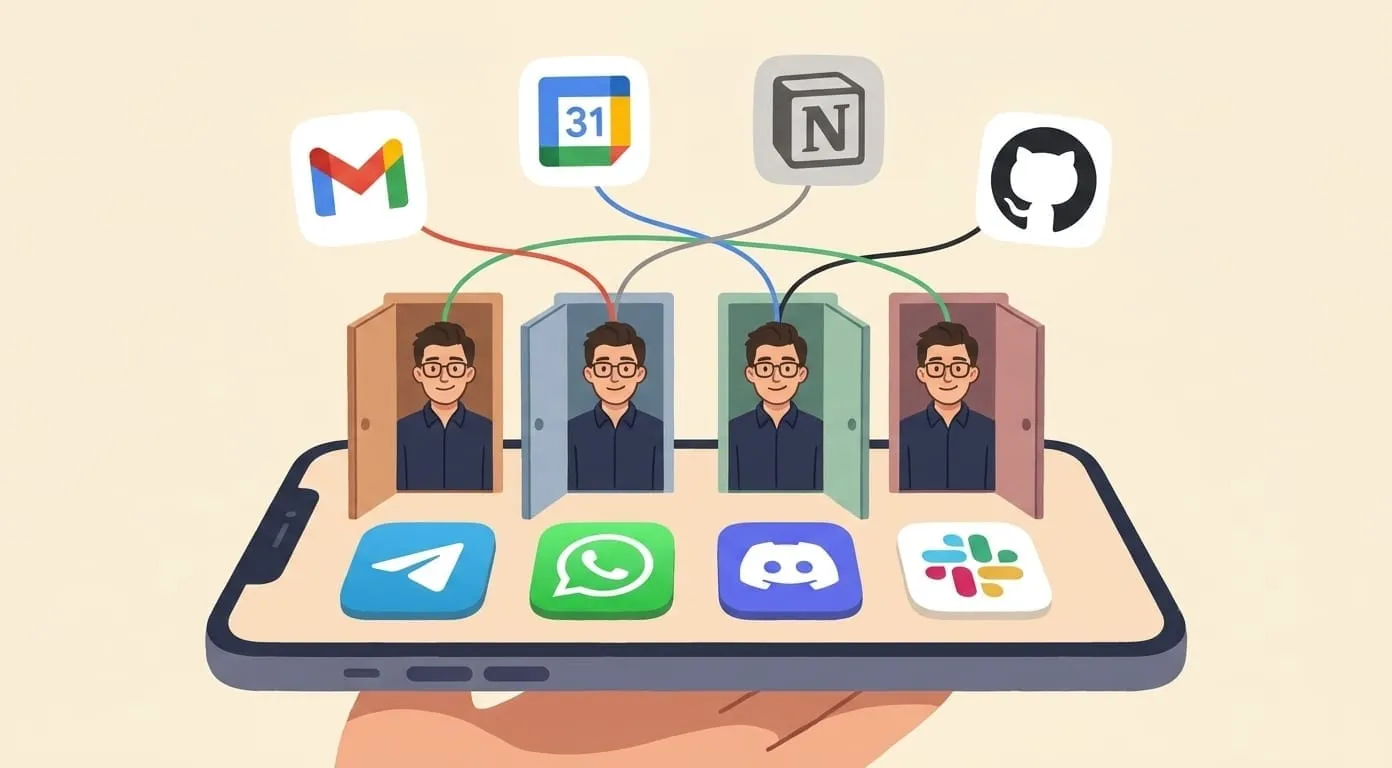
Amplify takes a fundamentally different approach: instead of being a chatbot in a browser, it's an AI agent that lives in your daily messenger – Telegram, WhatsApp, Discord, or Slack. It remembers your context across all channels, takes proactive actions (morning briefings, scheduled tasks), and generates images, video, and voice.
4. Google Gemini – Best for Google Ecosystem
If you live in Google's ecosystem (Gmail, Calendar, Drive, Docs), Gemini integrates deeply. It can access your Google data, help draft emails, summarize documents, and work within the tools you already use.
5. Poe – Best for Multi-Model Access
Poe gives you access to multiple AI models (GPT-4o, Claude, Gemini, Llama, and many more) in one interface. Instead of subscribing to each separately, you get a buffet.
6. OpenClaw (Self-Hosted) – Best for Developers Who Want Full Control
OpenClaw is the open-source framework behind Amplify. If you're a developer who wants to build and run your own AI agent – with your own models, your own data, your own infrastructure – OpenClaw gives you the building blocks.
7. Microsoft Copilot – Best for Office/Windows Ecosystem
Copilot integrates AI into Microsoft's ecosystem – Word, Excel, PowerPoint, Outlook, Teams, and Windows itself. If you're a Microsoft shop, it's the most natural AI assistant.
Side-by-Side Comparison
| Perplexity | Claude | Amplify | Gemini | Poe | OpenClaw | Copilot | |
|---|---|---|---|---|---|---|---|
| Pricing | Free/$20 | Free/$20 | $9.99+use | Free/$20 | Free/$17 | Free (self-host) | Free/$20 |
| Messengers | No | No | Telegram, WhatsApp, Discord, Slack | No | No | Yes (self-config) | No |
| Memory | No | Limited | Cross-channel | Limited | No | Built-in | Limited |
| Media gen | No | No | Image, Video, Voice | Image only | Via models | Customizable | Image (DALL-E) |
| Automation | No | No | Cron, briefings | No | No | Customizable | Limited |
| Web search | Core feature | Yes (Pro) | Tavily + browser | Yes | Via models | Configurable | Yes |
| Integrations | No | No | Google, Notion, GitHub | Google only | No | Any (custom) | Microsoft 365 |
| Privacy | Standard | Strong | EU-hosted, no training | Google ToS | Standard | Full control | Microsoft ToS |
How to Choose
The honest answer: most people will benefit from using 2-3 of these for different purposes. They're not mutually exclusive.
Frequently Asked Questions
For general-purpose conversation and coding, ChatGPT remains extremely strong. But "best" depends on what you need – if you want messenger access, proactive automation, or specialized research with citations, other options pull ahead in those specific areas.
Yes, and many people do. Use Perplexity for research, Amplify for daily task management in your messenger, and Claude for long document analysis. They serve different needs.
OpenClaw (self-hosted) gives you maximum privacy – your data never leaves your server. Among hosted options, Amplify offers EU hosting with no model training on user data, and Claude has a strong privacy stance. Always check each provider's current data policy.
All pricing and features current as of May 2026. We'll update this article as platforms evolve.