Real Estate Photo Enhancer
Enhance property listing photos to premium quality — fix perspective, replace skies, remove distractions, and improve lighting while preserving the actual property
Result Examples
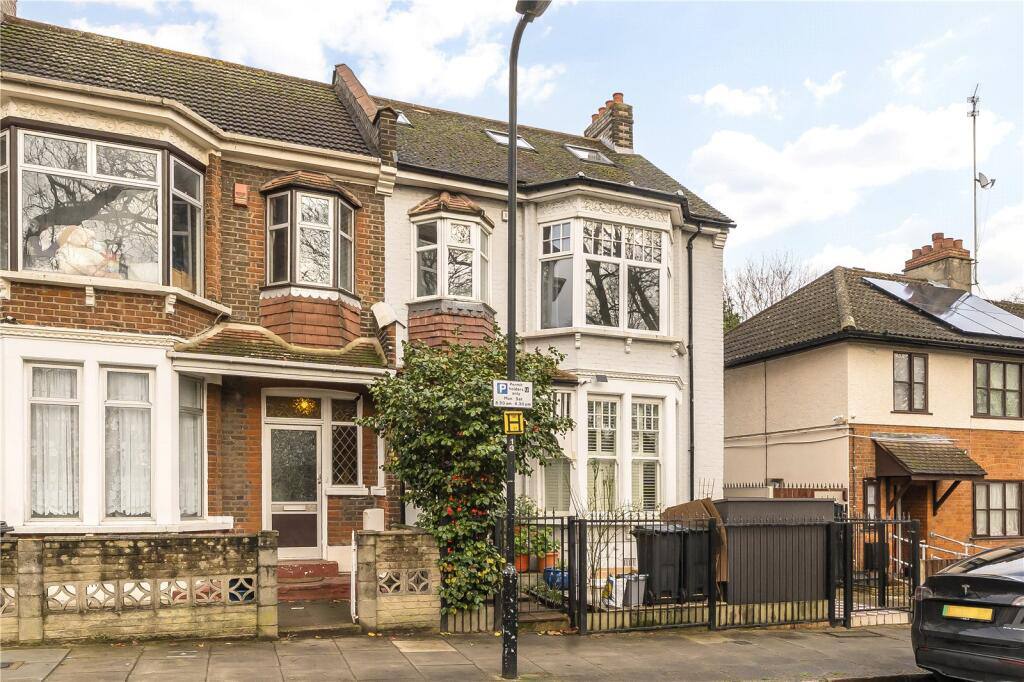
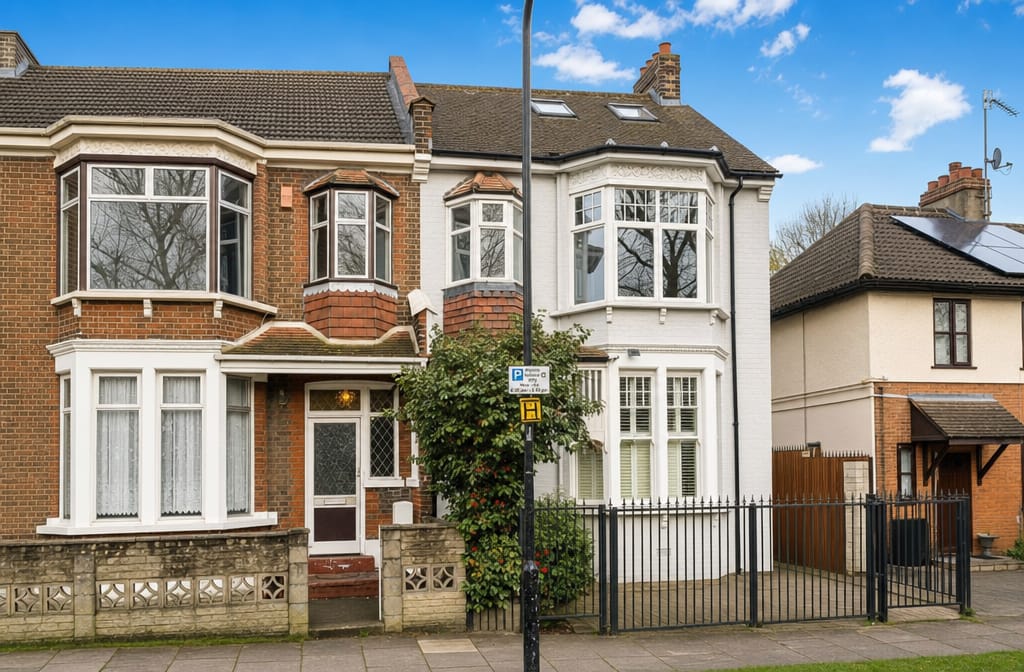
Exterior — sky replacement, lighting correction
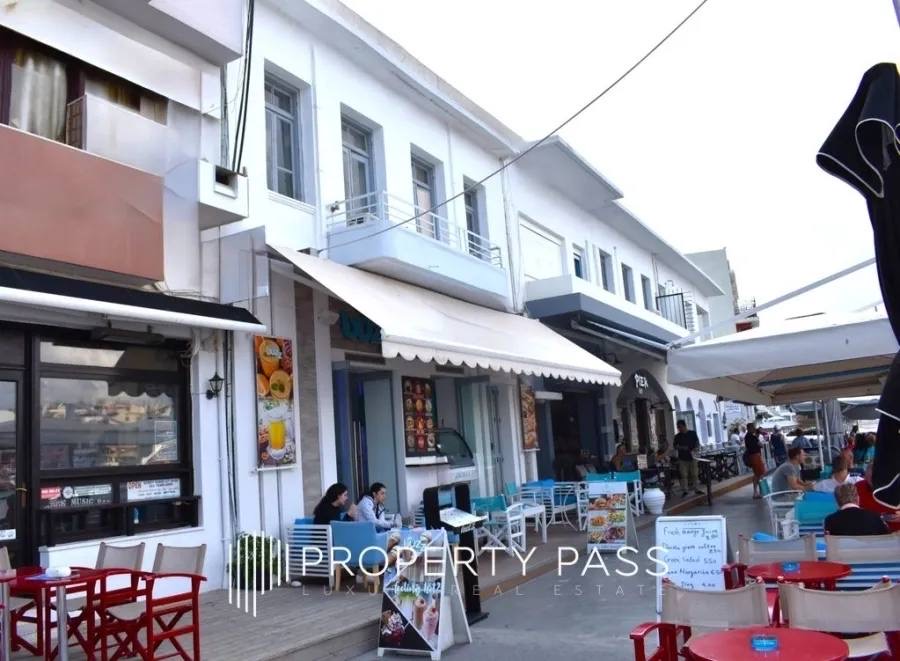

Street view — cleanup, people removal
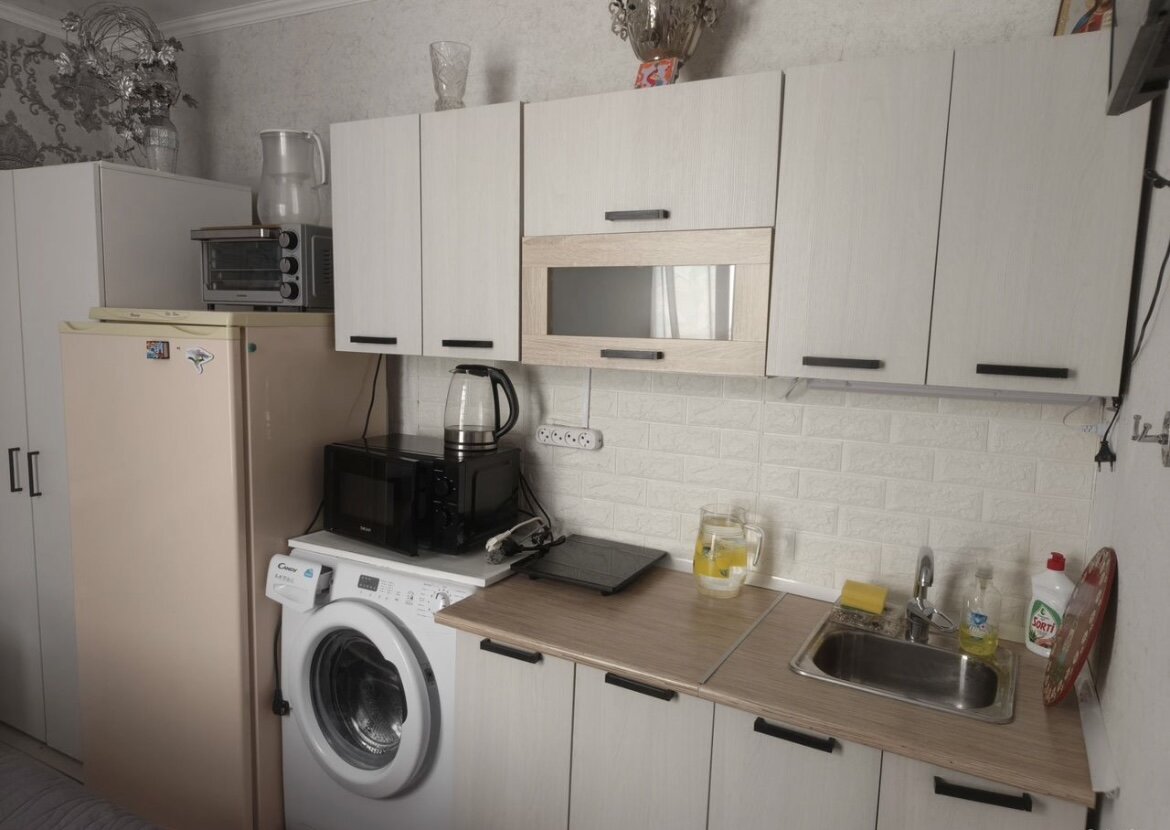
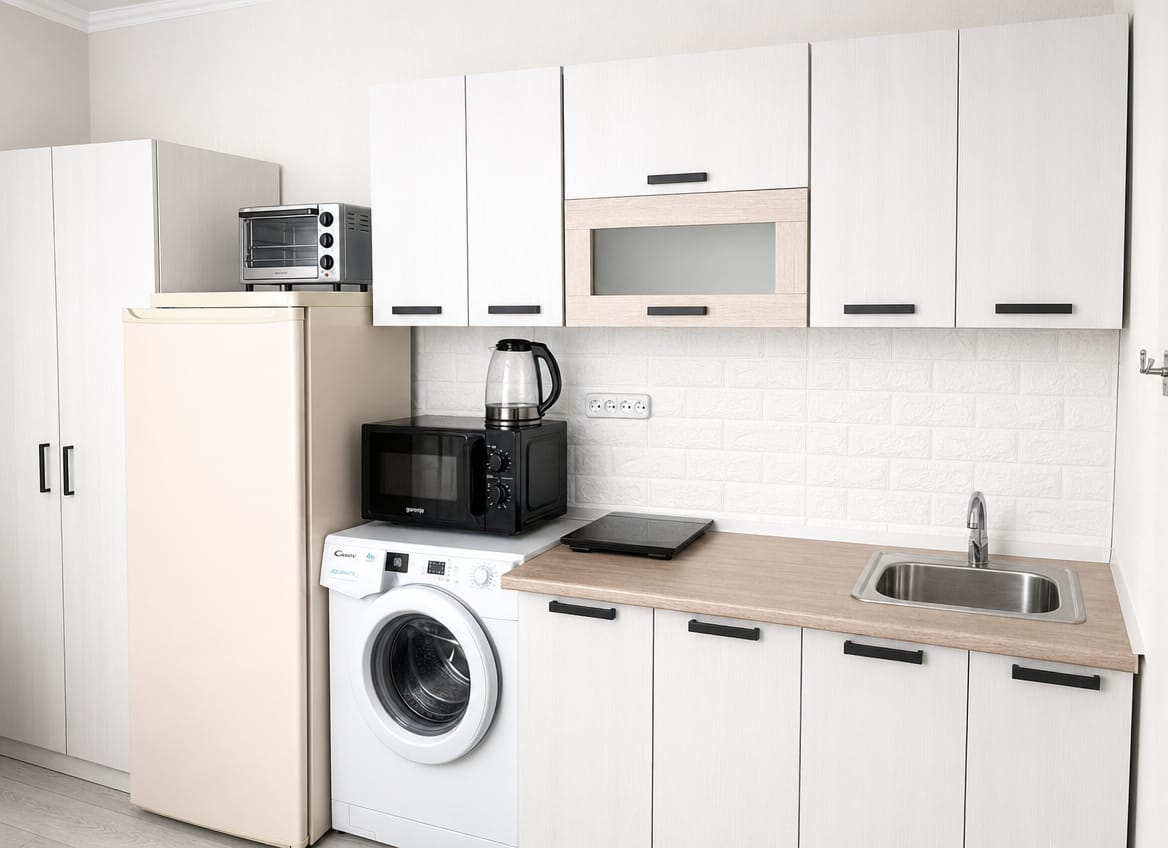
Kitchen — lighting, declutter
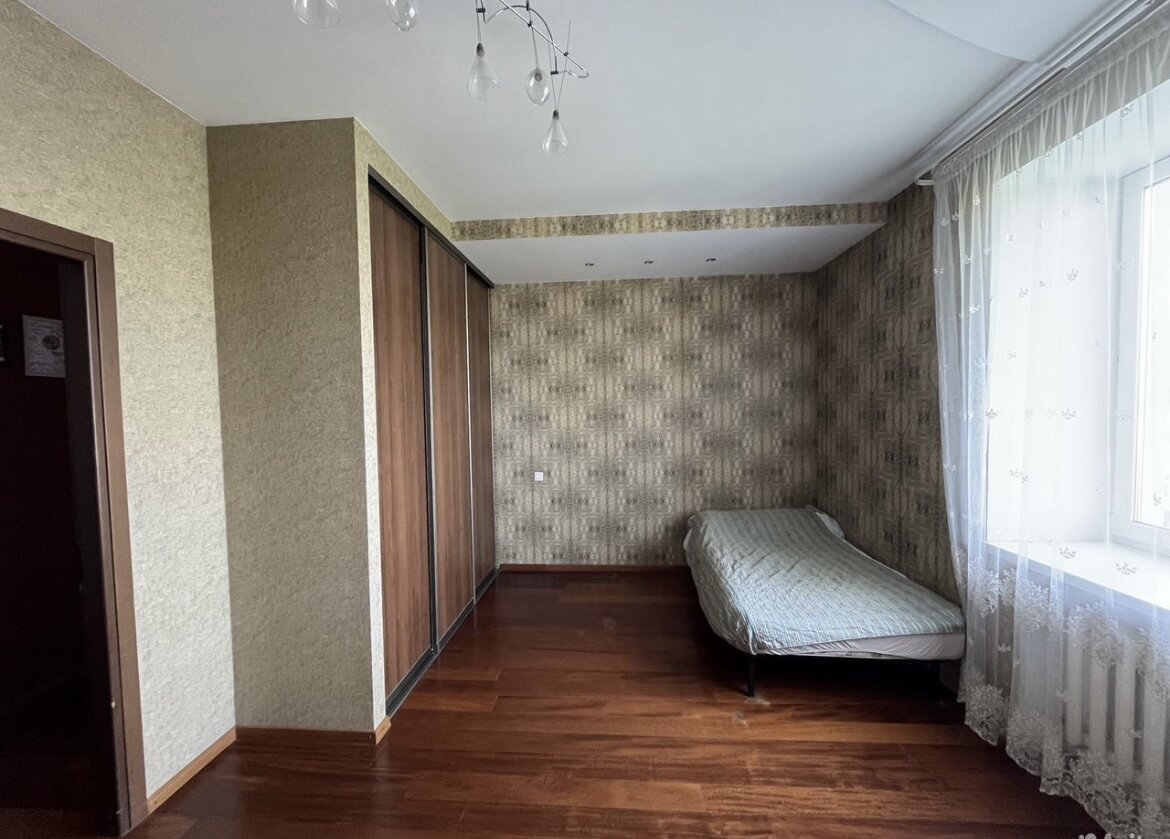
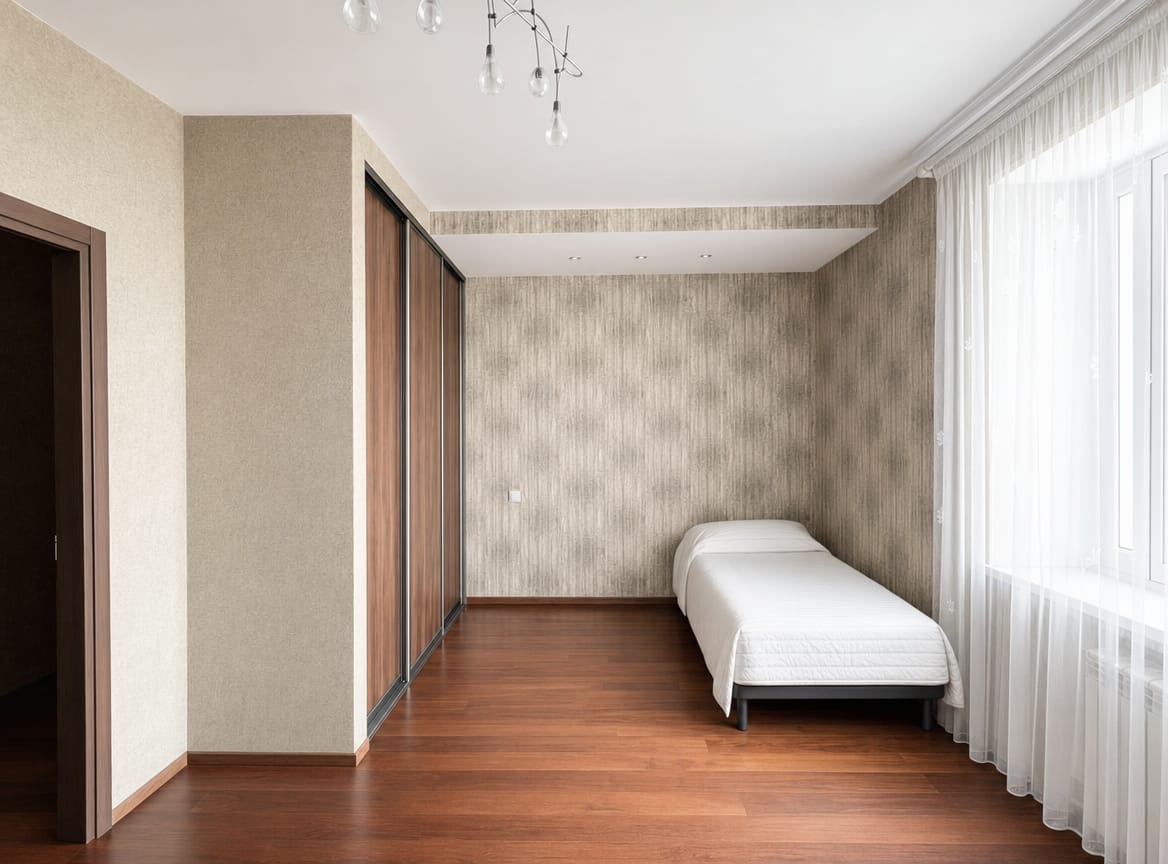
Bedroom — brightness, modern feel
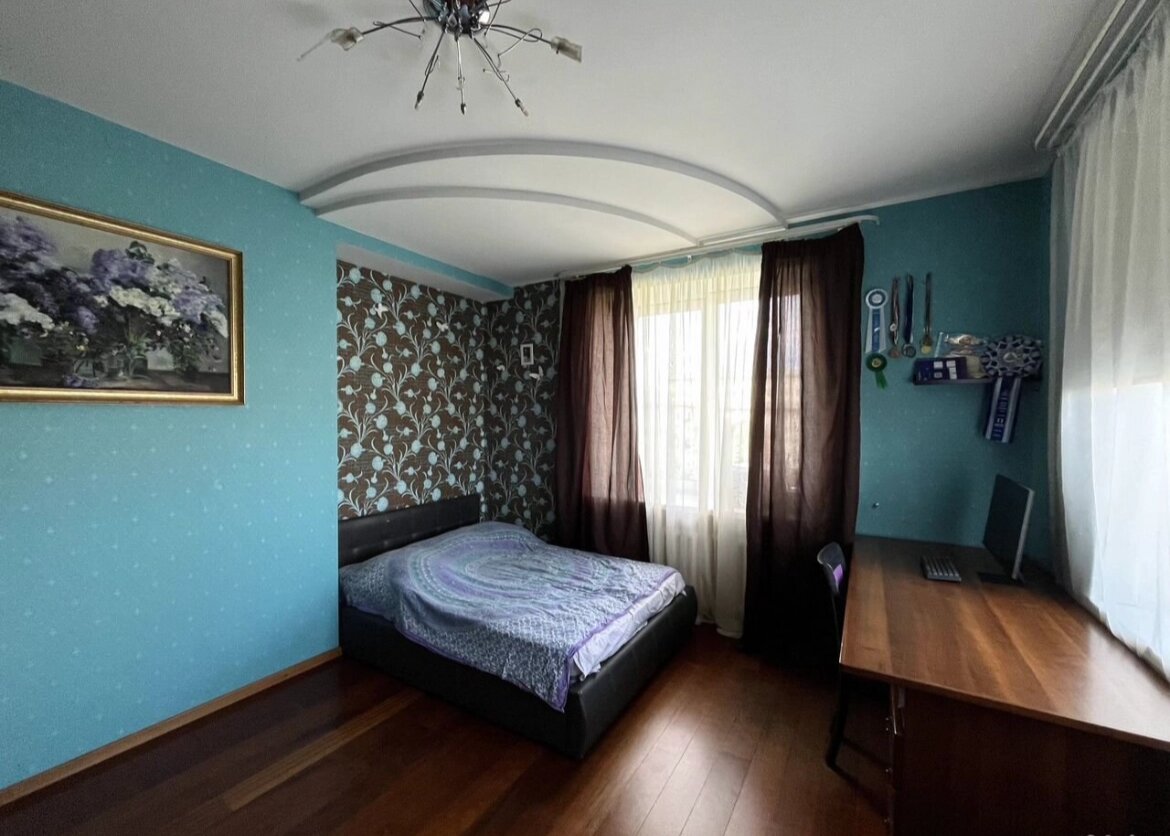
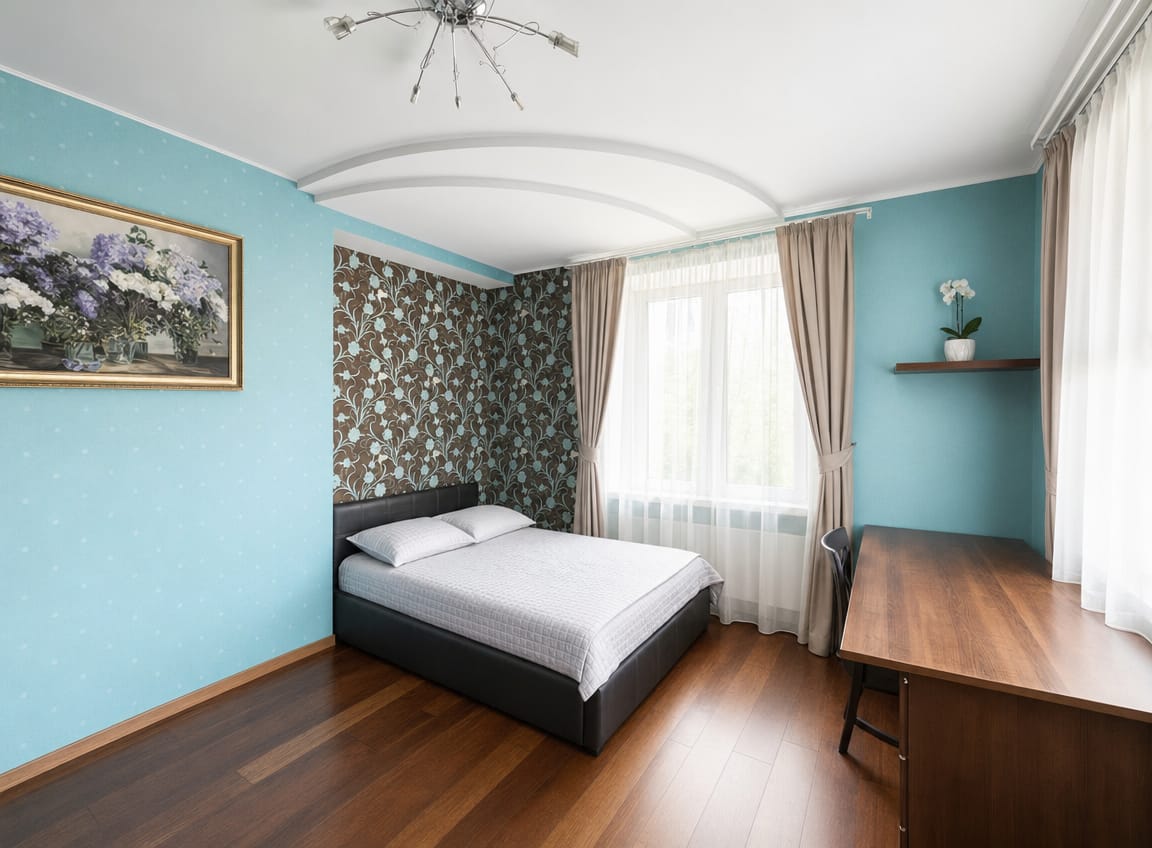
Bedroom — styling, curtain swap, staging
What It Does
Real Estate Photo Enhancer transforms ordinary property photos into premium listing images. It auto-detects the photo type — exterior, interior, detail shot, or aerial — and applies appropriate enhancements: perspective correction, sky replacement, greenery improvement, distraction removal, and lighting adjustments. The result is bright, clean, naturally polished photos that never alter the actual property structure.
In a Nutshell
Use Cases
Listing Photo Enhancement
Transform smartphone shots into premium MLS-ready listing photos with professional lighting and composition
Airbnb & Rental Photos
Polish rental property photos with better lighting, clean backgrounds, and inviting atmosphere
Property Portfolio
Batch-process photos for an entire portfolio with consistent premium quality across all listings
Before/After Comparison
Generate enhanced versions alongside originals to showcase property improvements or staging potential
How to Use
Send your photos
Upload one or more property photos directly in chat. The assistant accepts common image formats.
Higher-resolution source images produce better results.
Auto-classification
Each photo is automatically classified as exterior, interior, detail shot, or aerial — and the right enhancements are applied.
Review enhanced results
The assistant returns the enhanced image with a summary of what was changed: sky replaced, perspective corrected, distractions removed, etc.
You can request custom overrides like "keep the car" or "make it warmer".
Command Examples
Enhance this listing photo
Photo classified as exterior. Applied: sky replacement (overcast → clear blue), perspective correction (vertical lines straightened), lawn cleanup (evened out patchy areas), removed trash bin from driveway. Enhanced image ready.
Process these 5 property photos
Processing 5 photos: 3 exteriors, 1 interior, 1 detail shot. Each enhanced with type-appropriate adjustments. All 5 ready — sky replaced on exteriors, lighting improved on interior, sharpened detail shot.
Enhance but keep the car in the driveway
Enhanced with custom override: kept the car as requested. Applied sky replacement, perspective correction, lawn cleanup, and removed background clutter. Car untouched.
Limits & Behavior
| Aspect | Detail | Notes |
|---|---|---|
| Supported photos | Property photos only | No floor plans, diagrams, or screenshots |
| Processing | One at a time | Batch photos are queued and processed sequentially |
| Source quality | Higher is better | Low-resolution photos may have limited enhancement |
| Property fidelity | Structure preserved | Never changes building shape, materials, or colors |
Estimated Cost
Uses GPT Image (primary) with Nano Banana fallback. Typically ~$0.02–$0.20 per photo depending on which model handles the request. Based on our current pricing for both backends.
LLM processing cost is additional and depends on conversation complexity. BYOK users pay LLM costs directly to their provider.
* Prices include platform service fee. Actual costs may vary.