Nano Banana
Default image generation — fast text-to-image and editing with stylized illustration output
Result Examples
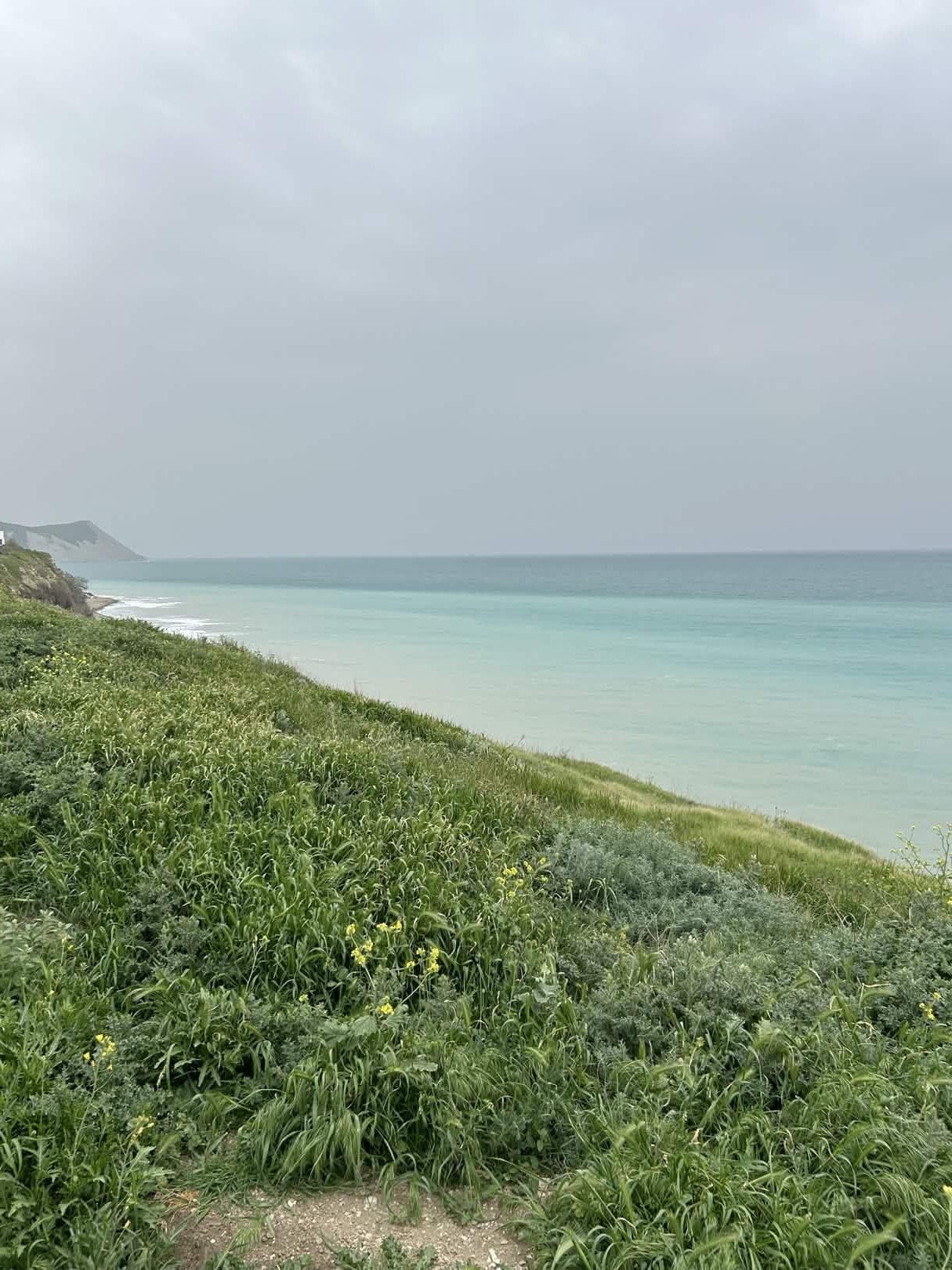
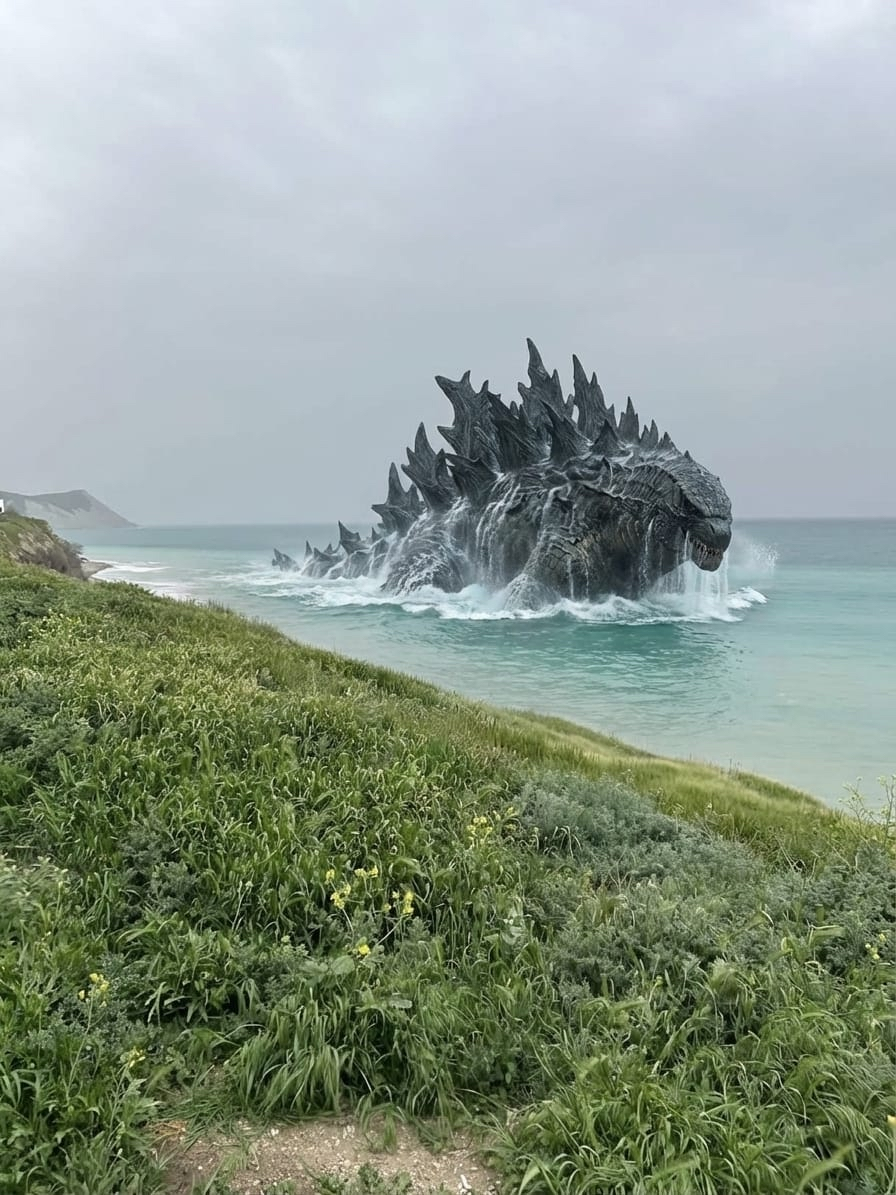
Coastal landscape — AI-generated Godzilla composited into a real photograph
What It Does
Nano Banana is the default image generation skill. Powered by Google Gemini, it creates stylized illustrations from text prompts and can edit existing images. Ideal for content creation, social media visuals, and creative work where speed and style matter more than photorealism.
In a Nutshell
Use Cases
Social Media Visuals
Generate eye-catching graphics for posts and stories
Blog Illustrations
Create custom illustrations for articles and newsletters
Concept Exploration
Rapidly visualize ideas before committing to professional design
Quick Edits
Modify existing images — change backgrounds, add elements, adjust style
Real-world examples
How to Use
Generate an image
Describe what you want. The assistant uses Nano Banana by default for all image requests.
This is the default — you don't need to say "use nano banana".
Edit an image
Send an image and describe what you want changed. Say "edit this" or "change the background to..."
Control style
Add style instructions to your prompt: "watercolor style", "flat illustration", "minimalist", etc.
Command Examples
Generate an illustration of a cozy coffee shop interior, warm lighting, watercolor style
MEDIA:coffee-shop-illustration.png Generated in 8s. Want me to adjust anything?
Edit this photo — replace the sky with a sunset
MEDIA:sunset-edit.png Sky replaced with sunset. The lighting on the foreground has been adjusted to match.
Estimated Cost
Uses Gemini 3 Pro via OpenRouter. Cost varies by prompt and output complexity — typically around $0.02 per image (catalog estimate; observed sample not yet collected).
Provider and LLM costs are combined in a single charge BYOK users pay LLM costs directly to their provider.
* Prices include platform service fee. Actual costs may vary.